
本文記錄 Zen 的安裝與基本設定。
Version
Zen Browser 1.17
Homebrew
$ brew install --cask zen
- 使用 Homebrew 安裝 Zen
Layout

- Tabs on the right
Startup
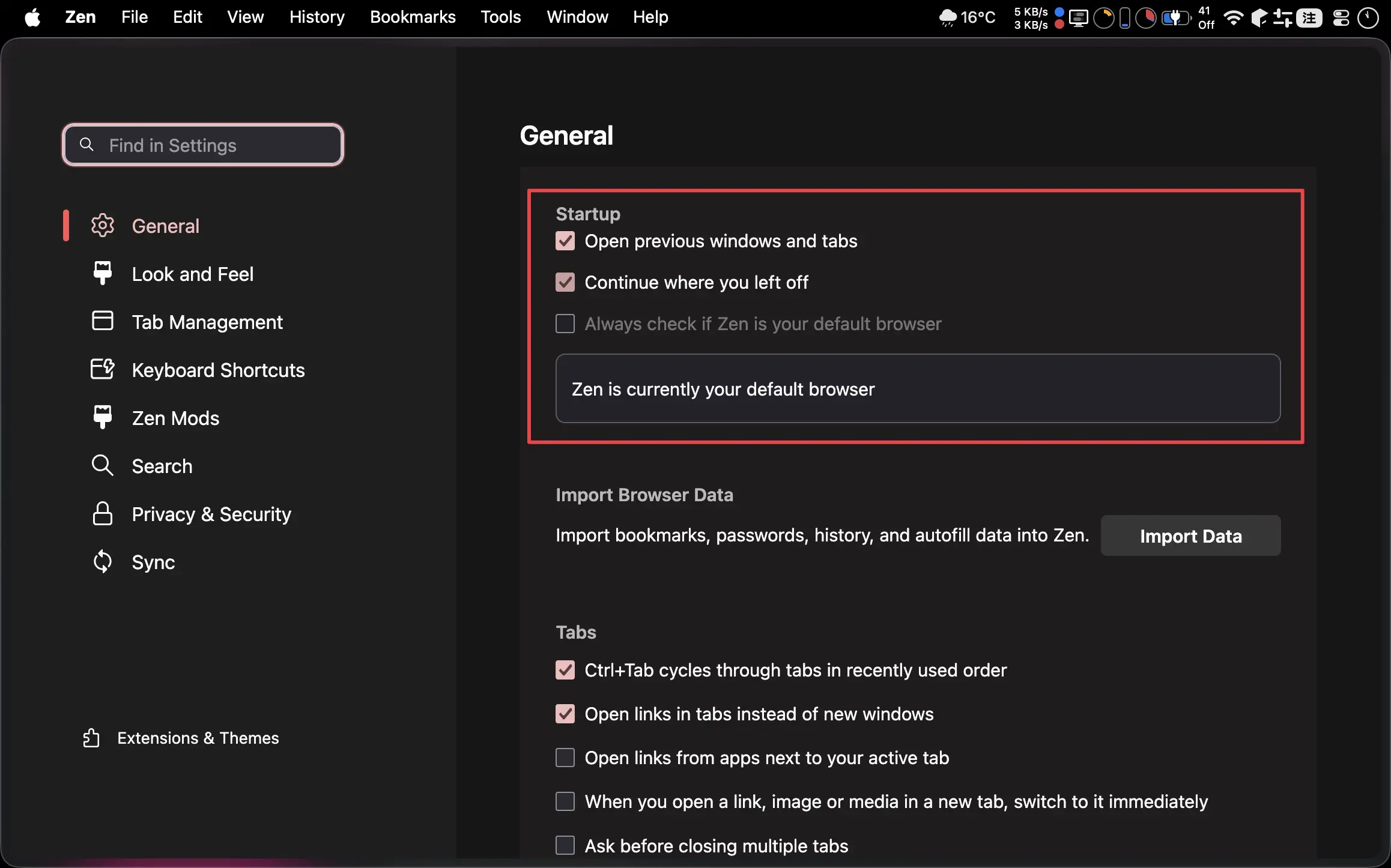
Open previous windows and tabs:OnContinue where you left off:OnAlways check if Zen is your default browser:Off
Tabs
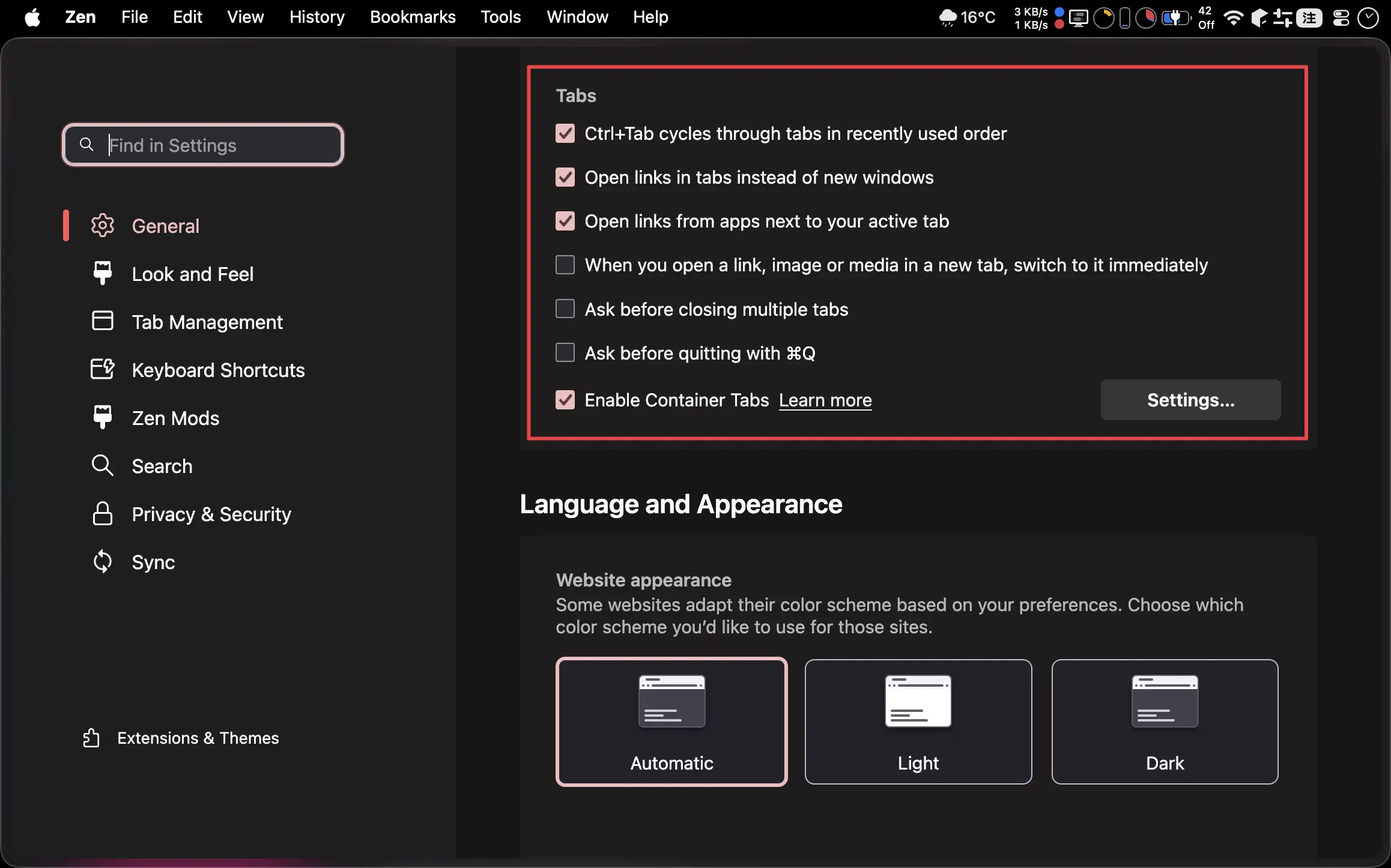
Ctrl + Tab cycles through tabs in recently used order:OnOpen links in tabs instead of new windows:OnOpen links from apps next to your active tab:OnAsk before closing multiple tabs:OffAsk before quitting with ⌘Q:OffEnable Container Tabs:On
Language and Appearance
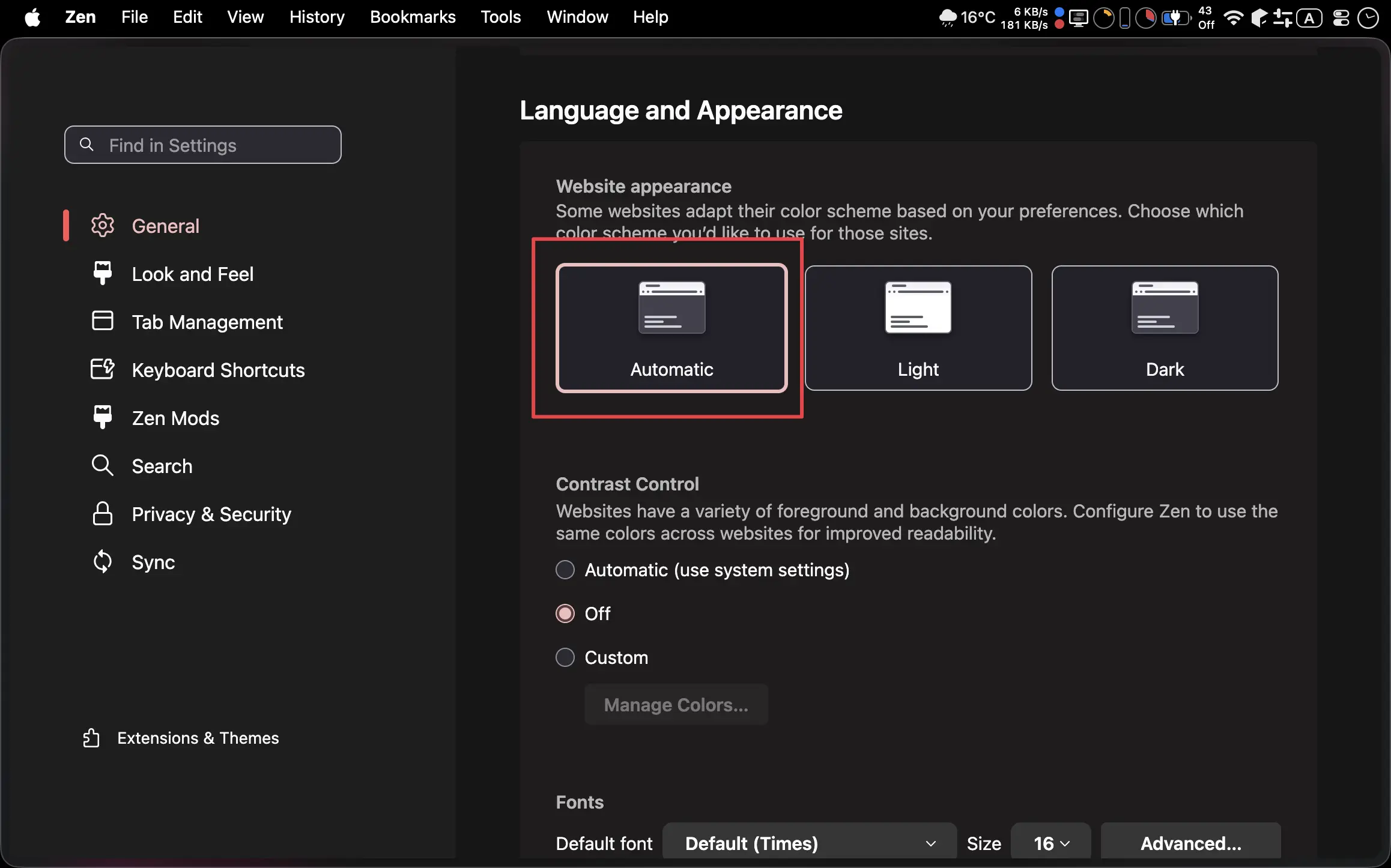
Automatic
Fonts & Zoom
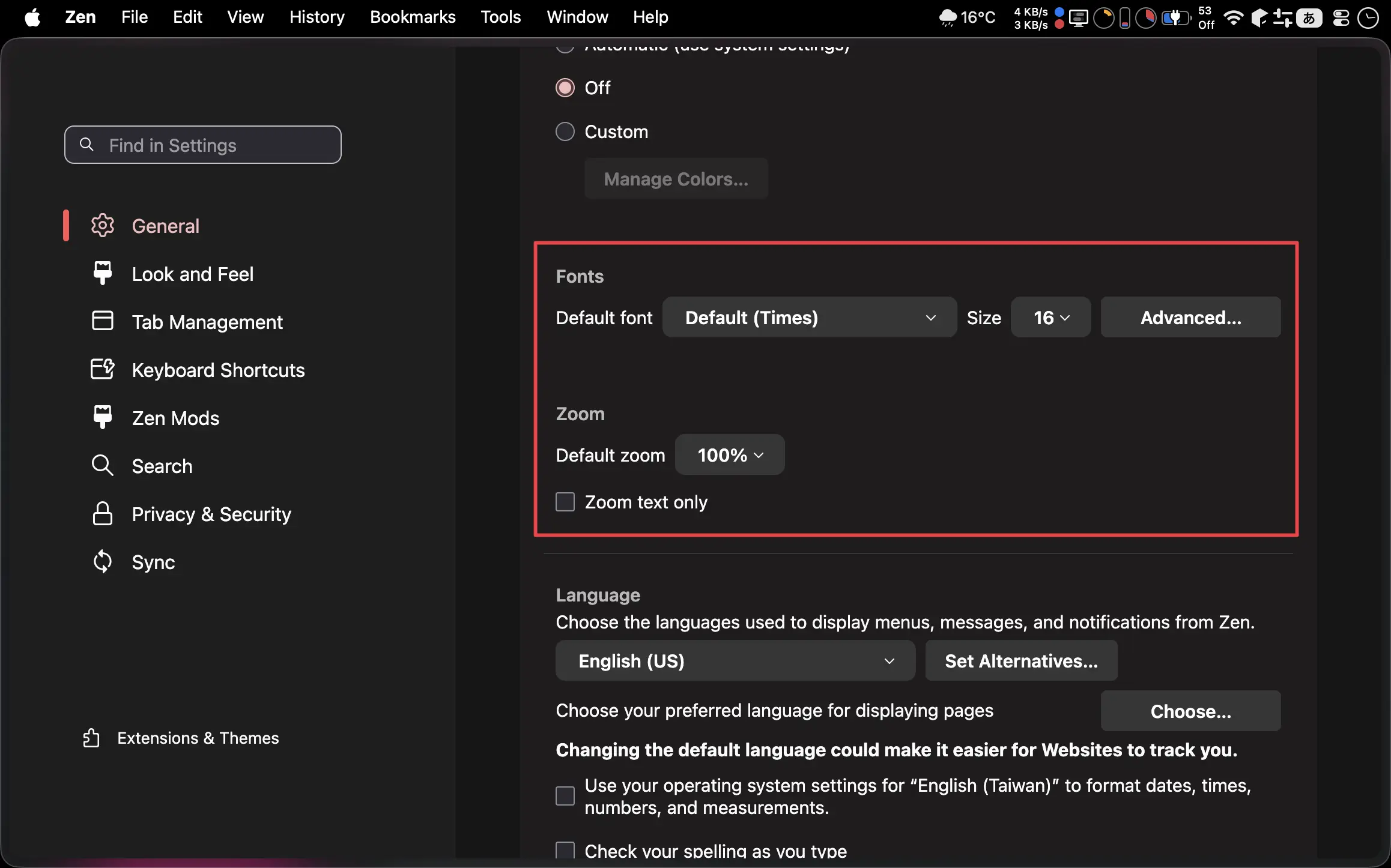
Default font:16ZoomDefault zoom13.6":120%15.3":100%16":100%
Zoom text only:Off
Look and Feel
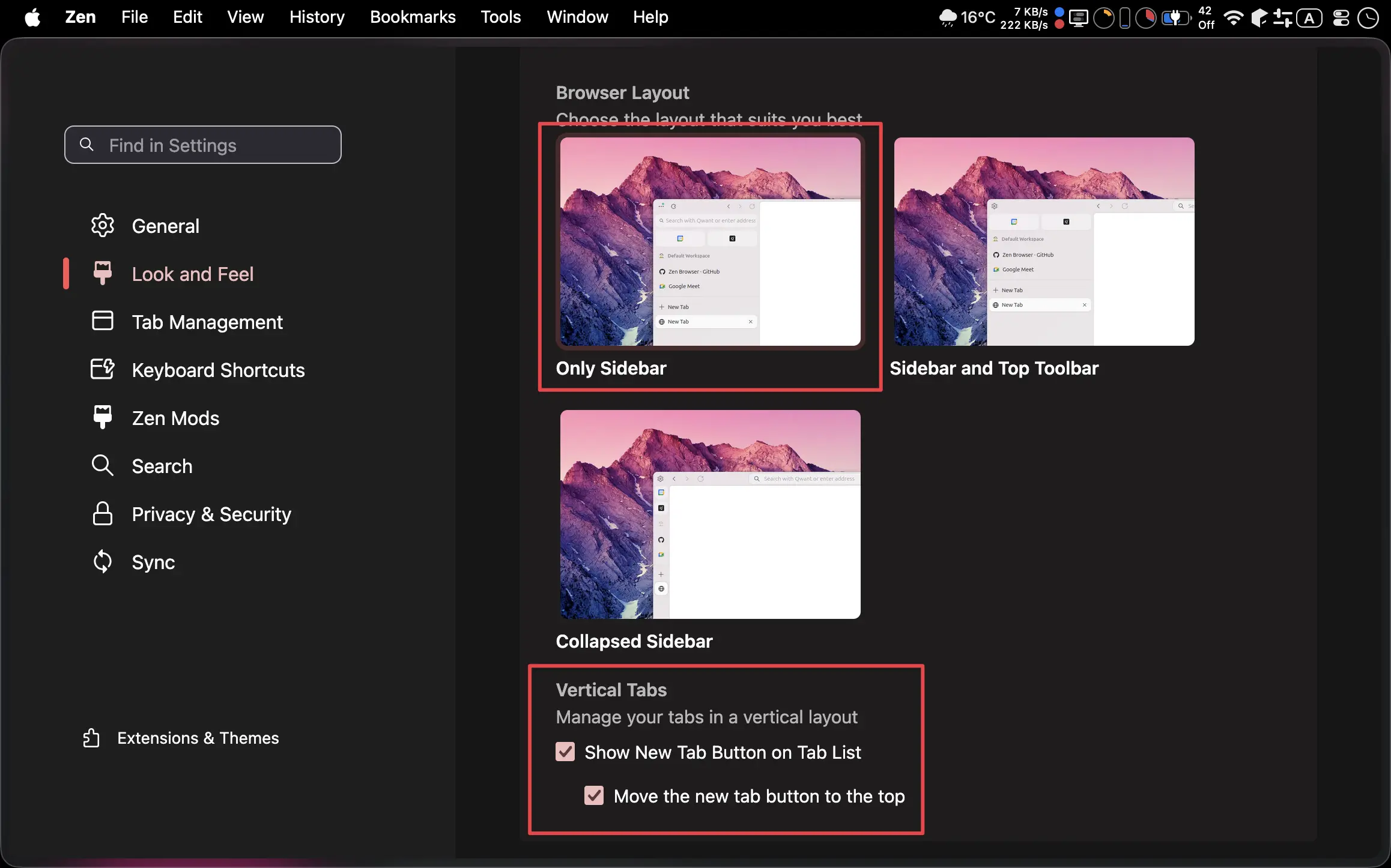
Layout:Only SidebarVertical TabsShow New Tab Button on Tab List:OnMove the new tab button to the top:On
No translation
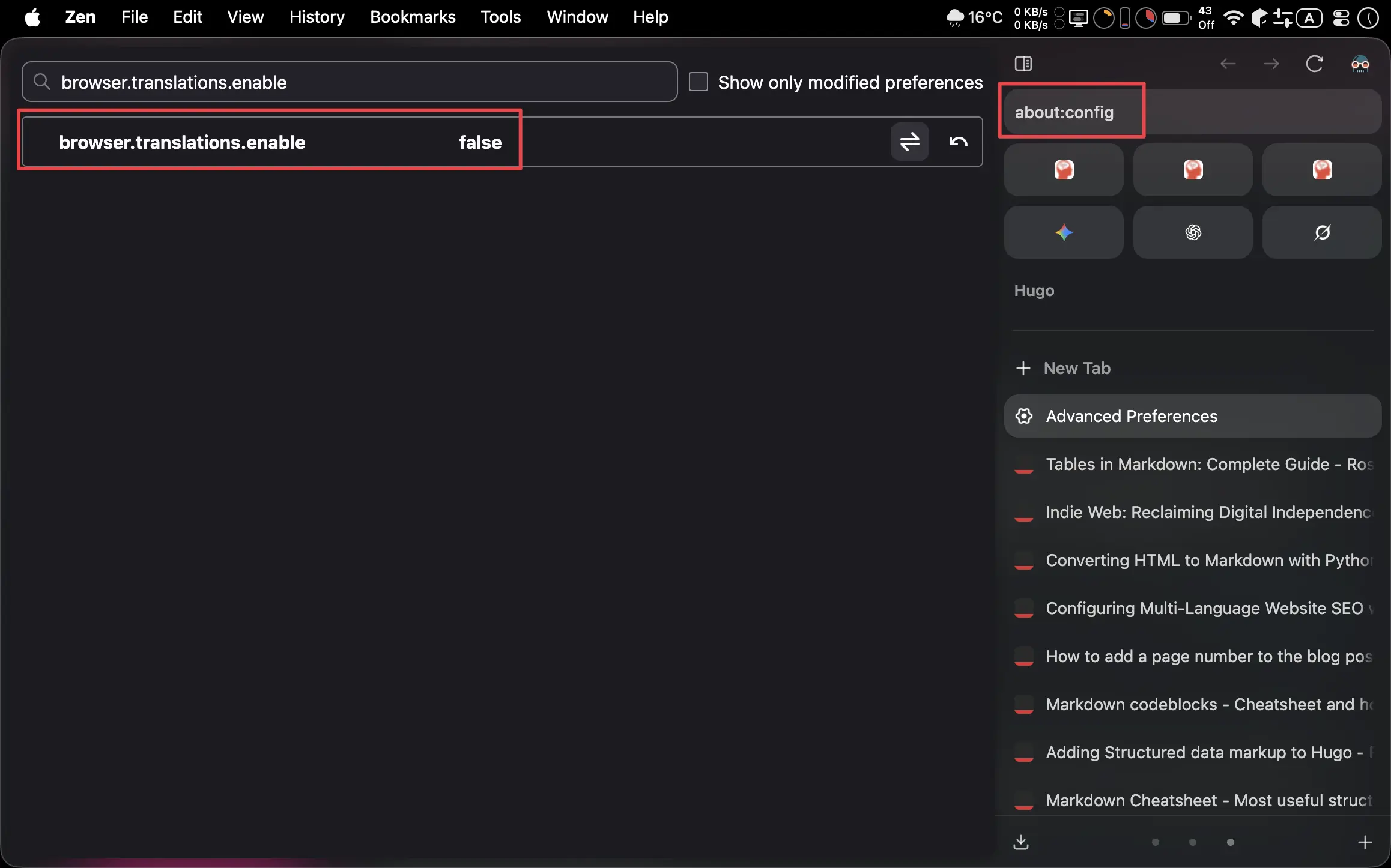
about:configbrowser.translations.enable:false
Sync
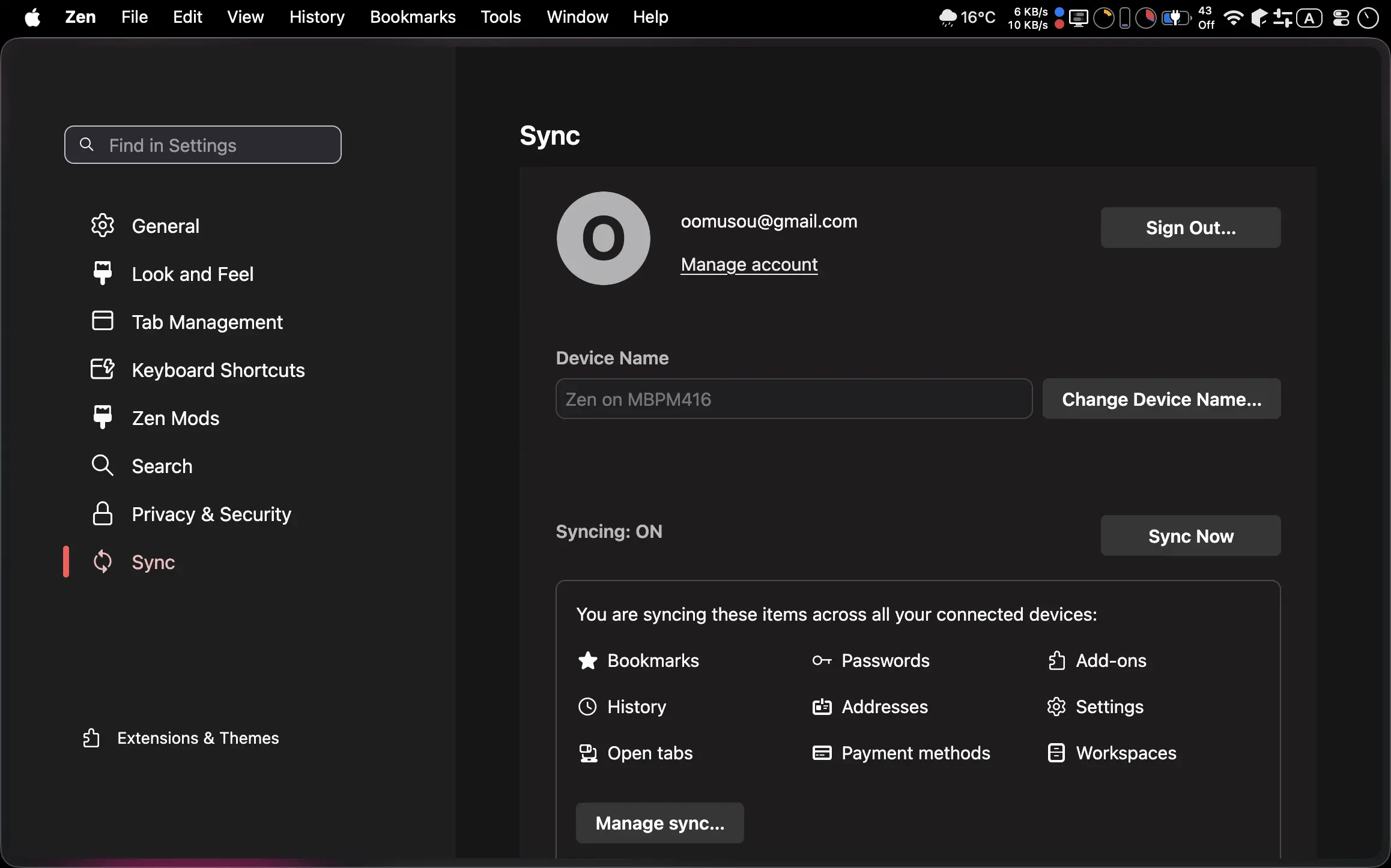
- Firefox Account
Extension
- Dark Reader (Pin)
- Vimium
- Pesticide for Firefox
Tabs
- MyNippon (100%)
- MyHugo (100%)
- MyTech (100%)
- Gemini (150%)
- ChatGPT (150%)
- Grok (150%)
Shortcut
- ⌘ S:切換 Side Bar
- ⌘ T:新 Tab
- ⌘ W:關閉 Tab