
在開發時常常需要 Reformat Code 與 Optimize Import,若能在 存檔 同時也做這兩件事情,將會增加開發效率。
Version
macOS Catalina 10.15.2
WebStorm 2019.3.2
Save Actions 1.9.0+2019.3
Save Actions
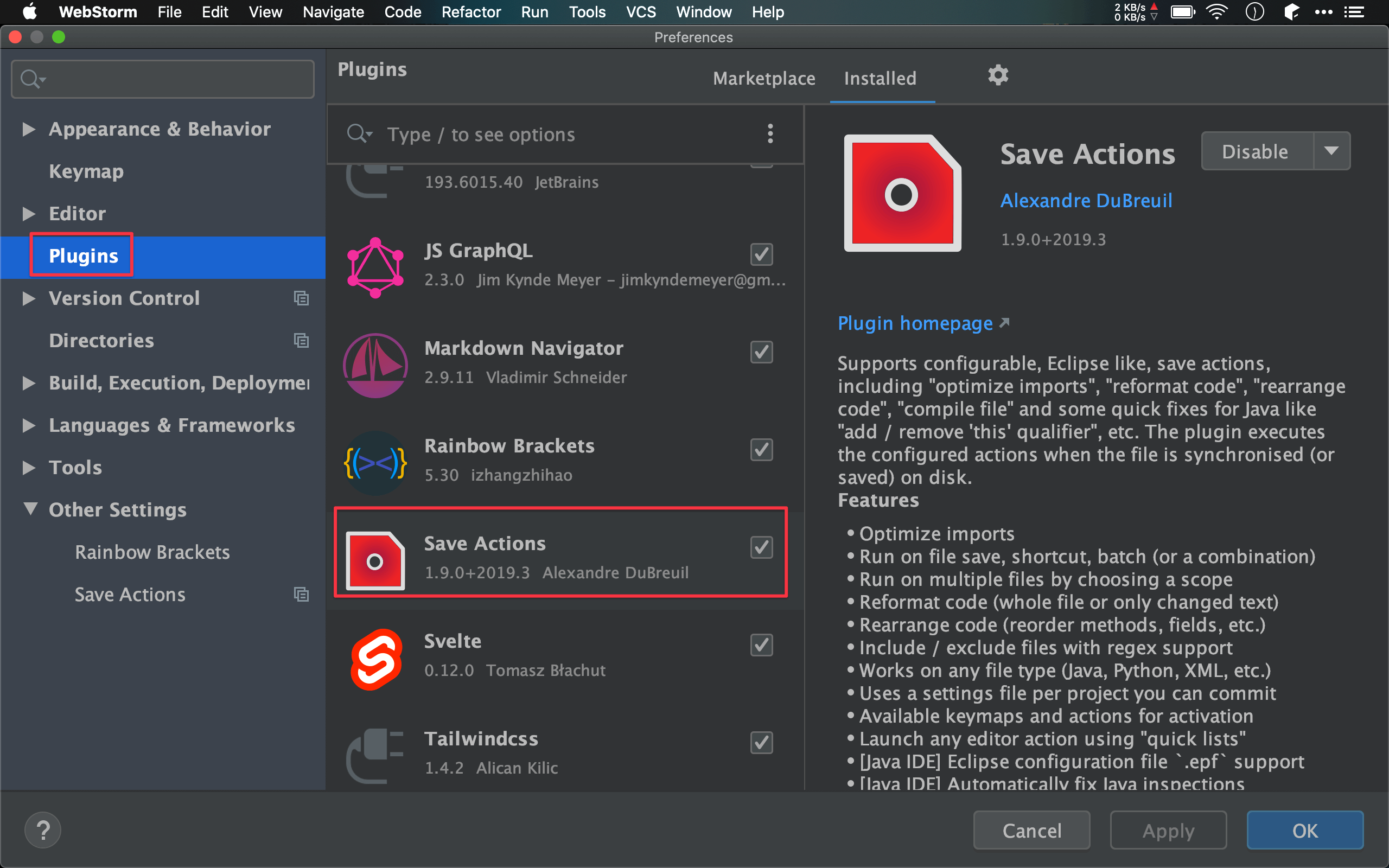
Preferences -> Plugins
安裝 Save Actions。

Preferences -> Other Settings -> Save Actions
General
Activate save actions on save: 在存檔時啟動Save Actions
Formatting actions
Organize imports: 存檔時會同時 optimize importReformat file: 存檔時會同時 reformat code
Conclusion
- 雖然 WebStorm 會自動存檔,但用
⌘ S同時可以reformat code與optimize imports,等於1 個鍵換3 個鍵,個人覺的相當值得