
本文記錄我的 WebStorm 基本設定。
Version
WebStorm 2025.2.5
Shell Script Name
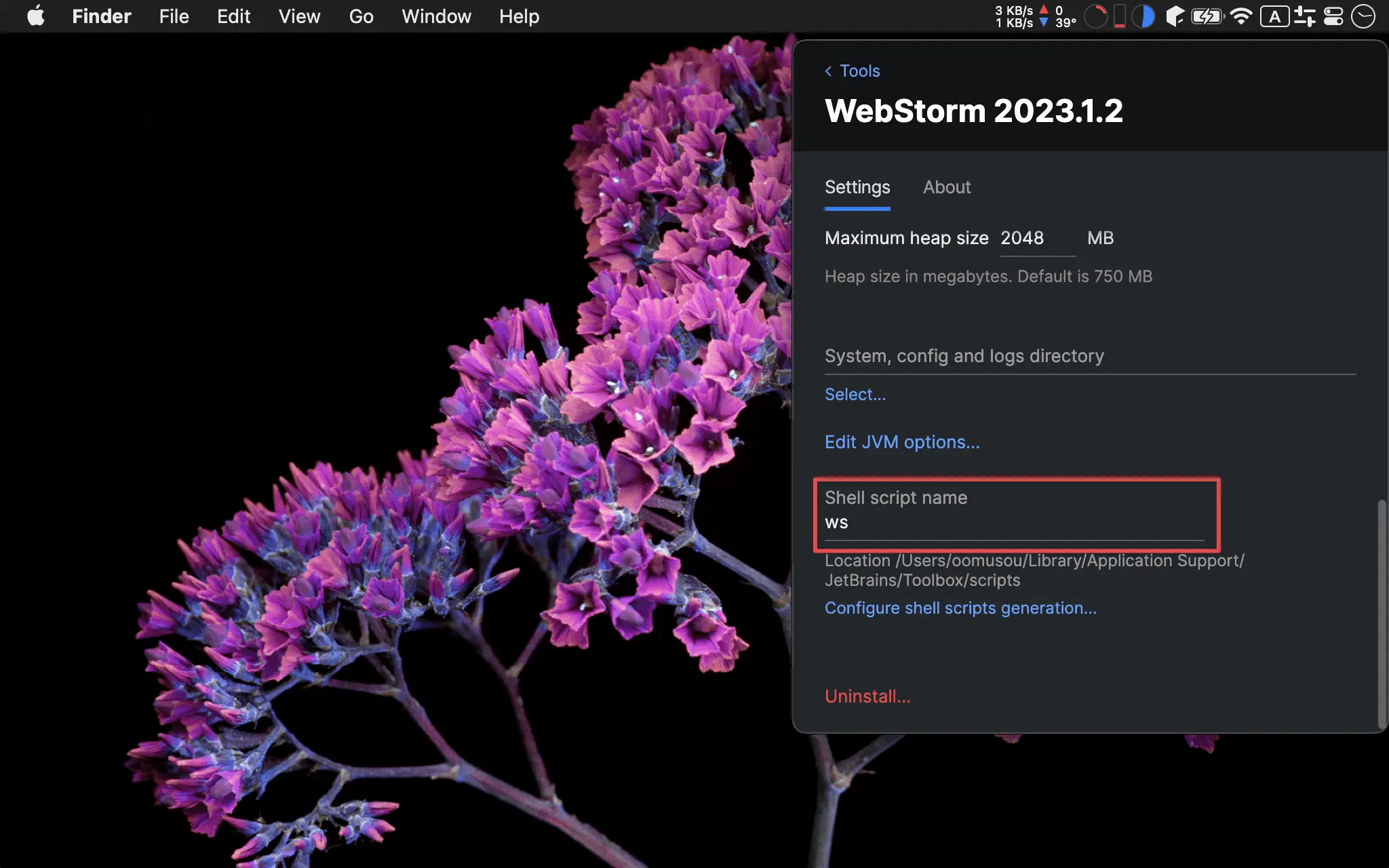
Shell script name:ws
Appearance
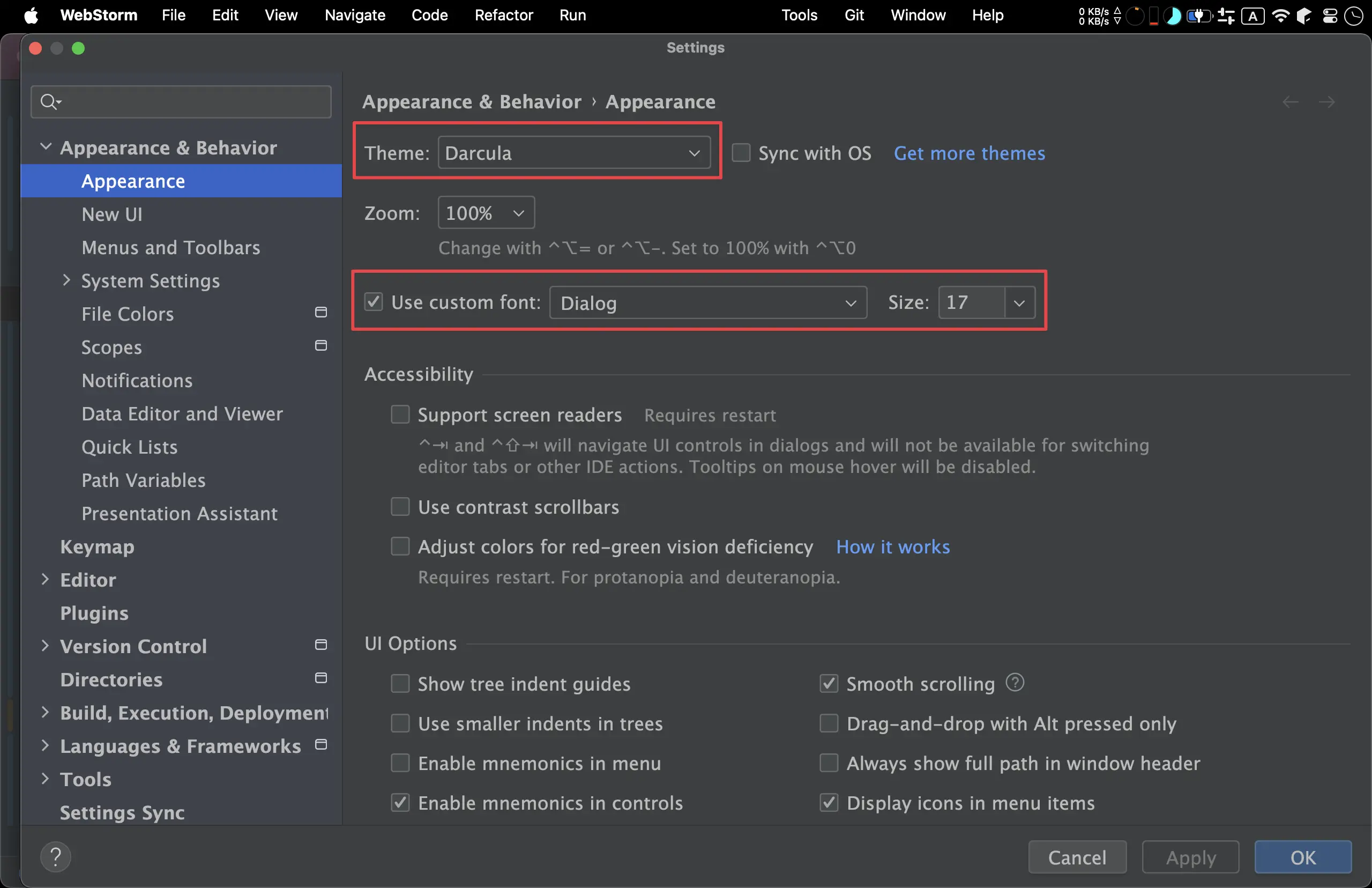
Theme:DarculaUse custom font13:Dialog 1615:Dialog 1716:Dialog 18
Compact Mode
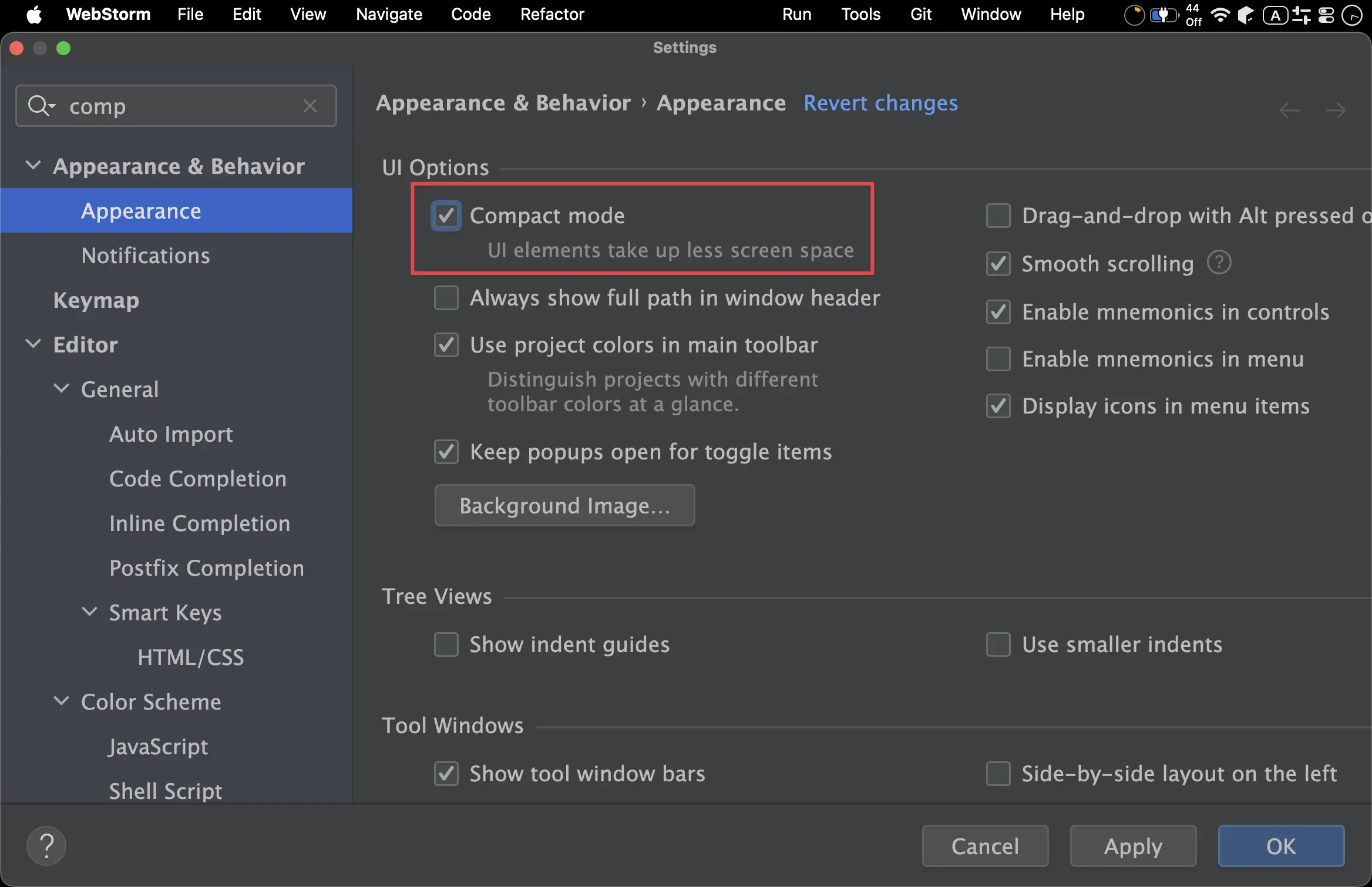
Compact mode:On
Editor Font
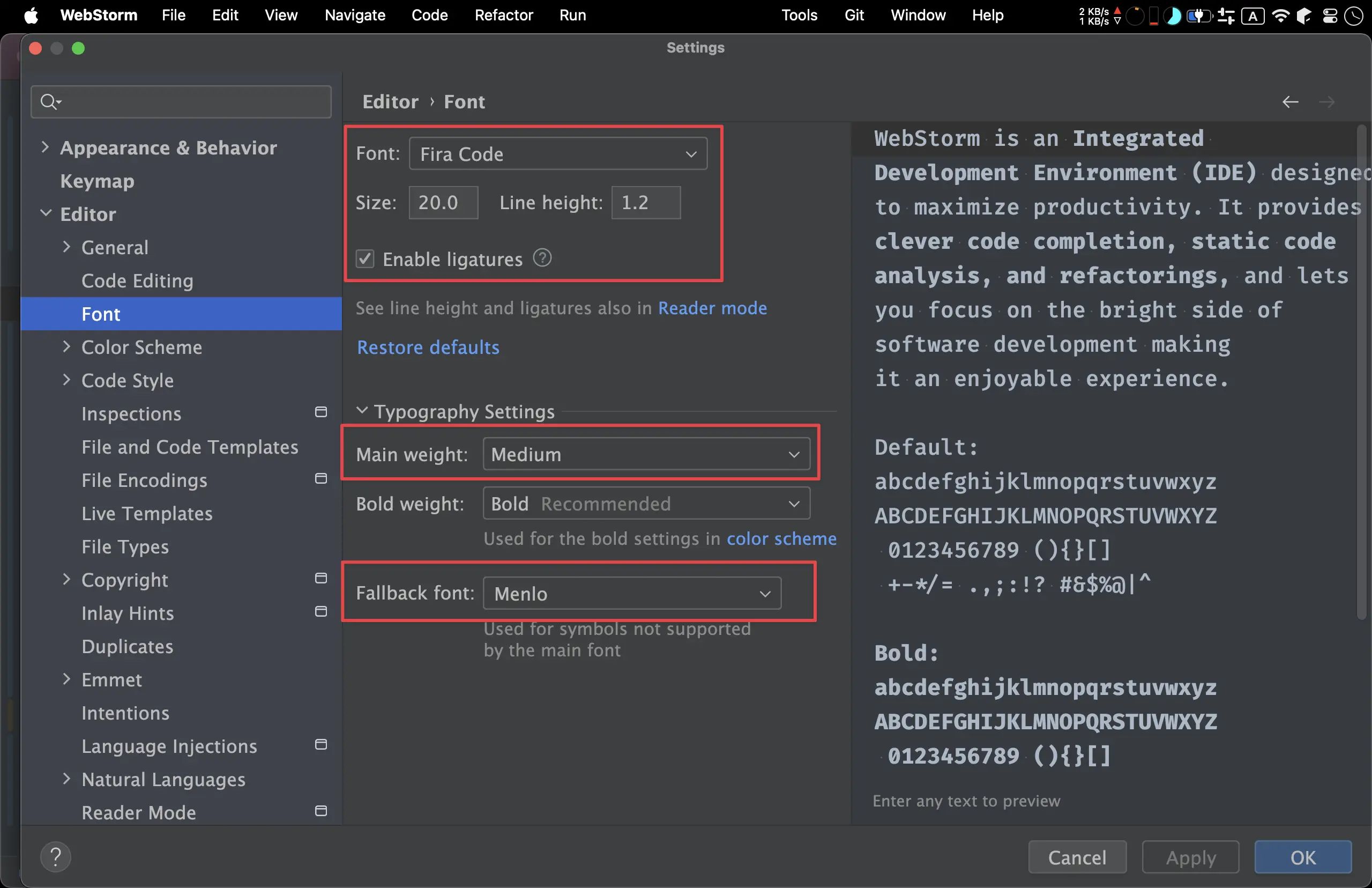
Font:Fira CodeSize:13:19.015:21.016:23.0
Line height:1.2Main weight:MediumFallback font:Menlo
Backgroud Color
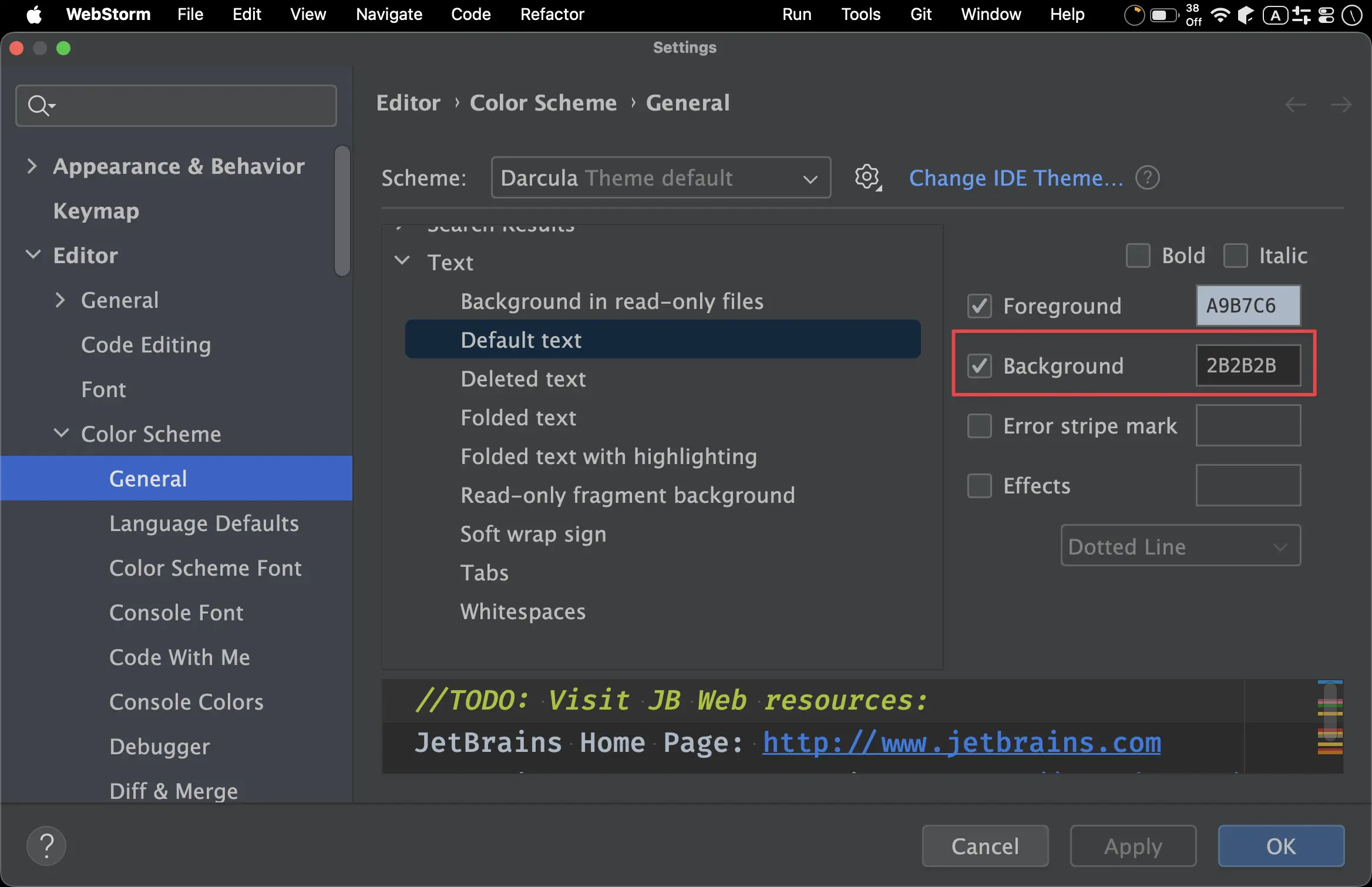
Background:#2B2B2B
Console Font
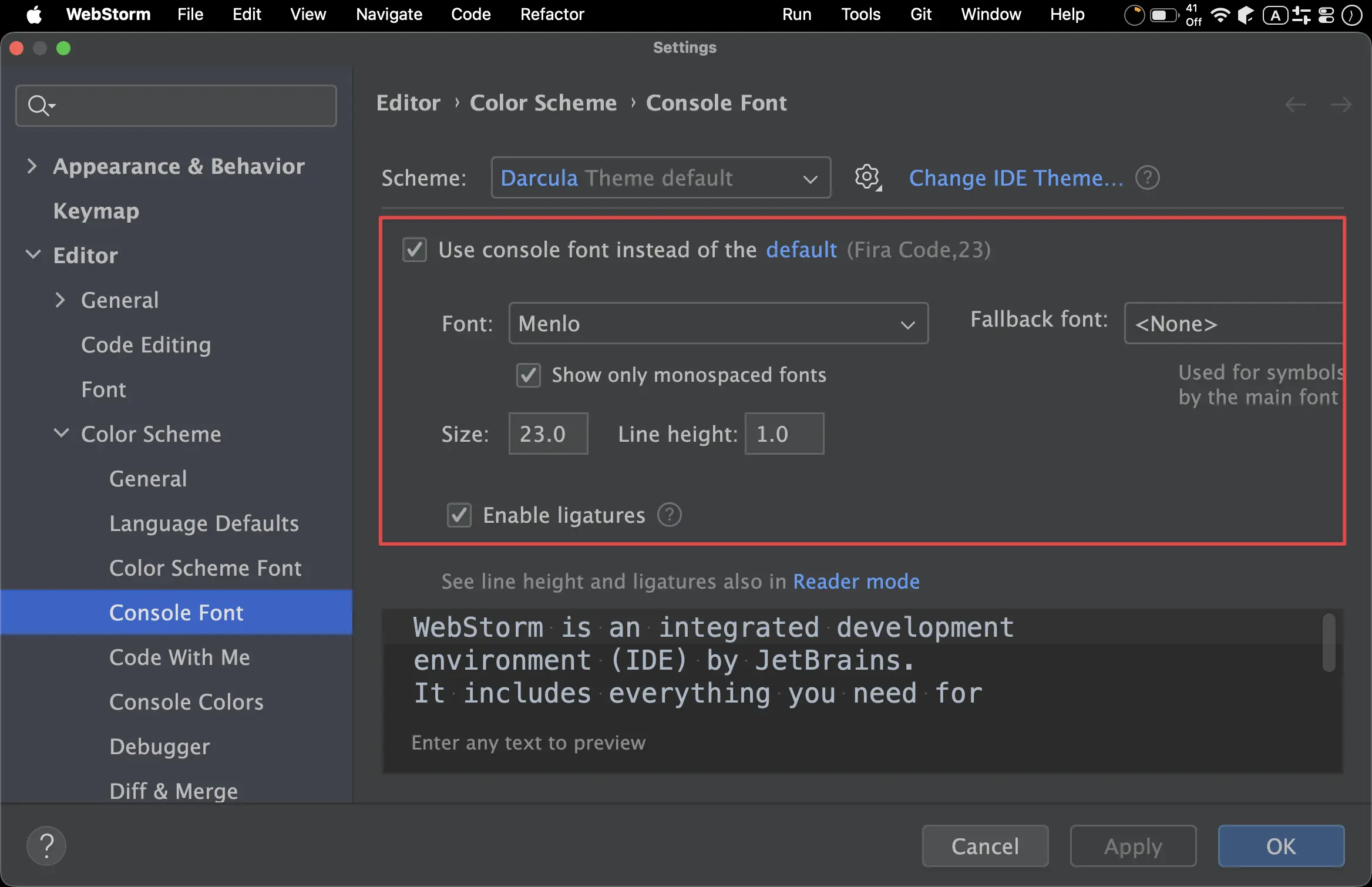
Use console font instead of the default:OnFont:MenloSize:16":23
Line height:1.0
Code Folding
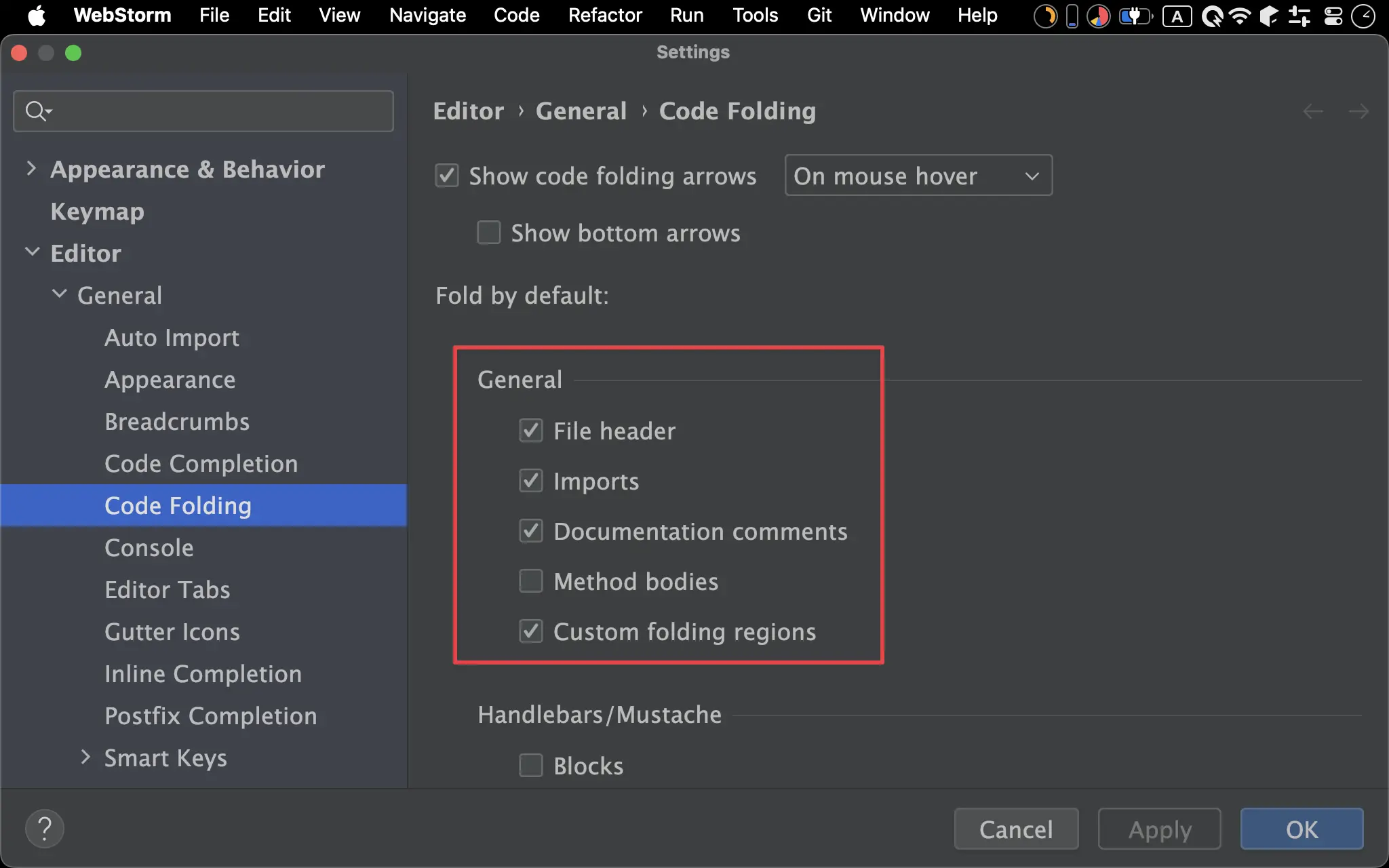
GeneralFile header:OnImports:OnDocumentation comments:OnMethod bodies:OffCustom folding regions:On
Appearance
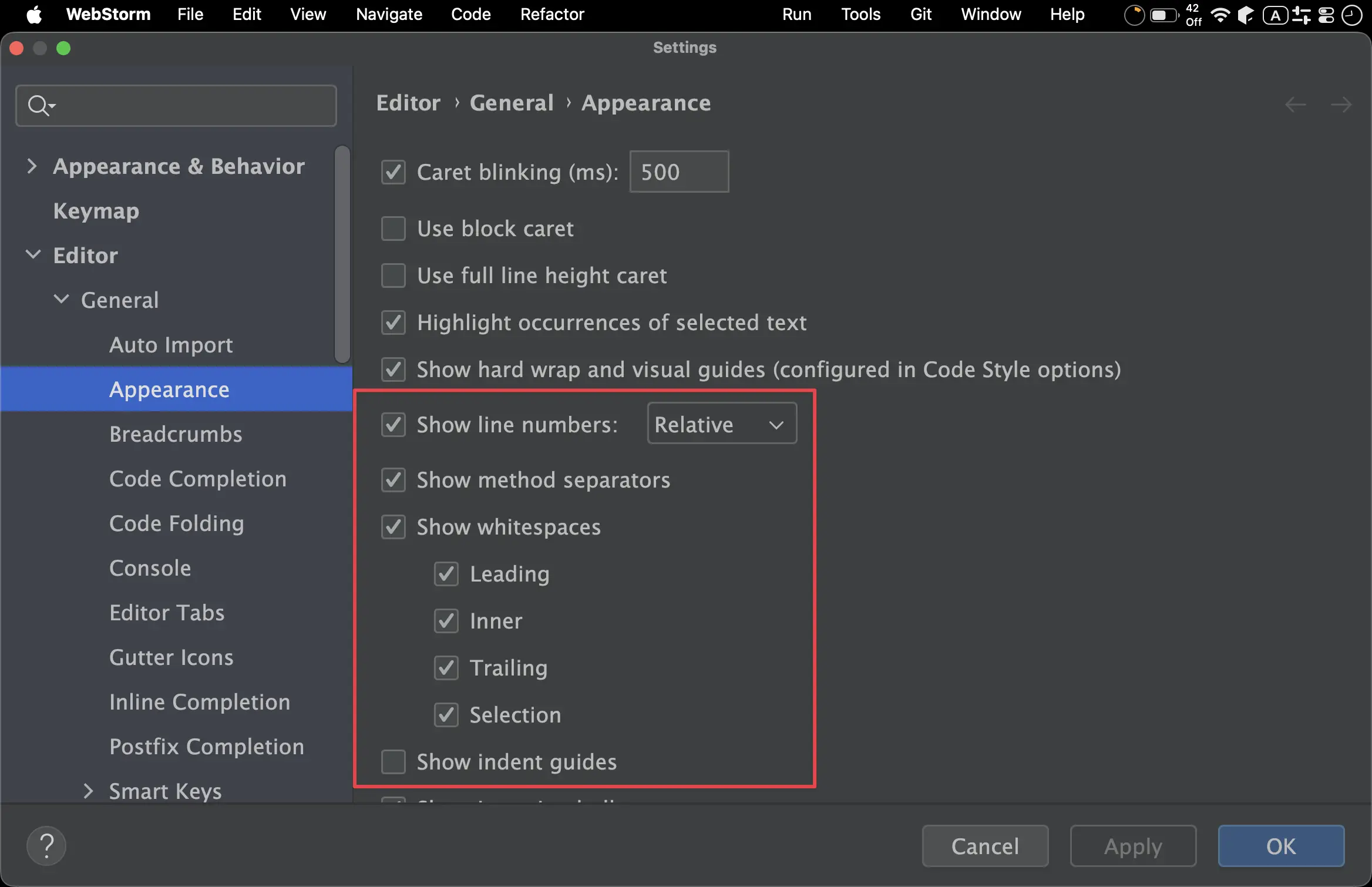
Show line numbers:RelativeShow method separators:OnShow whitespaces:OnLeading:OnInner:OnTrailing:OnSelection:On
Show indent guides:OffShow CSS color preview as background:On
Breadcrumbs
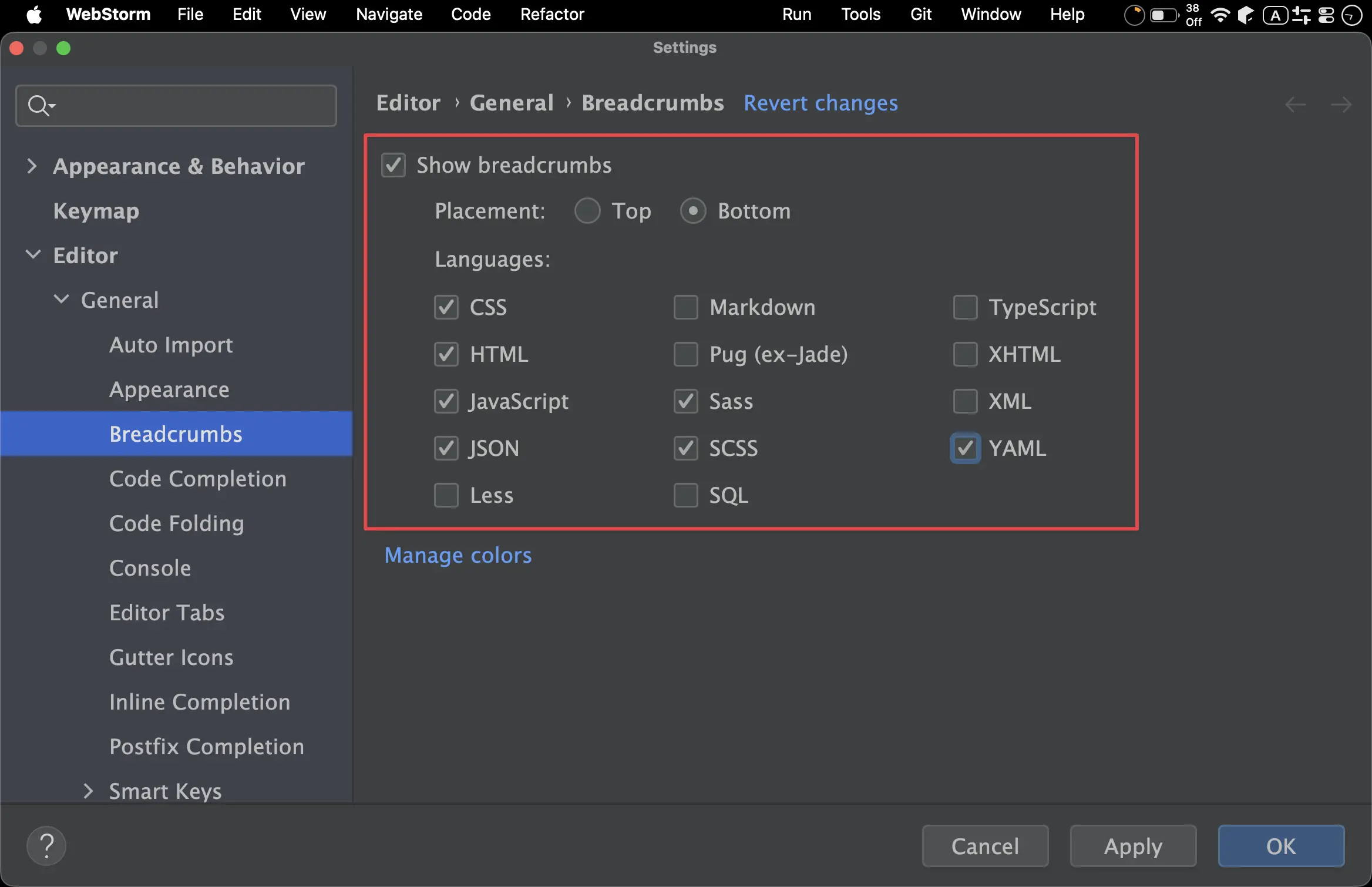
Show breadcrumbs:OnPlacement:Bottom
- Languages
- CSS
- HTML
- JavaScript
- JSON
- Sass
- SCSS
- YAML
Editor Tabs
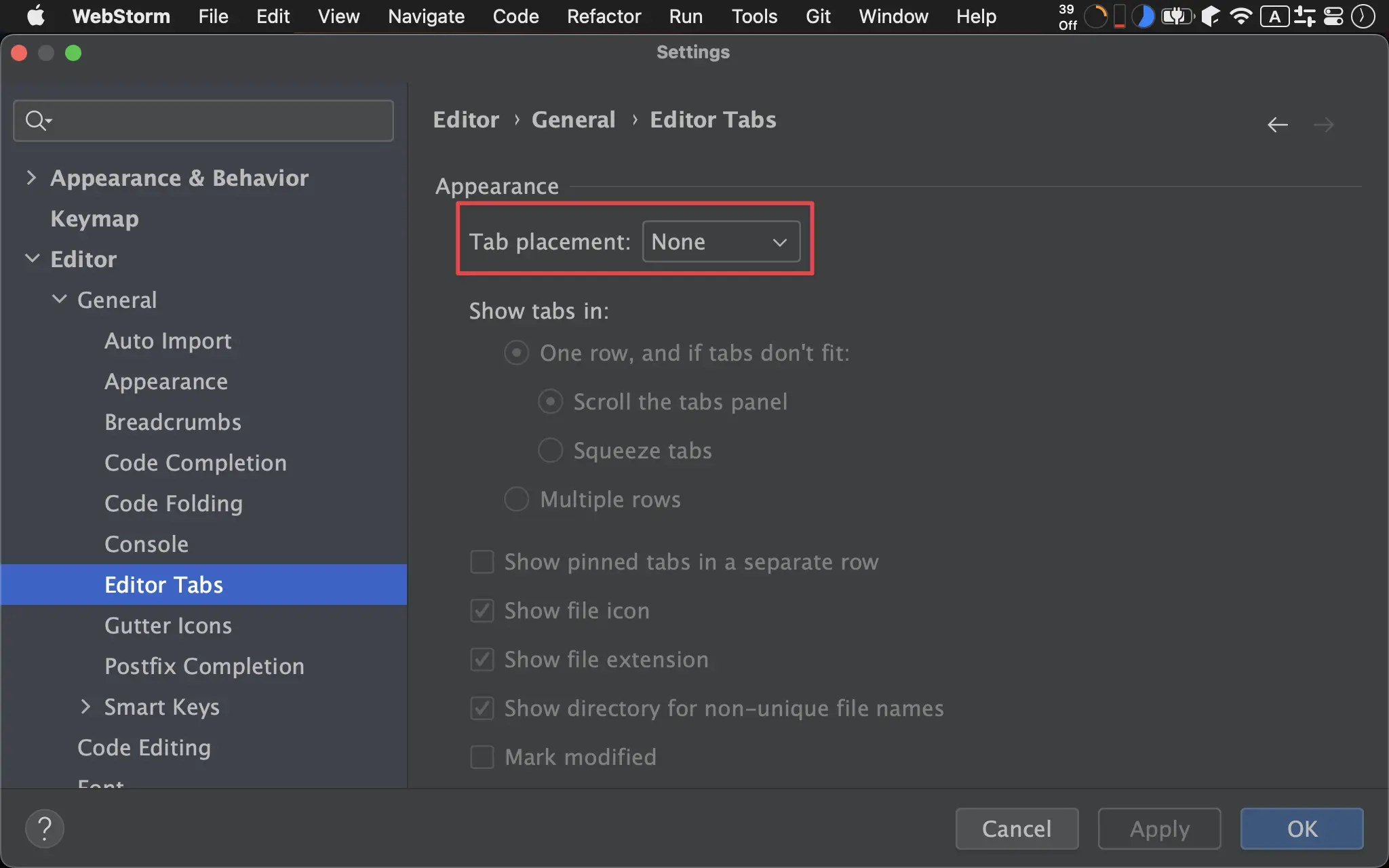
Tab placement:None
Gutter Icons
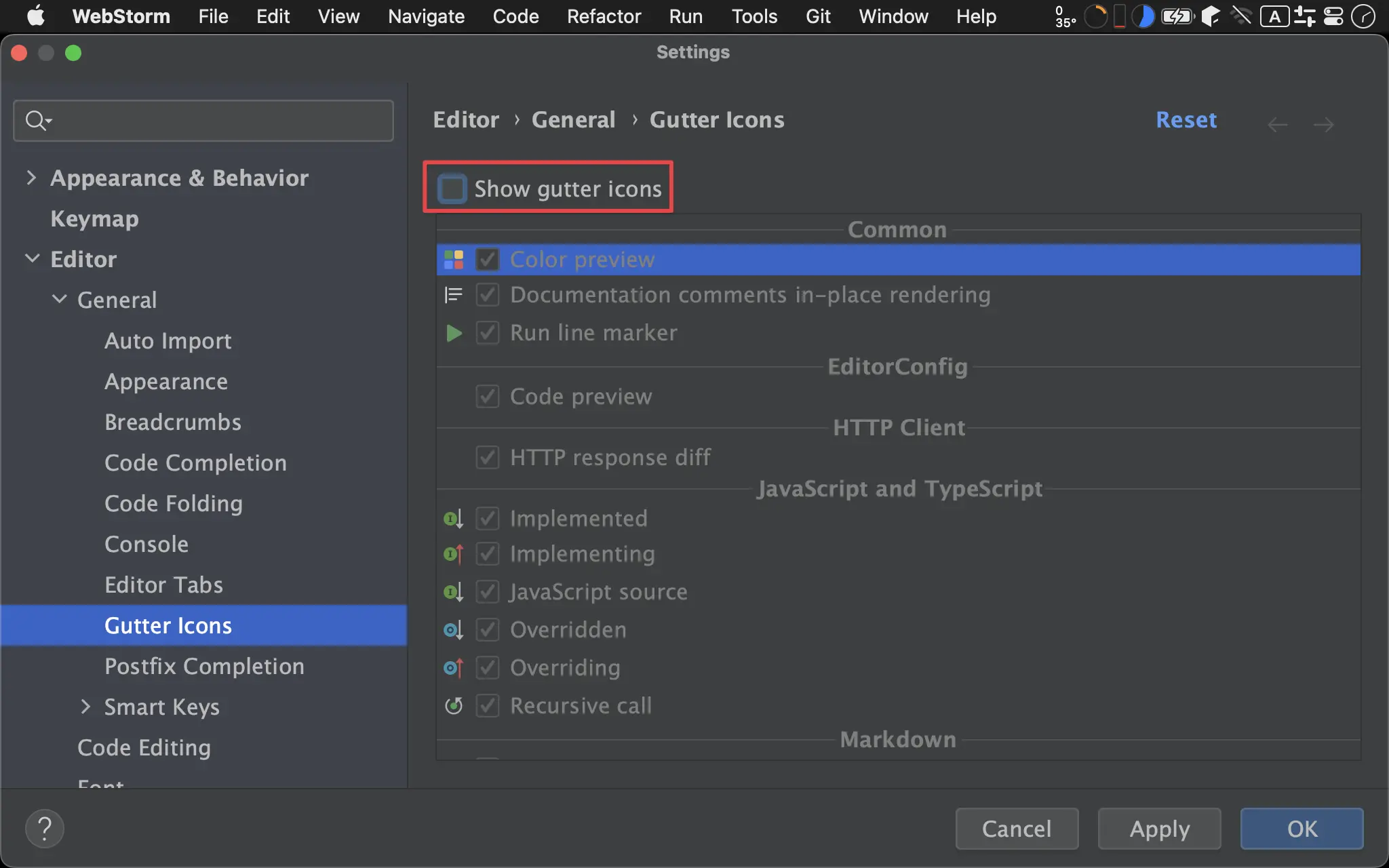
Show gutter icons:Off
Sticky Lines
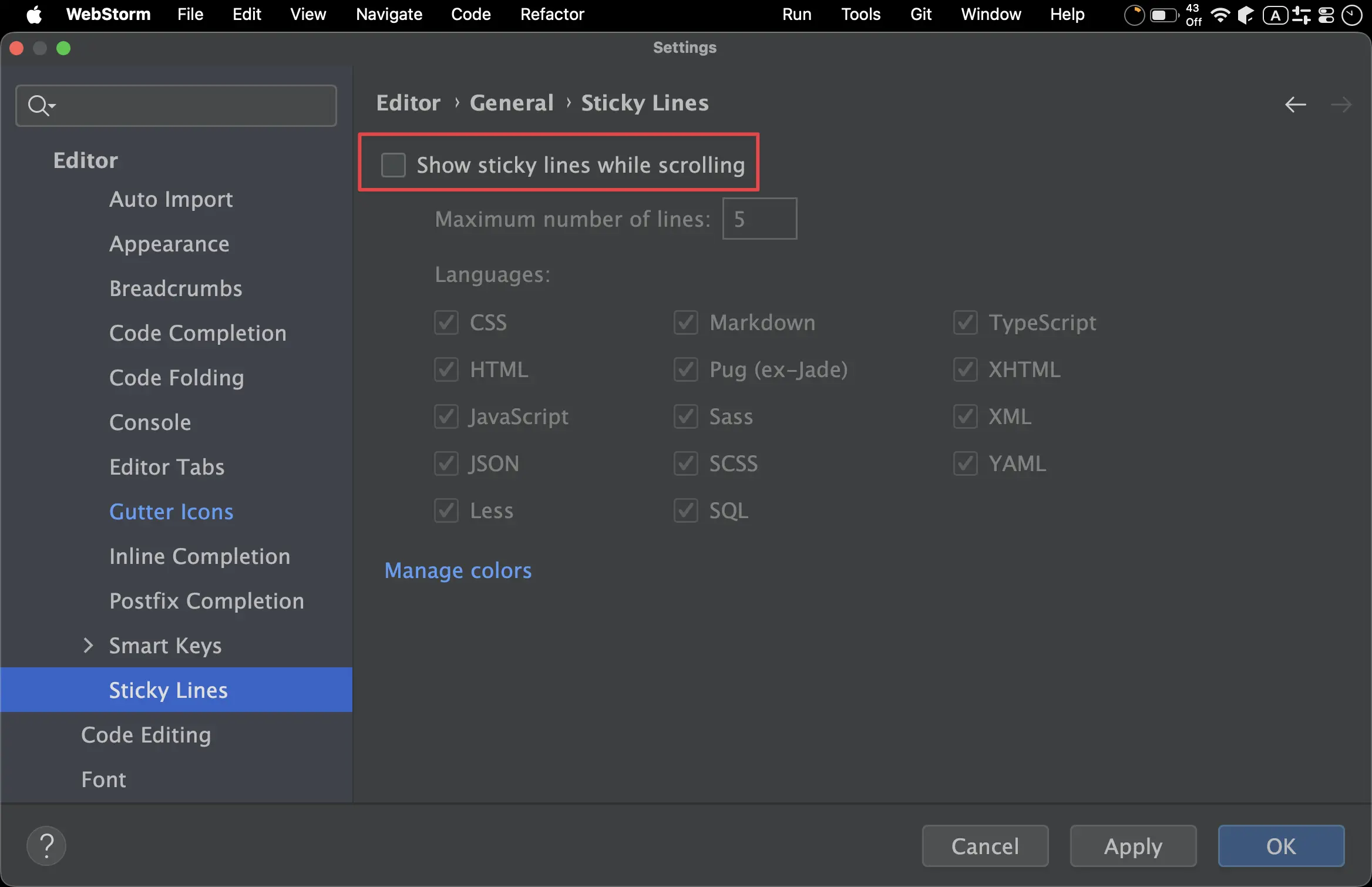
Show sticky lines while scrolling:Off
Appearance
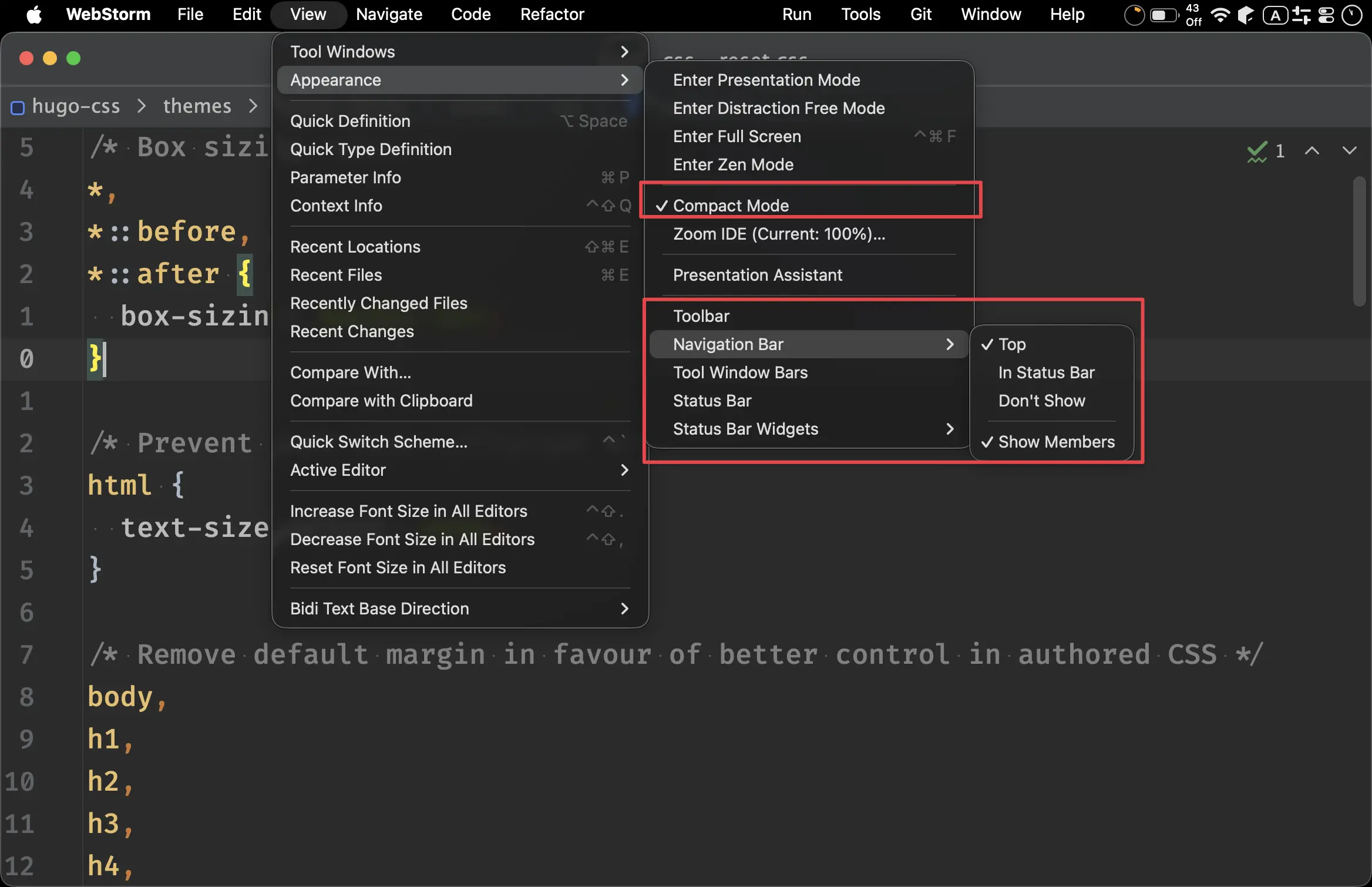
Compact Mode:OnToolbar:OffNavigation Bar:TopTool Window Bars:OffStatus Bar:Off
Active Editor
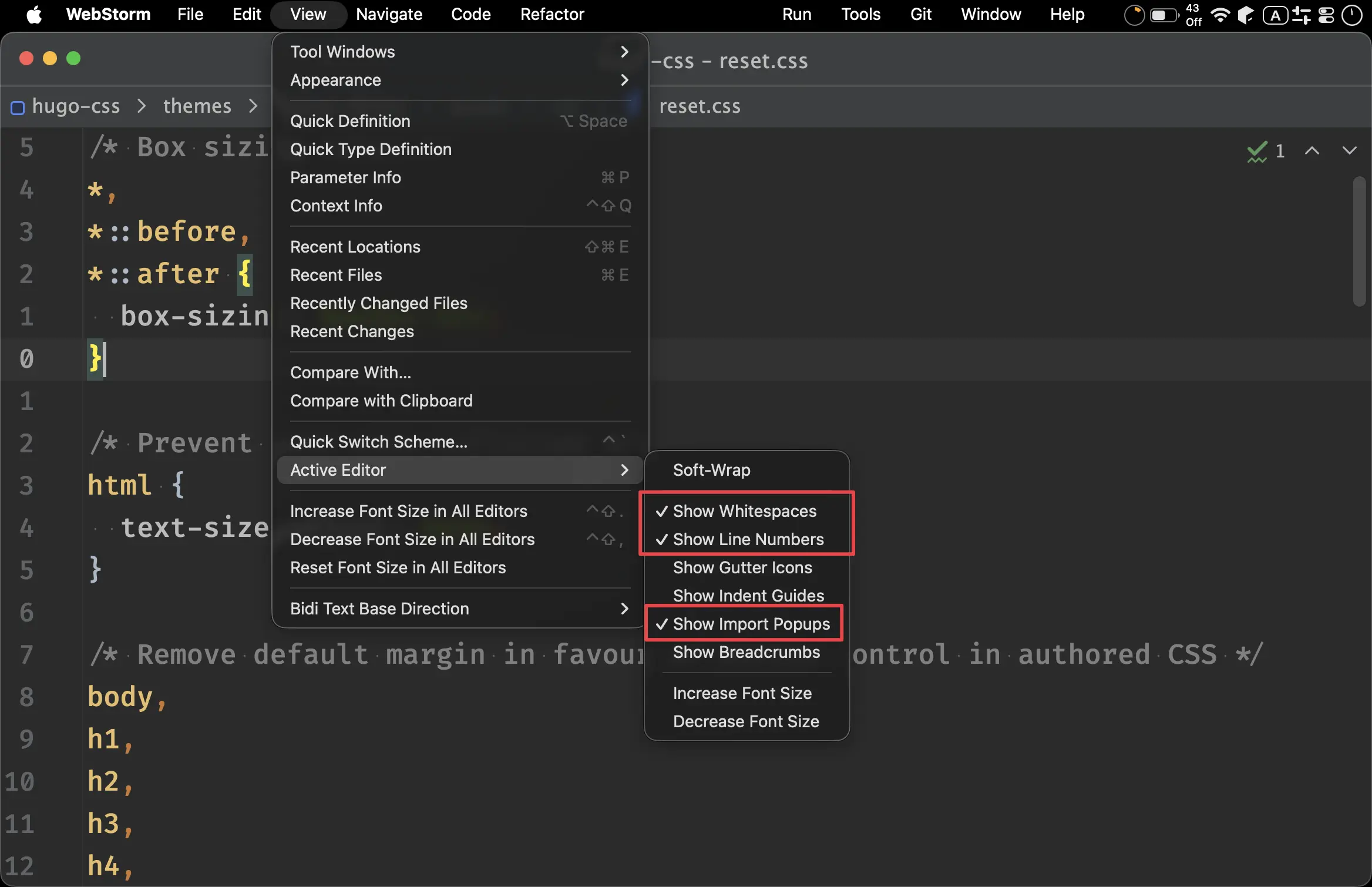
Show Whitespace:OnShow Line Numbers:OnShow Import Popups:On
Project Options
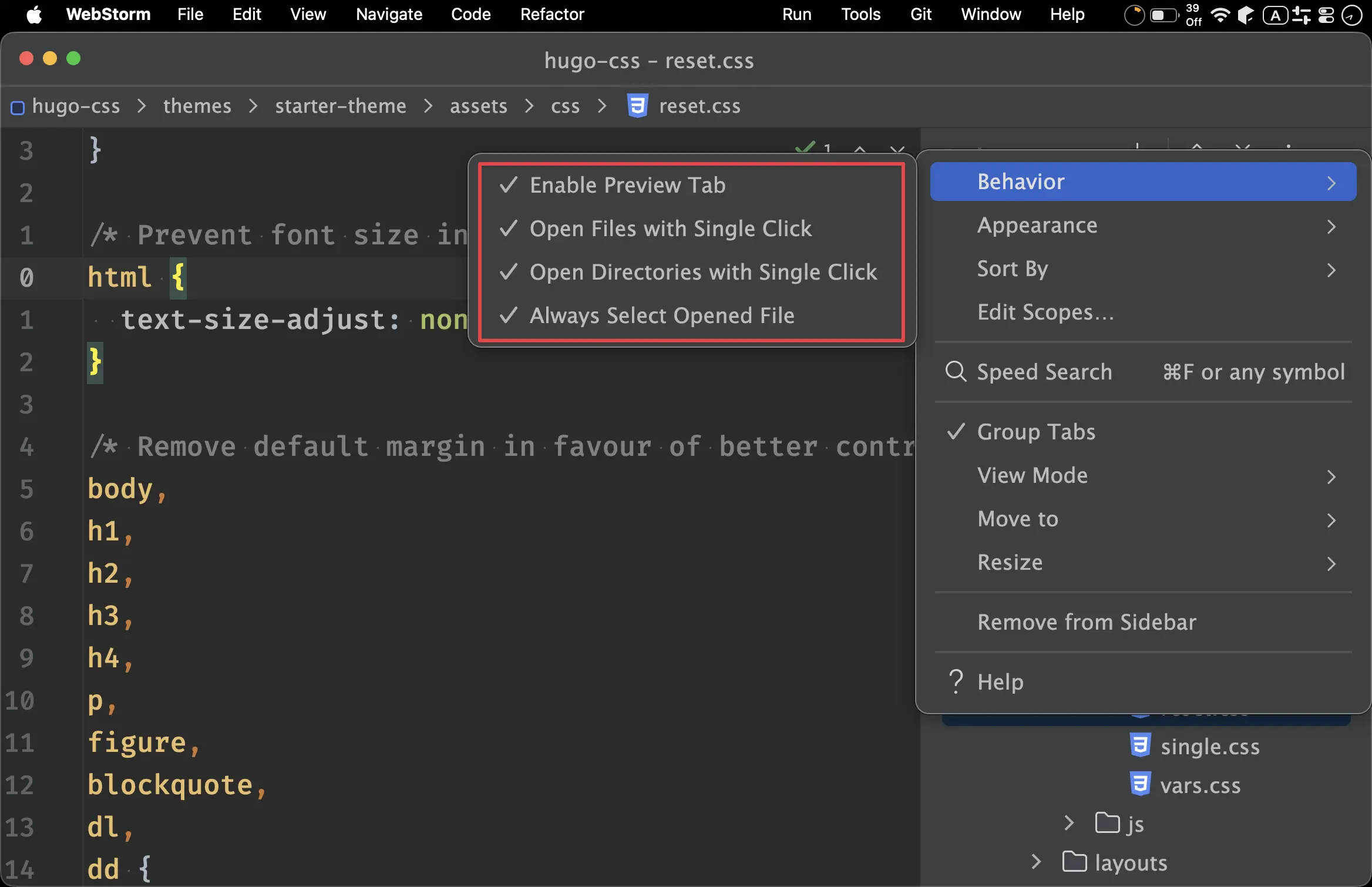
- Behavior:
Enable Preview Tab:OnOpen Files with Single Click:OnOpen Directories with Single Click:OnAlways Select Openned File:On
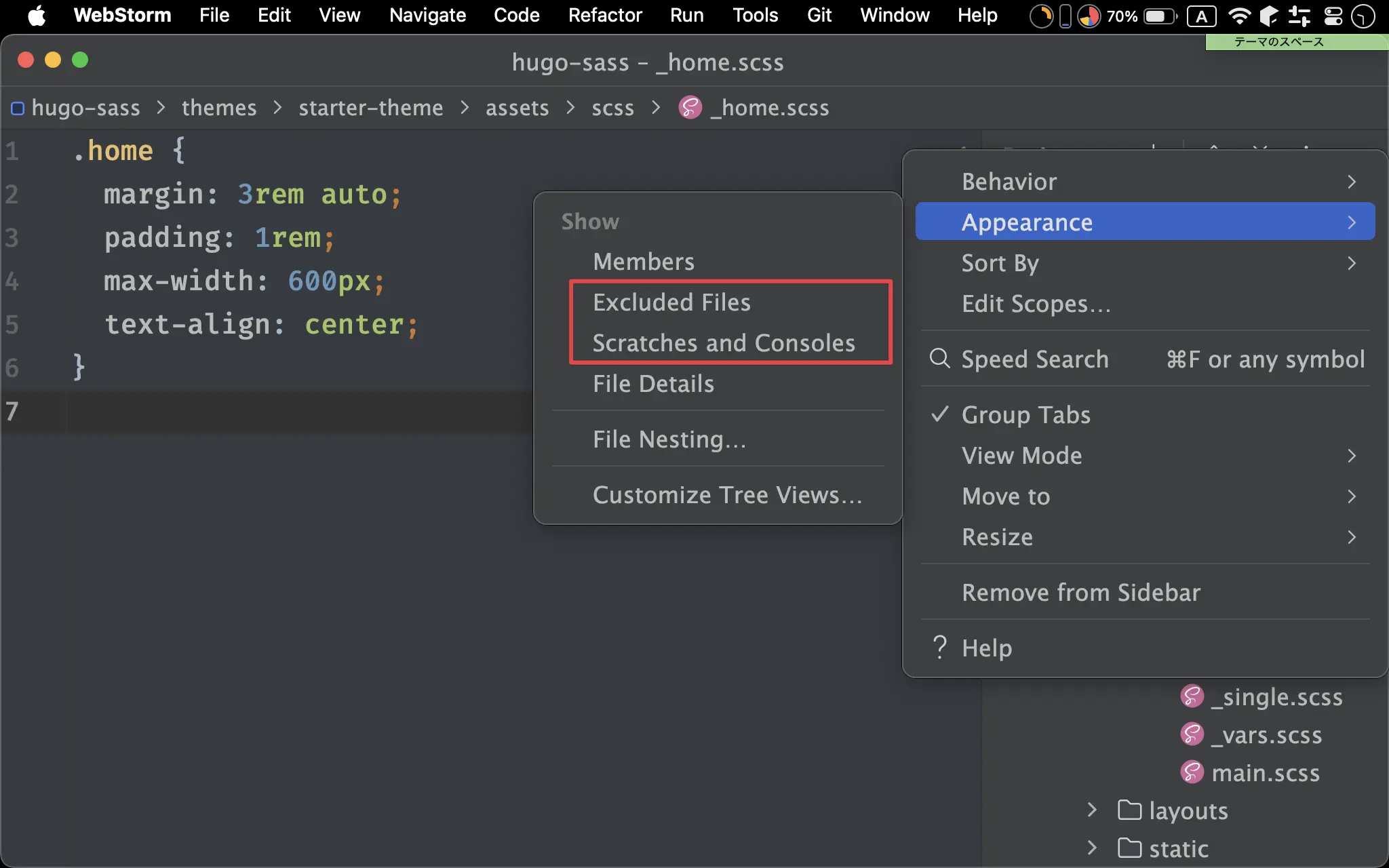
Appearance:
Excluded Files:OffScratches and Consoles:Off
Inlay Hints
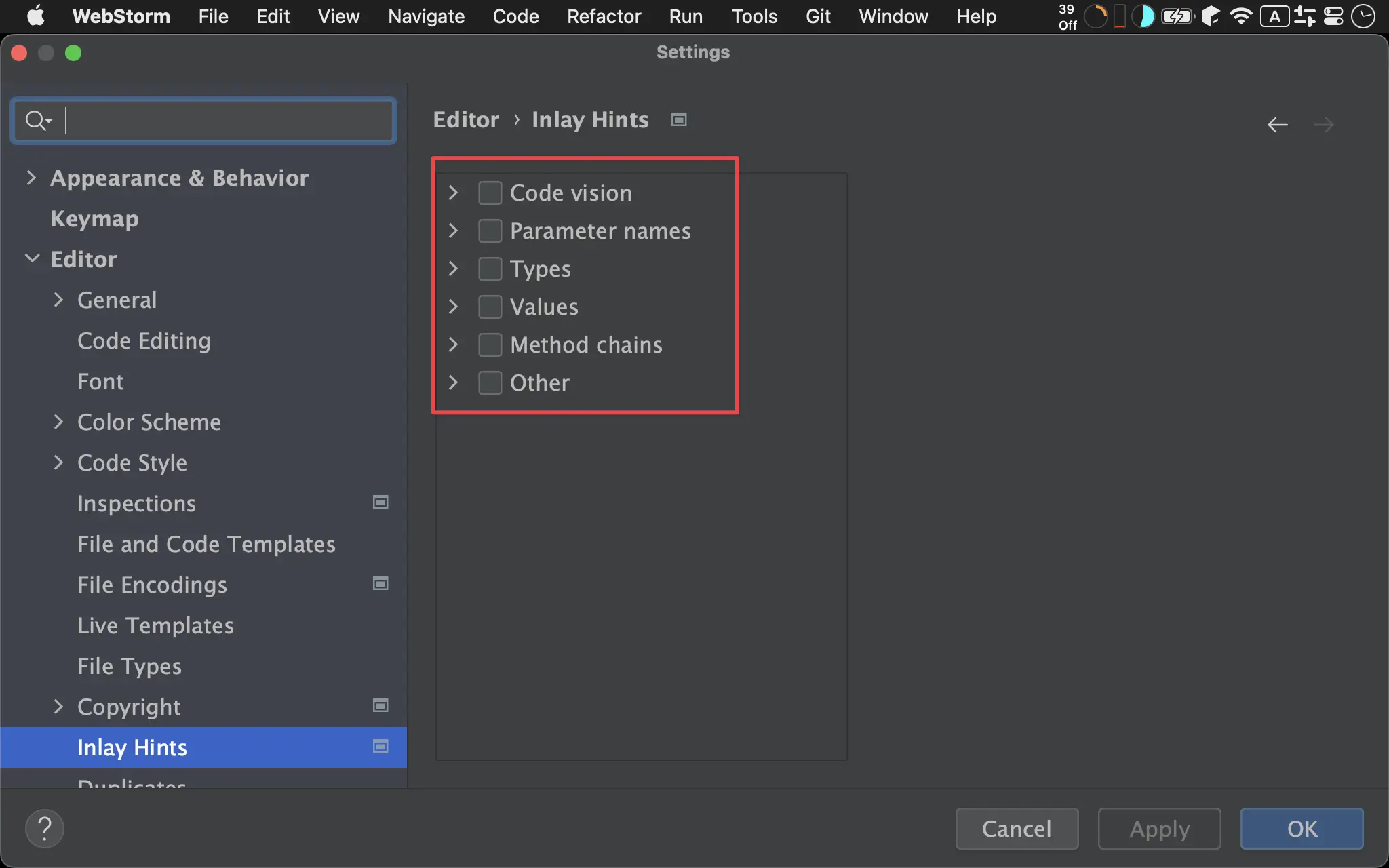
Code vision:OffParameter names:OffTypes:OffValues:OffMethod chains:OffOther:Off
Tool Windows
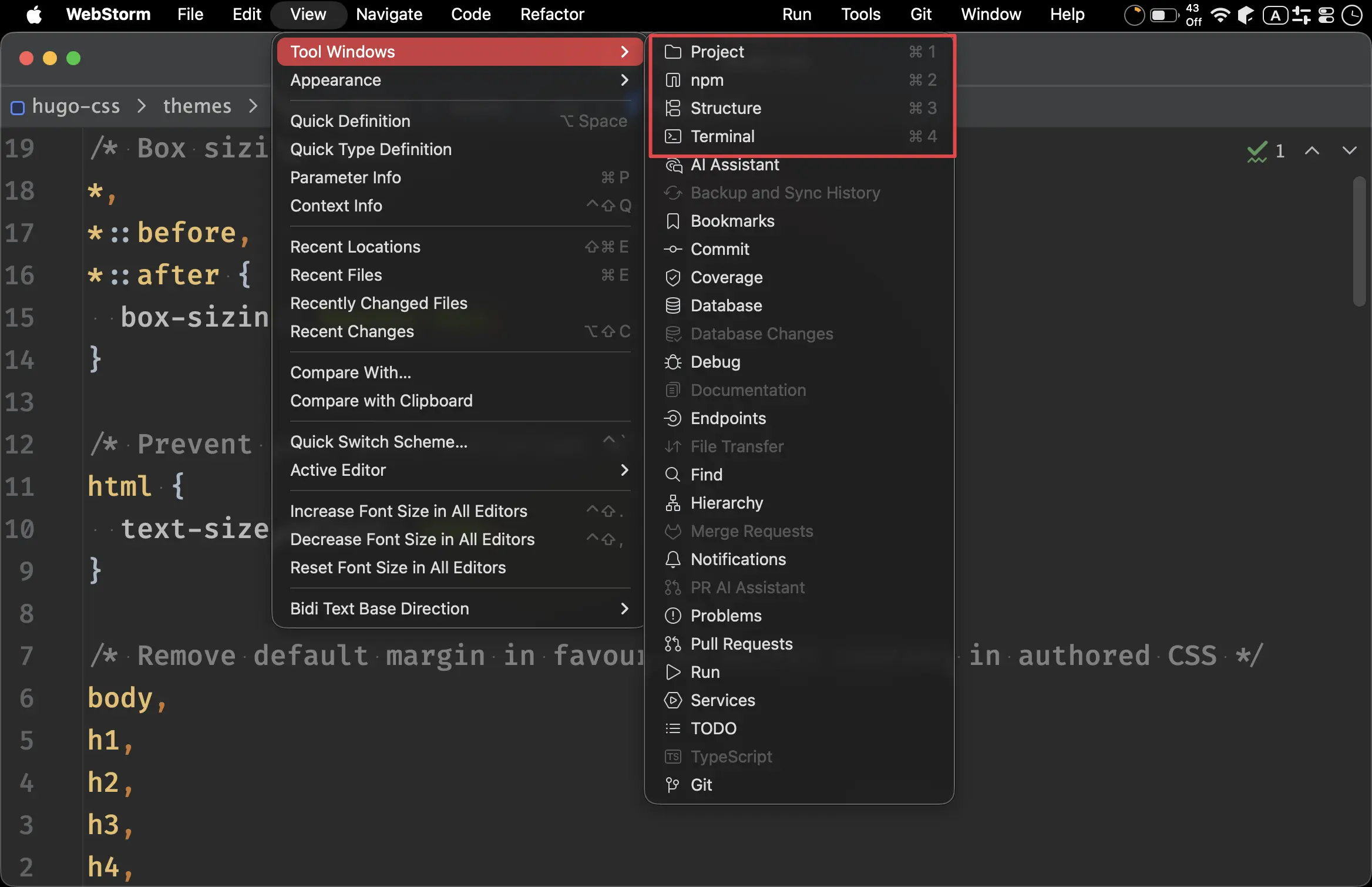
Project:⌘ 1npm:⌘ 2Structure:⌘ 3Terminal:⌘ 4
Keymap
Go to File:⌘ P
Plugins
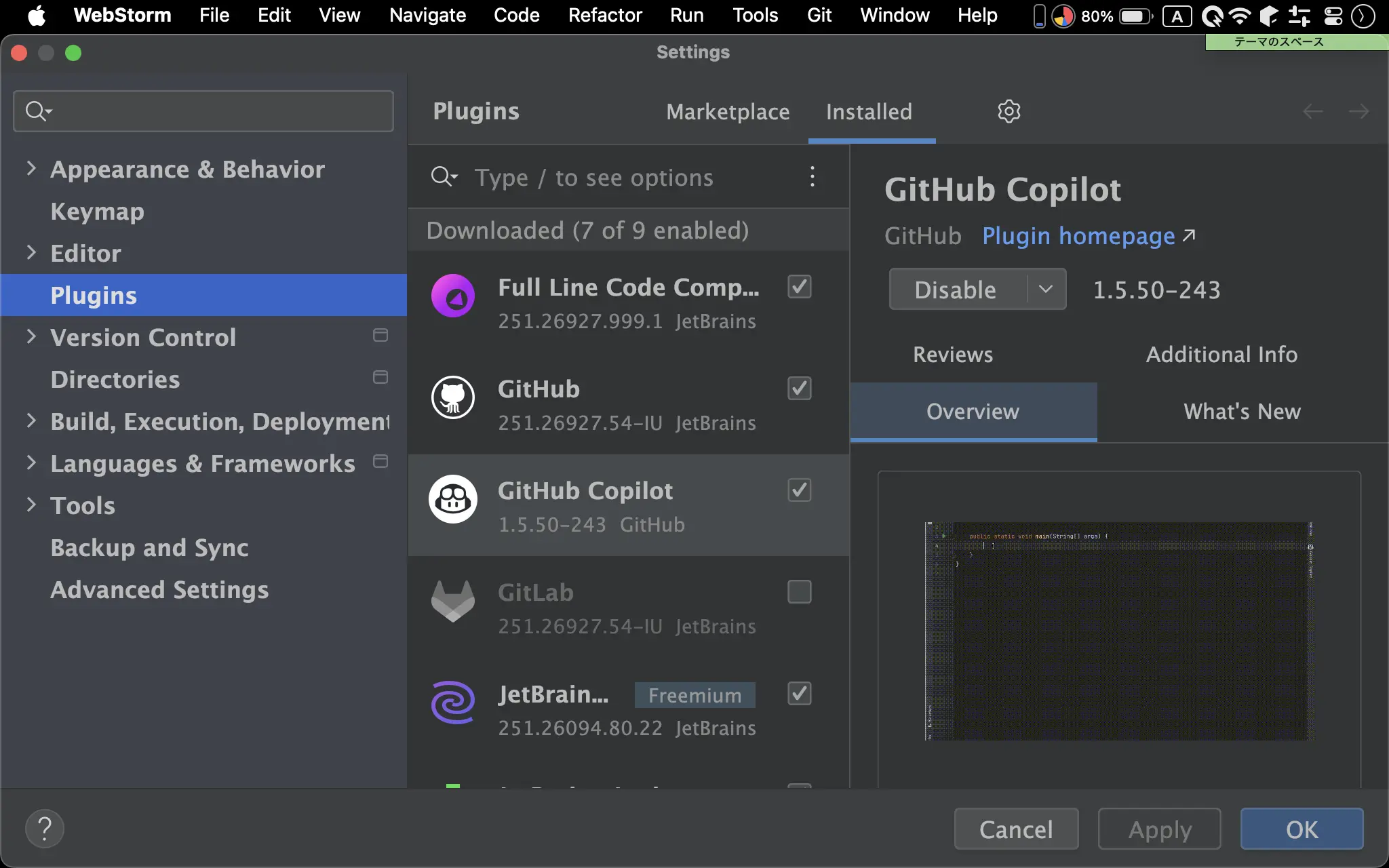
- 安裝 GitHub Copilot
Custom Menu
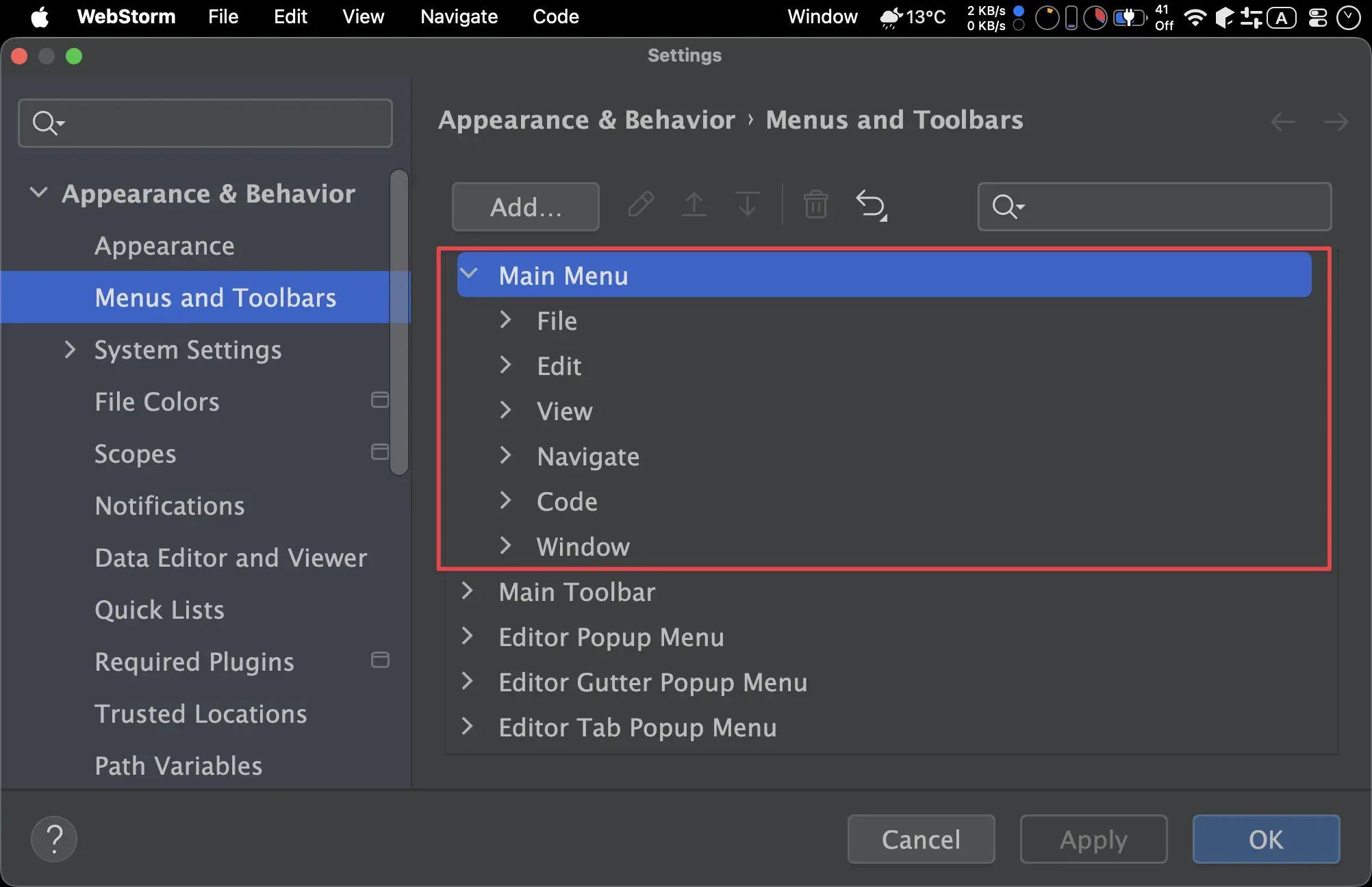
- 移除 Build、Refactor、Run、Tools、Git、Help
- 剩下 File、Edit、View、Navigate、Code、Window