
We can define site variables in config.json and access them by Go template language.
Version
Hugo 0.92
Page
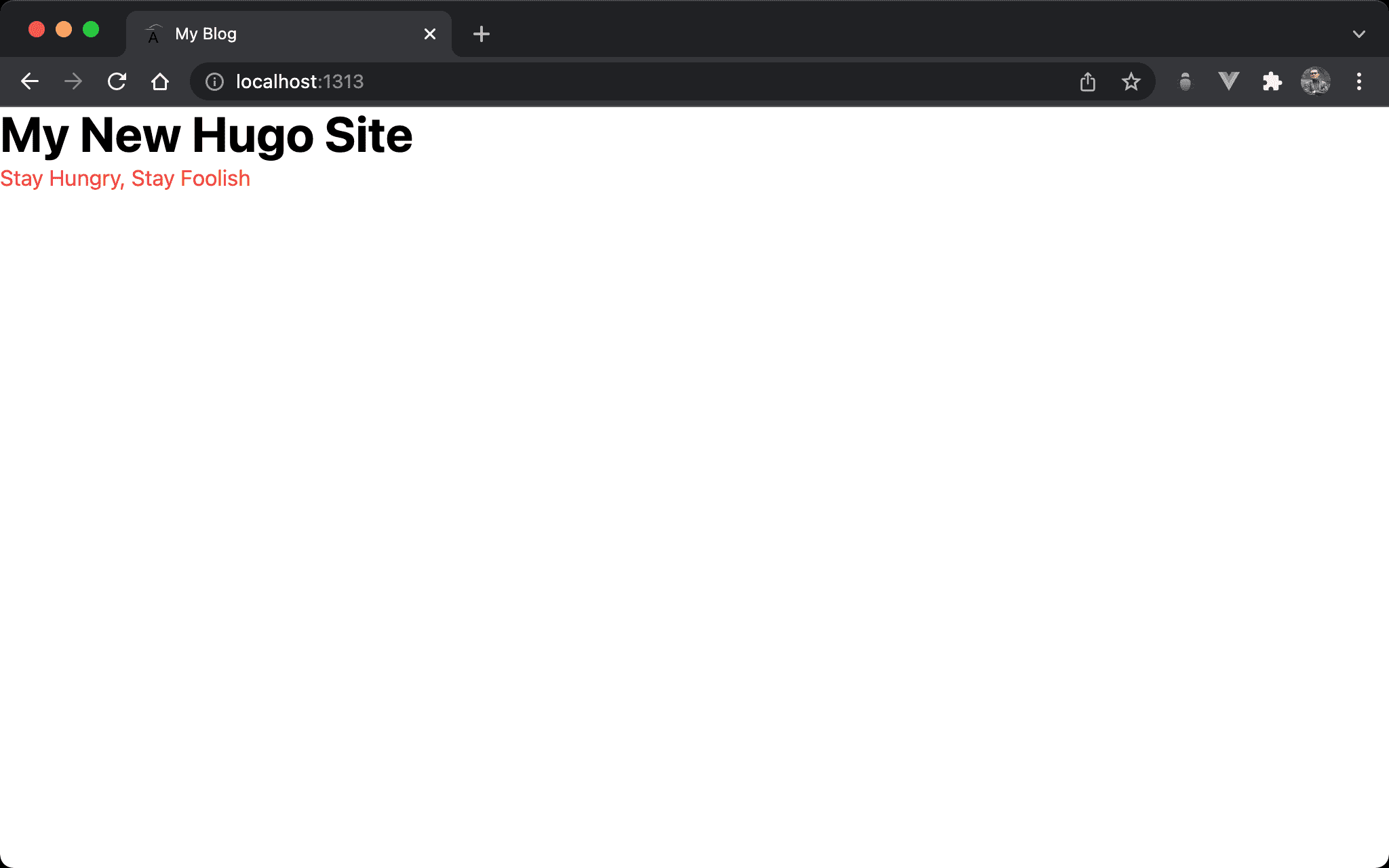
Title and slogan are read from site variables in config.json.
Hugo Config
config.json
{
   "baseURL": "http://example.org/",
   "languageCode": "en-us",
   "title": "My New Hugo Site",
   "params": {
      "slogan": "Stay Hungry, Stay Foolish"
   },
}
title: default site variable defined by Hugo is under root propertyslogan: user-defined site variable is underparamsproperty
Layout
layouts/index.html
<!DOCTYPE html>
<html lang="en">
  <head>
    <meta charset="UTF-8" />
    <meta name="viewport" content="width=device-width, initial-scale=1.0" />
    <script src="alpine.js" defer></script>
    <link rel="stylesheet" href="output.css" />
    <title>{{ .Title }}</title>
  </head>
  <body>
    <h1 class="text-4xl font-bold">{{ .Site.Title }}</h1>
    <p class="text-red-500">{{ .Site.Params.Slogan }}</p>
  </body>
</html>
Line 8
<title>{{ .Title }}</title>
.Title: default page variable is accessed by.with Camelcase
Line 11
<h1 class="text-4xl font-bold">{{ .Site.Title }}</h1>
<p class="text-red-500">{{ .Site.Params.Slogan }}</p>
.Site.Title: default site variable is accessd by.Site.with Camelcase, too.Site.Params.Slogan: user-defined site variable is accessed by.Site.Params.with Camelcase
Conclusion
- Site variables defined in
config.jsoncan be accessed by.Siteon template - User-defined site variables have to be defined under the
paramsproperty or site variable lists provided by Hugo. We can’t create a new user-defined variable under the root context - For user-defined variables, page variable and site variable are all accessed by
ParamsObject on template