
我們可使用 := 在 Go template 內定義變數,並使用 = 改變變數。
Version
Hugo 0.91
Page
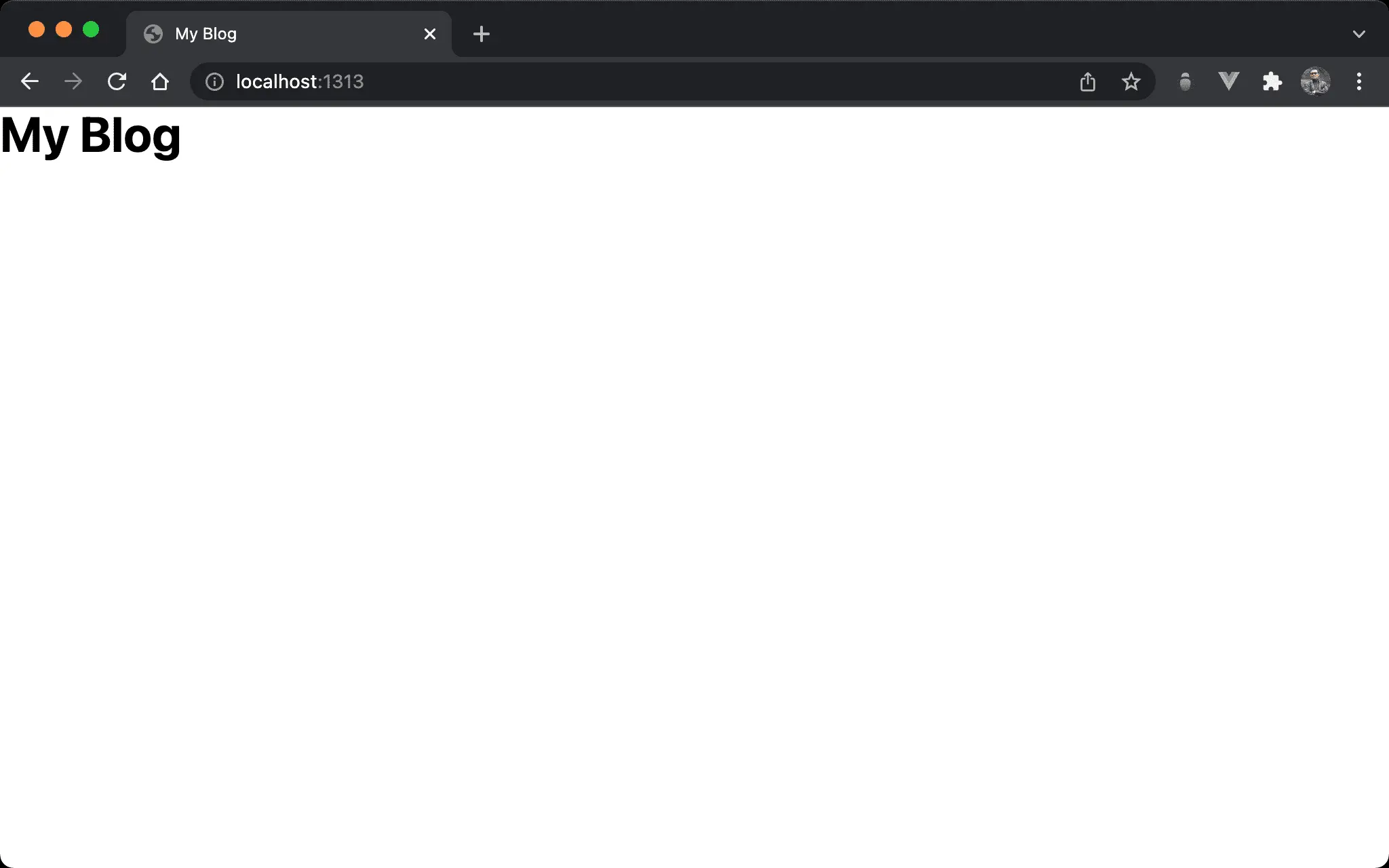
- 顯示 Page variable 與 Site variable
Page Variable
content/_index.md
---
title: My Blog
---
title: 在 markdown 的 front matter 定義 Page variable
Site Variable
config.json
{
   "baseURL": "http://example.org/",
   "languageCode": "en-us",
   "title": "My New Hugo Site",
}
title:在config.json定義 Site variable
Template Variable
layouts/index.html
<!DOCTYPE html>
<html lang="en">
  <head>
    <meta charset="UTF-8" />
    <meta name="viewport" content="width=device-width, initial-scale=1.0" />
    <script src="alpine.js" defer></script>
    <link rel="stylesheet" href="output.css" />
    {{ $title := .Title }}
    {{ if not $title }}
      {{ $title = .Site.Title }}
    {{ end }}
    <title>{{ $title }}</title>
  </head>
  <body>
    <h1 class="text-4xl font-bold">{{ $title }}</h1>
  </body>
</html>
Line 8
{{ $title := .Title }}
$title:以titlePage variable 定義$titleTemplate variable
第一次定義變數需使用
:=
Line 10
{{ $title = .Site.Title }}
$title: 以titleSite variable 定義$titleTemplate variable
第二次敢變變數需使用
=
Line 12
<title>{{ $title }}</title>
$title: 將 Template variable 綁定到 HTML
Conclusion
- Template variable 必須如 PHP 一樣在變數前加上
$