
Hugo 的 Template 使用 Go Template 語言,可將在 Markdown 的資料綁定到 HTML。
Version
Hugo 0.125.2
Page
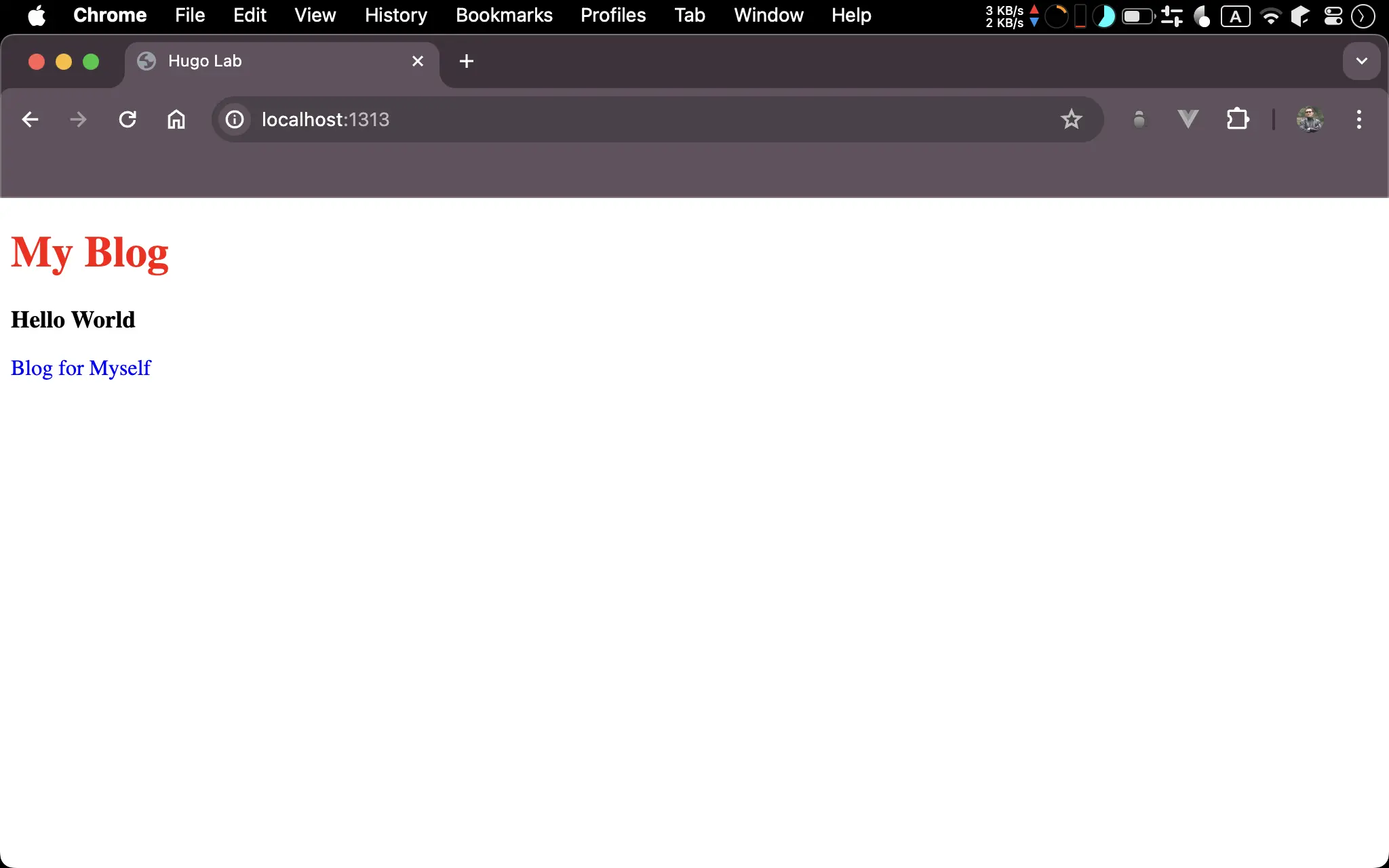
MyBlog與Hello World並非直接寫在 HTML,而是由 Markdown 所提供
Content
content/_index.md
---
title: My Blog
description: Hello World
subtitle: Blog for Myself
---
_index.md: homepage 的 front matter 與 content 位於content目錄下的_index.mdtitle:Hugo 預設的 page variabledescription:Hugo 預設的 page variablesubtitle: 使用者自定義的 page variable
Hugo 規定 homepage 所搭配的 Markdown 檔名必須是
_index.md,不可以是index.md
Layout
layouts/index.html
<!doctype html>
<html>
  <head>
    <meta charset="UTF-8" />
    <meta name="viewport" content="width=device-width, initial-scale=1.0" />
    {{ $title := "Hugo Lab" }}
    <title>{{ $title }}</title>
    <link rel="stylesheet" href="style.css" />
  </head>
  <body>
    <h1 class="title">{{ .Title }}</h1>
    <h2 class="description">{{ .Description }}</h2>
    <p class="subtitle">{{ .Params.Subtitle }}</p>
  </body>
</html>
index.html: 在layout根目錄下的index.html為 homepage 的 template.Title:title為預設 page variable,因此可在PageObject 下直接存取.Description:description為預設 page variable,因此可在PageObject 下直接存取.Params.Subtitle:subtitle為使用者自定義的 page variable,並不存在於PageObject,必須使用ParamsObject 存取
- Template 預設的 context 為
PageObject,因此可直接使用.存取PageObject- Page variable 必須使用
Camelcase存取
Style
static/style.css
.title {
  color: #f00;
  font-size: 2rem;
  font-weight: 700;
}

.description {
  font-size: 1.1rem;
}

.subtitle {
  font-size: 1rem;
  color: #00f;
}
Conclusion
- 在 Template 讀取 Markdown 的 Front Matter 時,必須考慮其為
內建或自訂的 Page Variable,其讀取方式不一樣