
CheckBox 必須點到 方框 才能選取,實務上會想要點擊 Label 也相當於選擇 CheckBox,可將 <input> 與 <label> 合作達成。
Version
HTML 5
CheckBox in Label
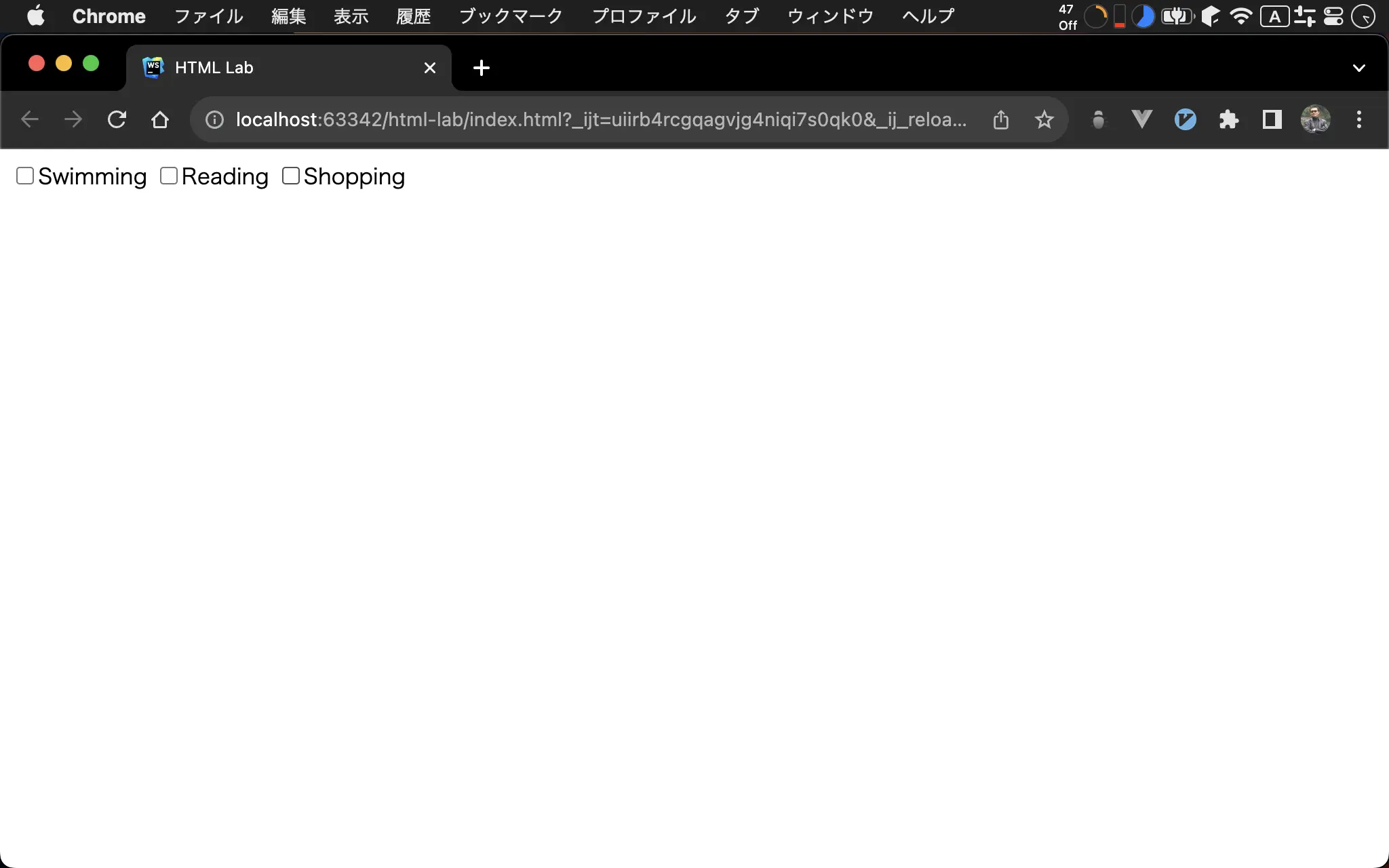
當 cursor 指向 label 時也會出現 pointer,表示點下 label 亦能點選 checkbox。
<!doctype html>
<html lang="en">
  <head>
    <meta charset="UTF-8" />
    <title>HTML Lab</title>
    <style>
      .checkbox label:hover,
      .checkbox input:hover {
        cursor: pointer;
      }
    </style>
  </head>
  <body>
    <div class="checkbox">
      <label><input type="checkbox" />Swimming </label>
      <label><input type="checkbox" />Reading</label>
      <label><input type="checkbox" />Shopping</label>
    </div>
  </body>
</html>
14 行
<div class="checkbox">
  <label><input type="checkbox" />Swimming </label>
  <label><input type="checkbox" />Reading</label>
  <label><input type="checkbox" />Shopping</label>
</div>
- 將
<input>包在<label>內,如此當點下<label>時相當於選擇 checkbox - 將三個
<label>統一放在<div>下設定 CSS
10 行
.checkbox label:hover, .checkbox input:hover {
  cursor: pointer;
}
- 雖然
<label>可點選,但 user 並不知道,因此在label:hover加上cursor: pointer顯示 cursor 提醒 - 希望
<input>也能如 label 有 cursor,因此在input:hover加上cursor: pointer顯示 cursor 提醒 - 將
label:hover與input:hover都放在.checkbox一起設定
Conclusion
- 實務上 checkBox 都會搭配
<label>一起使用,可再搭配hover加上 pointer