
Although we can fully customize console.log with CSS inline style, console.warn provides a simple way to make debugging messages a little different from console.log.
Version
ECMAScript 2015
console.warn
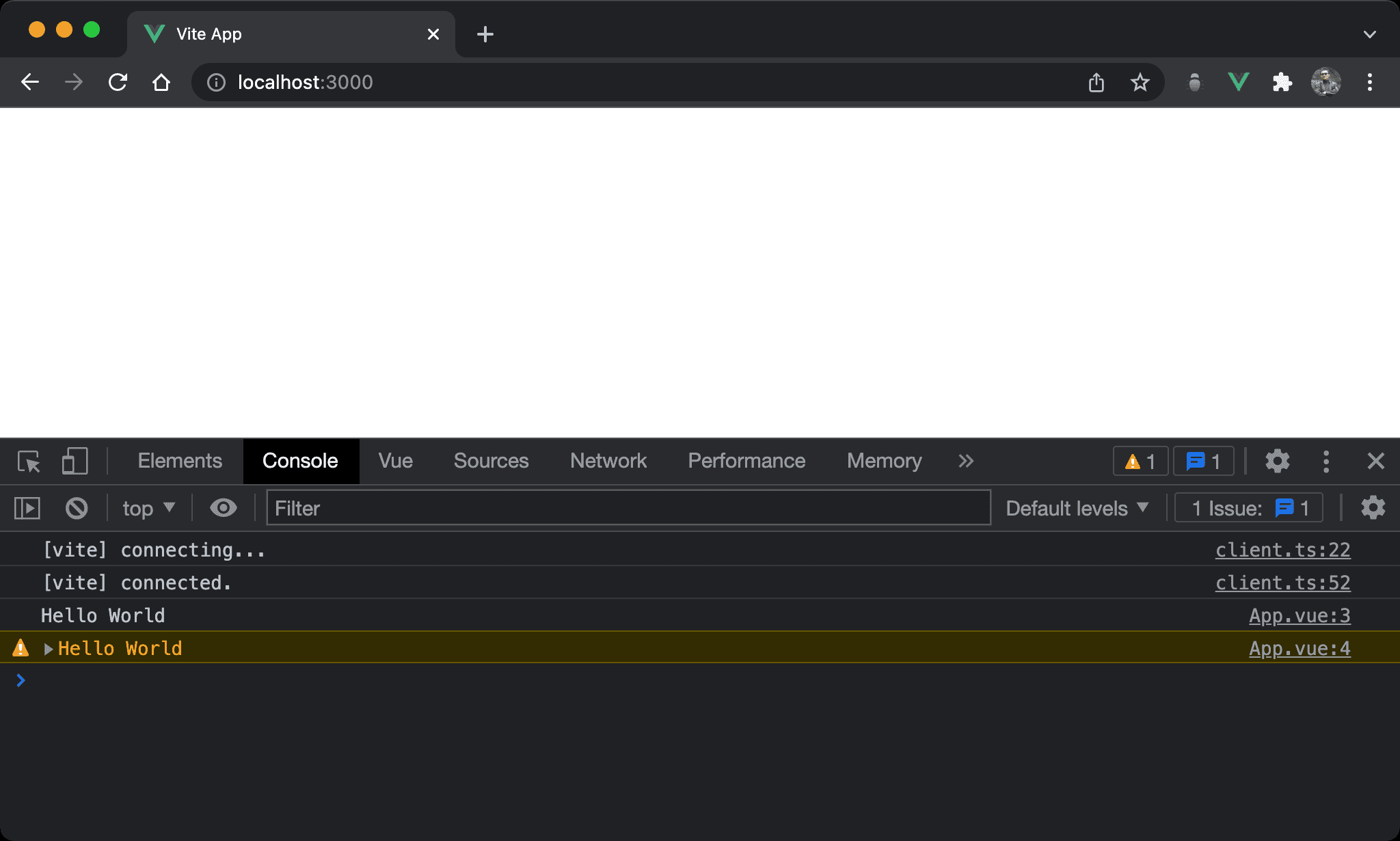
Displaying debugging messages with colors.
<script setup>
let s = 'Hello World'
console.log (`${s}`)
console.warn (`${s}`)
</script>
Both console.log and console.warn can display debugging messages, but the console’s foreground text color is different from console.log.
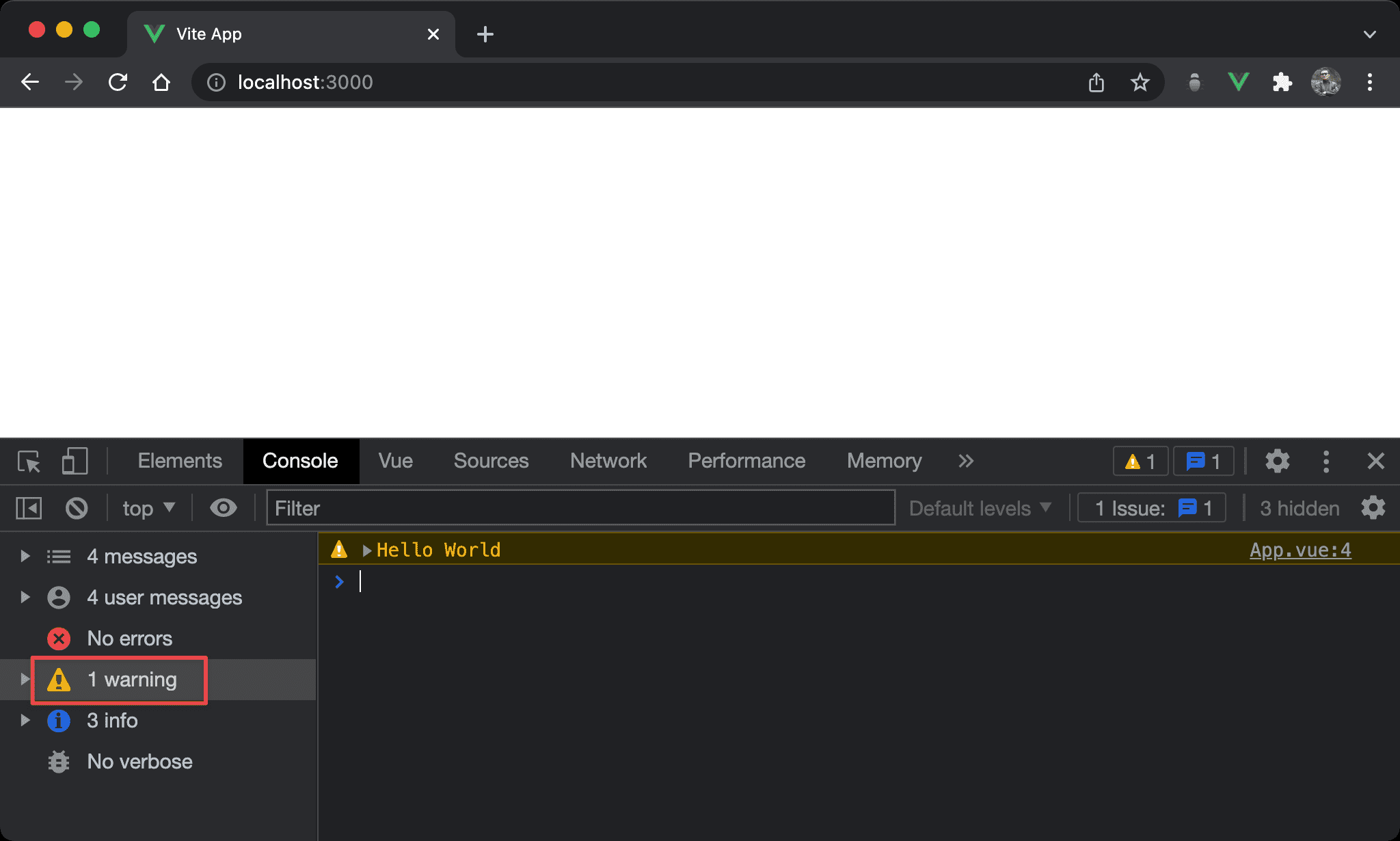
console.warn is categorized by warning group on DevTools.
Conclusion
console.warnis the simplest way to make subtle changes fromconsole.log