
console.log、console.warn and console.error can display debugging messages on the console, but console.error is suitable for displaying runtime error.
Version
ECMAScript 2015
console.error
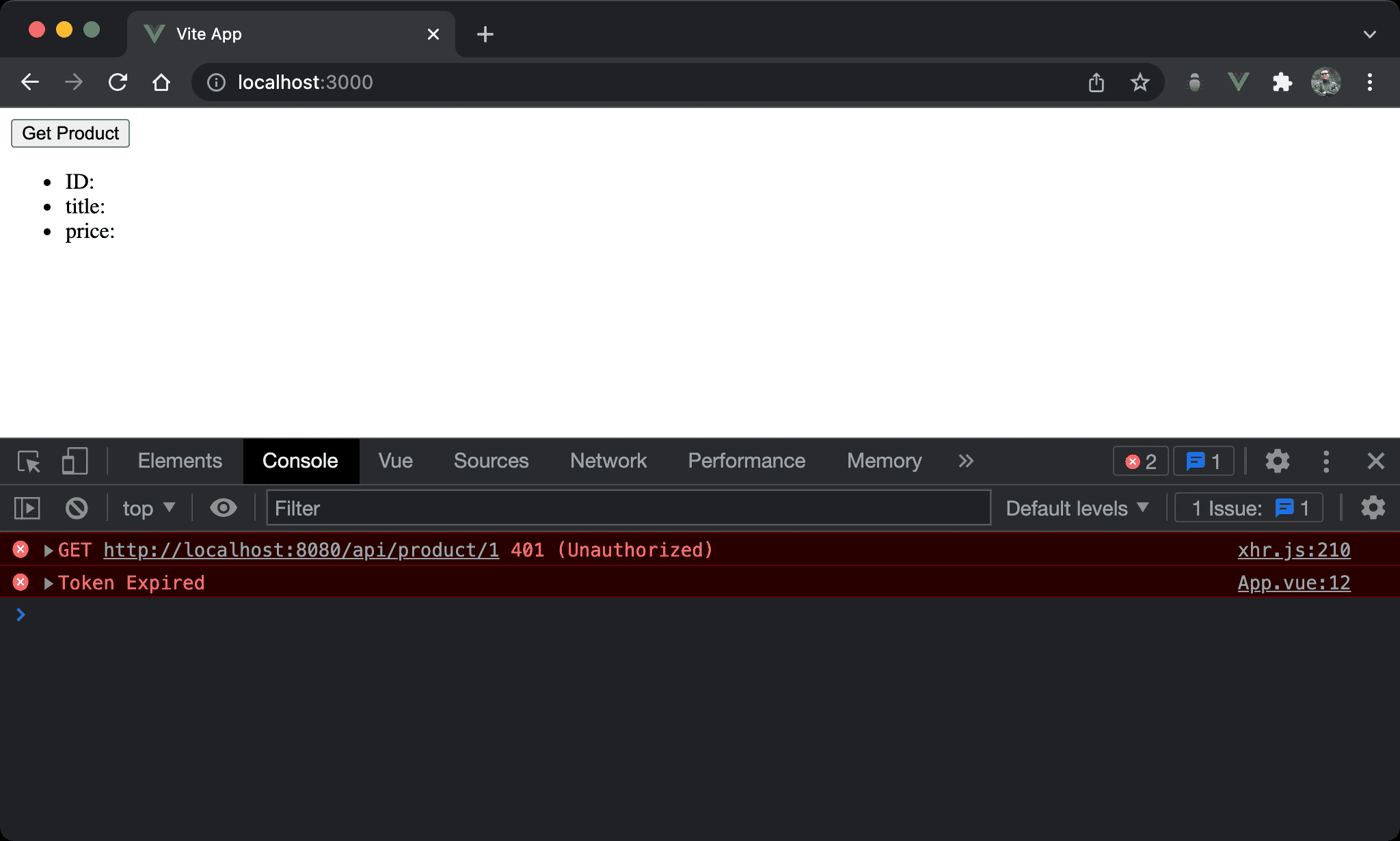
Displaying debugging messages in red.
<script setup>
import axios from 'axios'

let product = $ref ({})

let onClick = async _ => {
  try {
    let { data } = await axios.get ('http://localhost:8080/api/product/1')
    product = data
  }
  catch (e) {
    console.error (e.response.data)
  }
}
</script>

<template>
  <button @click="onClick">Get Product</button>
  <ul>
    <li>ID: {{ product.id }}</li>
    <li>title: {{ product.title }}</li>
    <li>price: {{ product.price }}</li>
  </ul>
</template>
Line 7
try {
  let { data } = await axios.get ('http://localhost:8080/api/product/1')
  product = data
}
catch (e) {
  console.error (e.response.data)
}
API calls may generate runtime error, and it’s an excellent time to use console.error to display debugging messages.
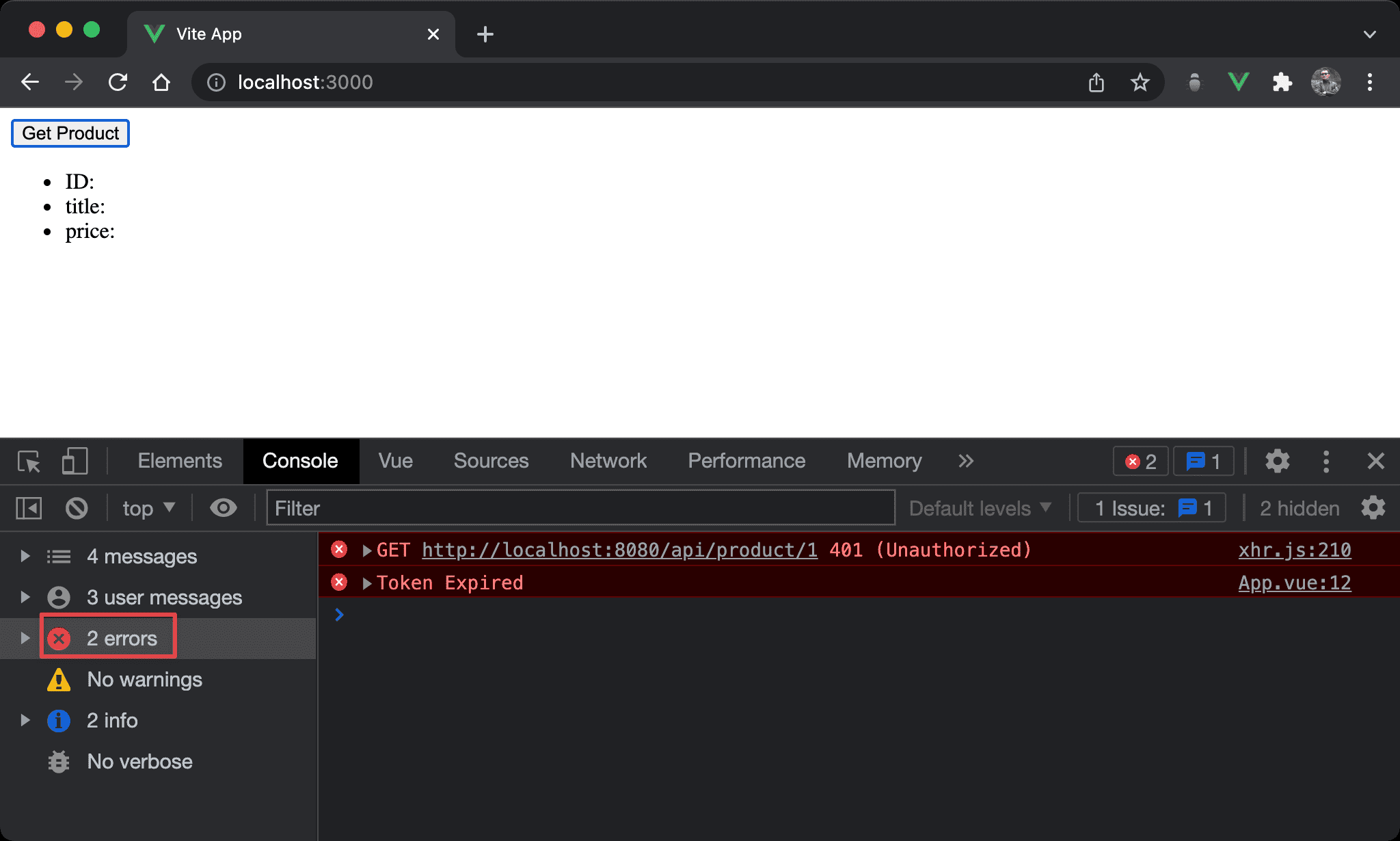
console.error is categorized by errors group on DevTools.
Conclusion
console.erroris the best way to display debugging messages for runtime error