
Not only just showing debugging messages on the console of DevTools, but we can also use CSS to change their style.
Version
ECMAScript 2015
Inline Style
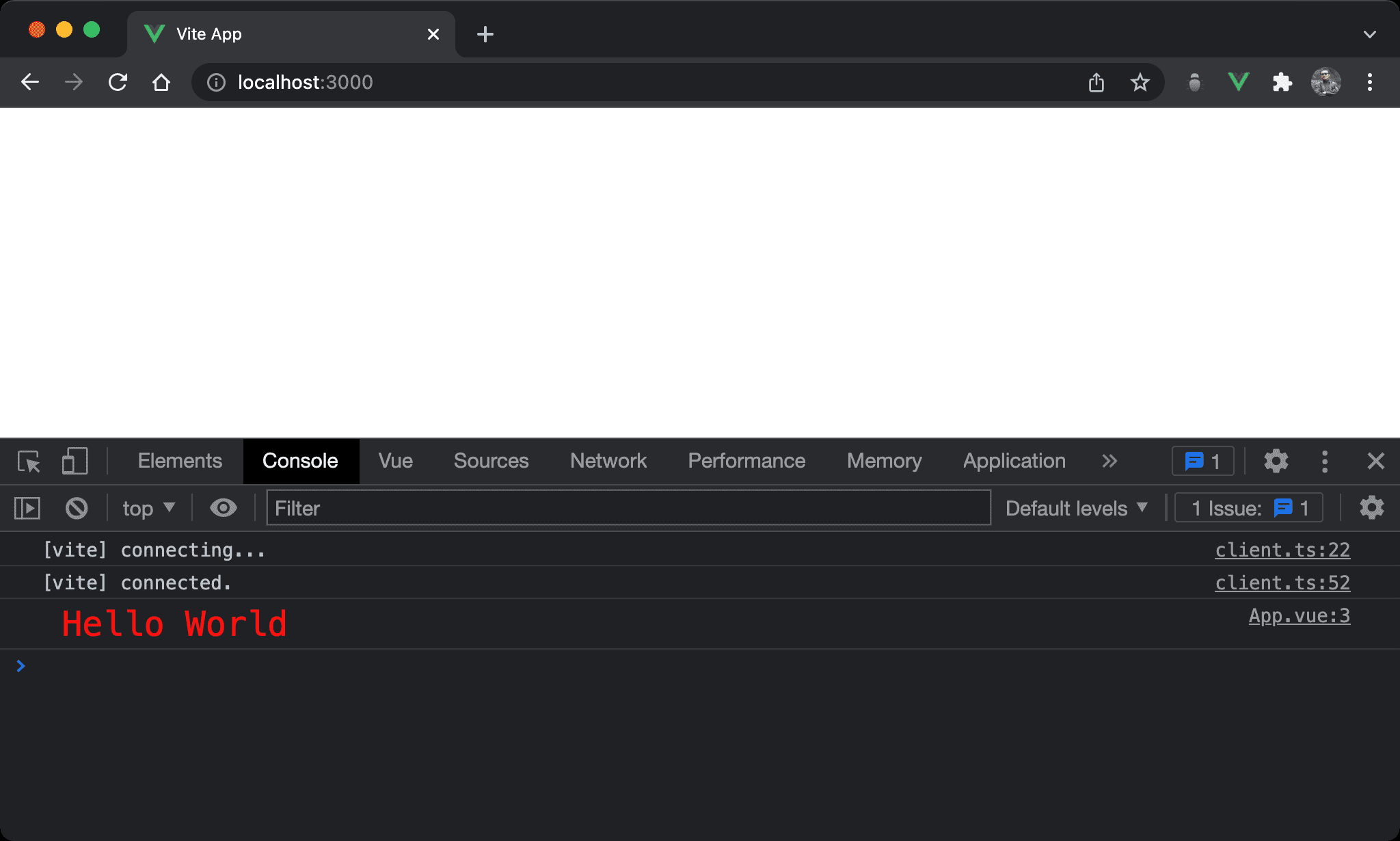
Text in the console is red and much larger.
<script setup>
let s = 'Hello World'
console.log (`%c ${s}`, 'color: red; font-size: 20px')
</script>
Add
%cbefore the StringPass CSS inline style to the 2nd argument of
console.logto specify font color and font size. It improves the readability of debugging messages
Conclusion
- We can change the style of debugging messages by applying CSS inline style