
CSS 的 Descendant Combinator 與 Child Combinator 都可選擇子層 Element,唯 > 只能明確選擇 子代 Element,而不能選擇 孫代 Element。
Version
CSS 3
Descendant Combinator
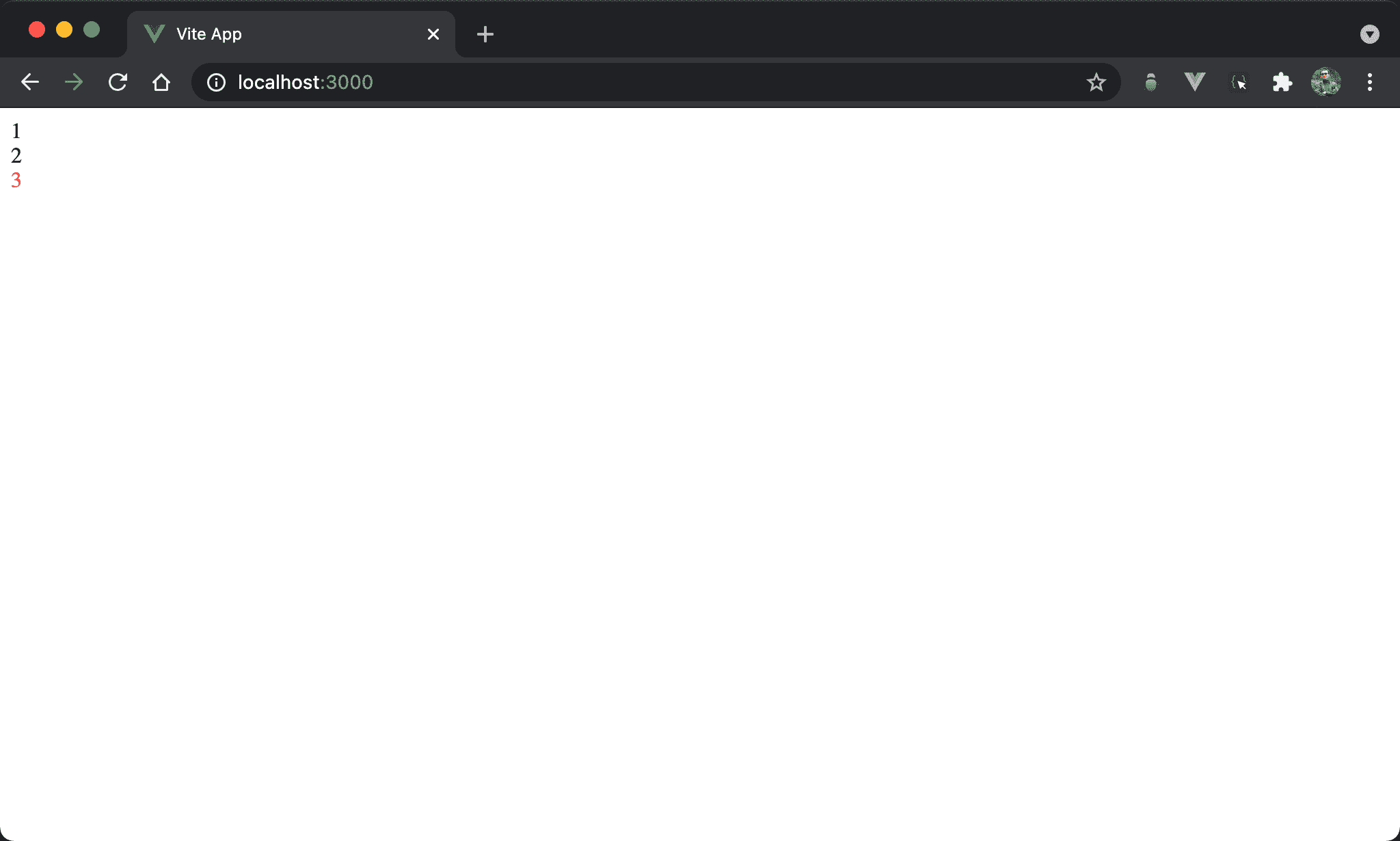
想明確設定 3 為紅色。
<template lang='pug'>
.box1 1
  .box2 2
    .box3 3
</template>

<style scoped>
.box1 .box3 {
  color: red;
}
</style>
第 8 行
.box1 .box3 {
  color: red;
}
使用 descendant combinator 可明確選擇出 3 而變色。
Child Combinator
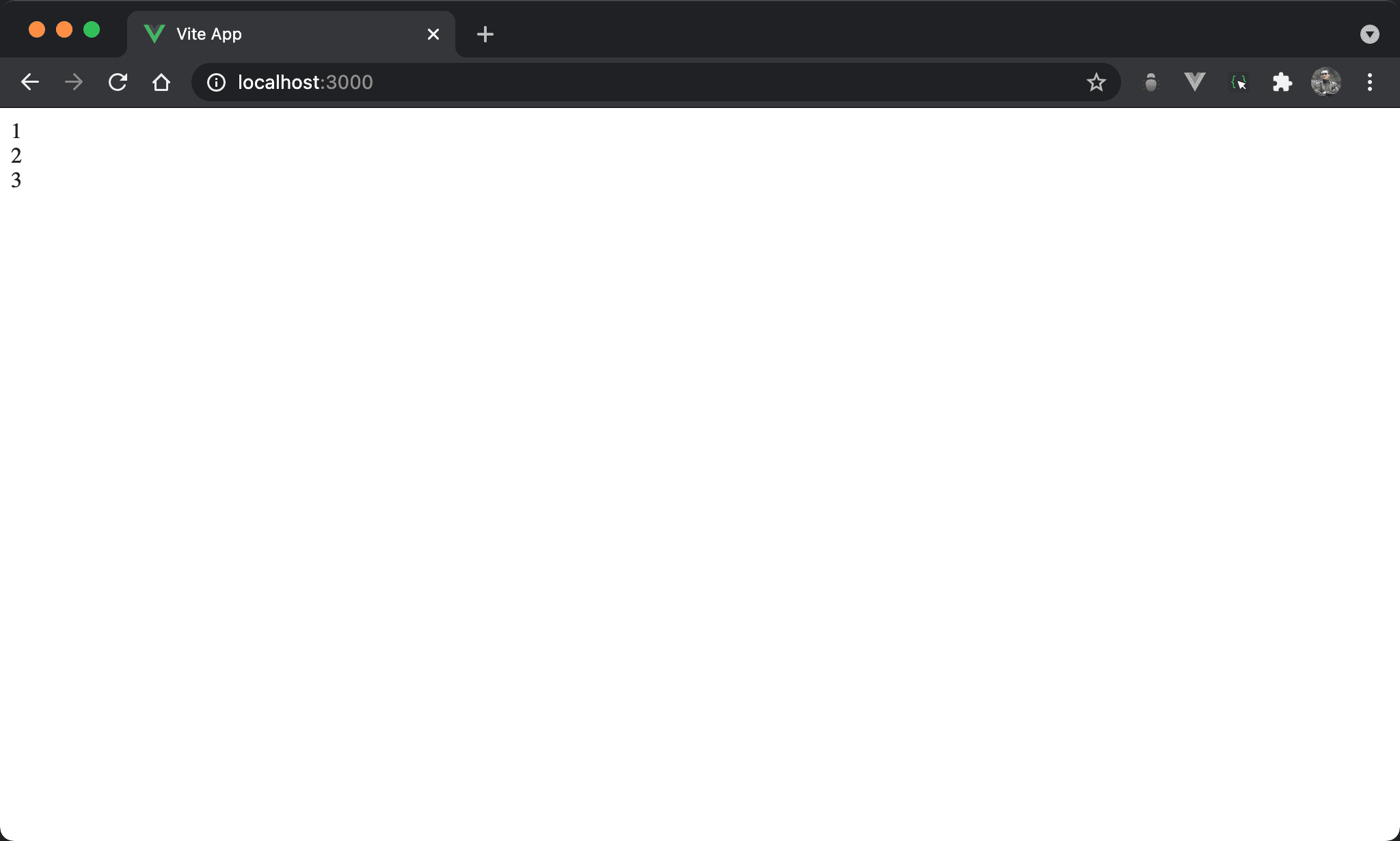
改用 child combinator 則無法選出 3。
<template lang='pug'>
.box1 1
  .box2 2
    .box3 3
</template>

<style scoped>
.box1 > .box3 {
  color: red;
}
</style>
第 8 行
.box1 > .box3 {
  color: red;
}
若使用 >,則 box3 必須明確在 box1 的子層,因此選擇不到 3。
Conclusion
- 實務上較少使用
>,因為很吃 HTML 結構,建議改用 descendant combinator 彈性較高