
當使用 List 顯示資料時,若想要資料能黑白相將方便顯示,可使用 :nth-child() 達成。
Version
CSS 3
Parent Node
:nth-child(odd)
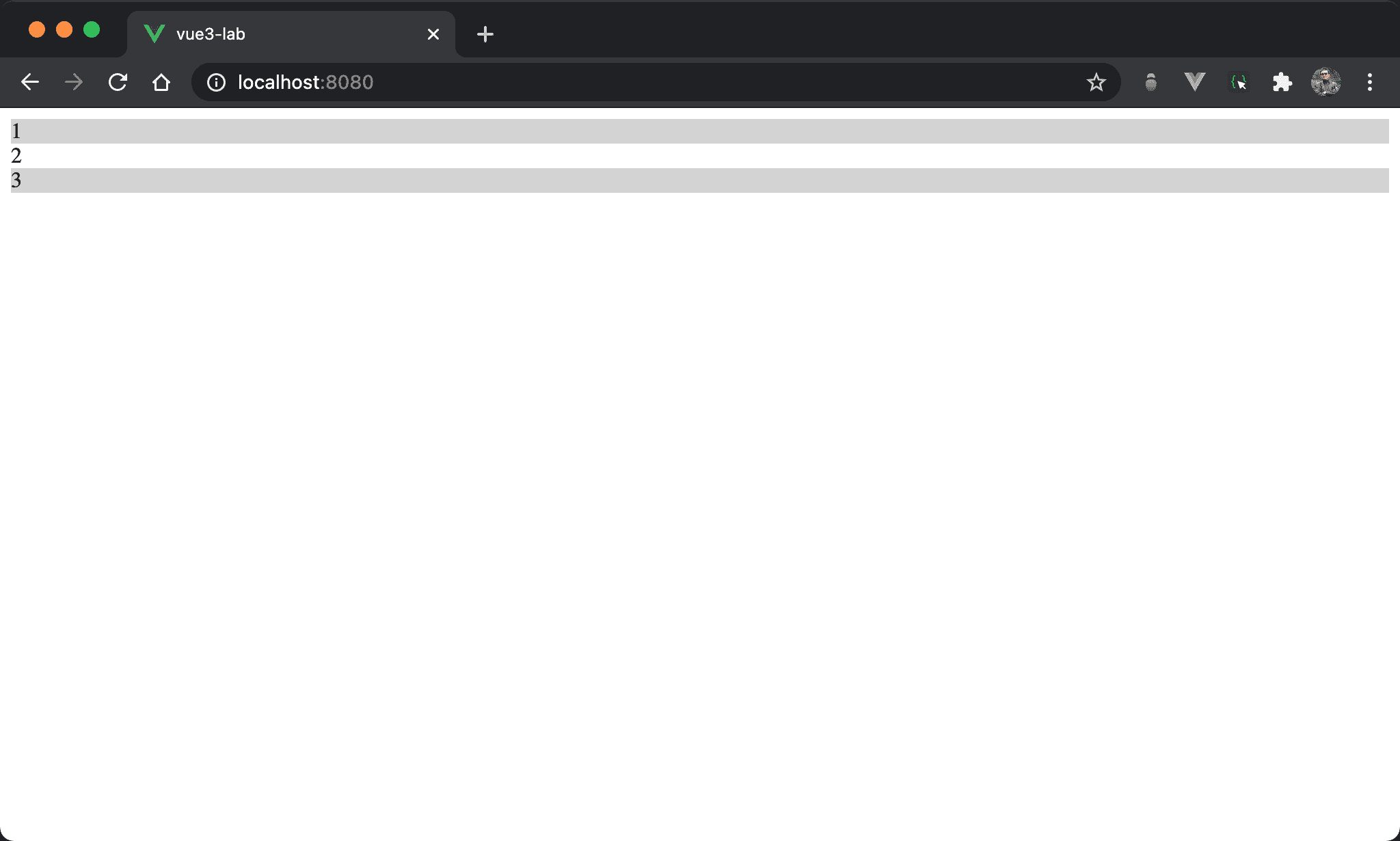
奇數列會以灰底加以區別。
<template>
  <ul>
    <li>1</li>
    <li>2</li>
    <li>3</li>
  </ul>
</template>

<style scoped>
ul {
  list-style: none;
  margin: 0;
  padding: 0;
}

ul :nth-child(odd) {
  background-color: lightgray;
}
</style>
第 2 行
<ul>
  <li>1</li>
  <li>2</li>
  <li>3</li>
</ul>
使用 <ul> 與 <li> 顯示資料。
10 行
ul {
  list-style: none;
  margin: 0;
  padding: 0;
}
list-style: none:使用none使<ul>不顯示 bulletmargin: 0:將 margin reset 為0padding: 0:將 margin reset 為0
16 行
ul :nth-child(odd) {
  background-color: lightgray;
}
:nth-child 若要套用在 parent node,則 ul 與 :nth-child 之間需要有空格:
:nth-child(odd):設定奇數列以lightgray顯示
nth-child(even)
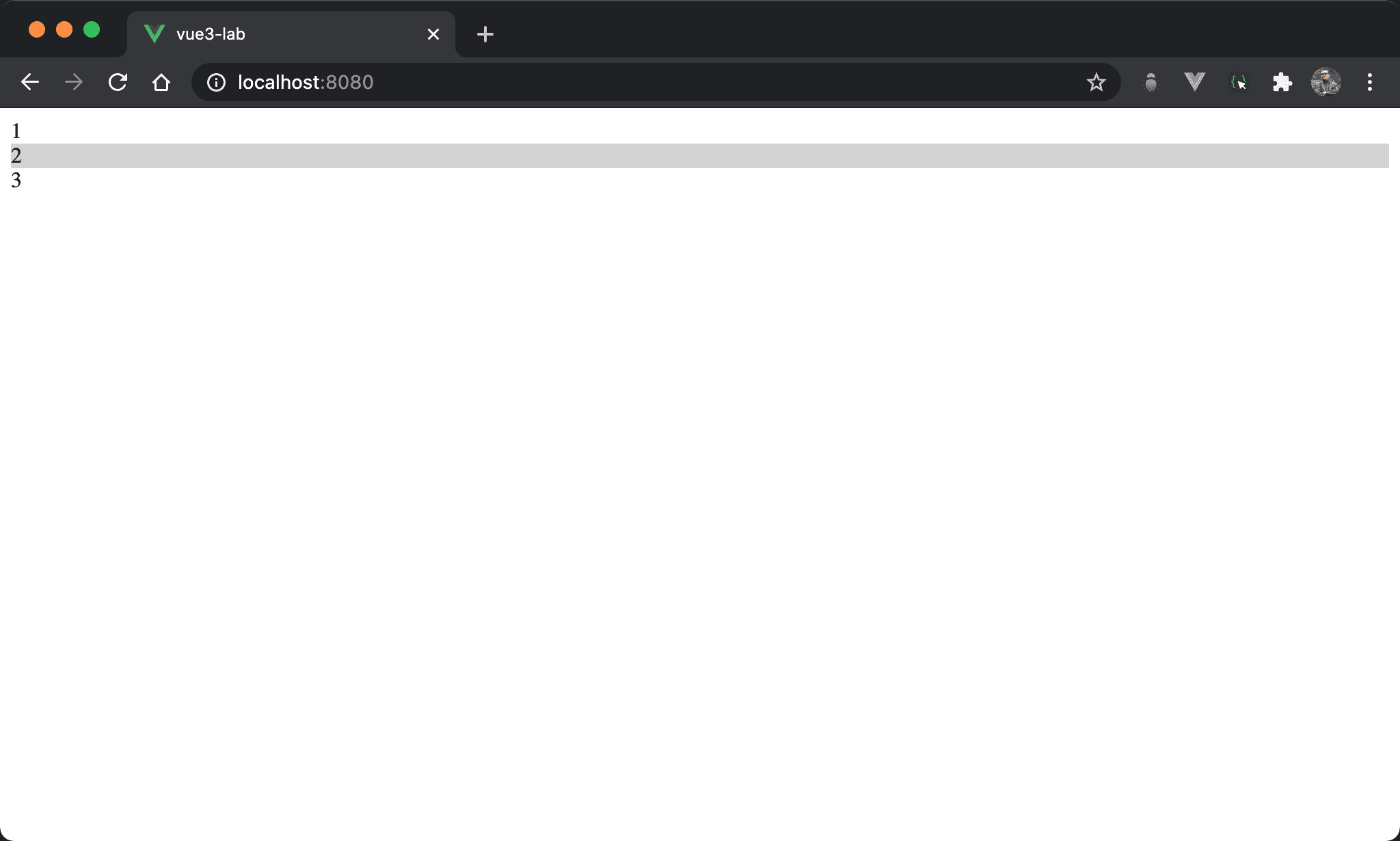
偶數列會以灰底加以區別。
<template>
  <ul>
    <li>1</li>
    <li>2</li>
    <li>3</li>
  </ul>
</template>

<style scoped>
ul {
  list-style: none;
  margin: 0;
  padding: 0;
}

ul :nth-child(even) {
  background-color: lightgray;
}
</style>
16 行
ul :nth-child(even) {
  background-color: lightgray;
}
:nth-child 若要套用在 parent node,則 ul 與 :nth-child 之間需要有空格:
nth-child(even):設定偶數列以lightgray顯示
Child Node
:nth-child(odd)
奇數列會以灰底加以區別,但使用 child node 改寫。
<template>
  <ul>
    <li>1</li>
    <li>2</li>
    <li>3</li>
  </ul>
</template>

<style scoped>
ul {
  list-style: none;
  margin: 0;
  padding: 0;
}

li:nth-child(odd) {
  background-color: lightgray;
}
</style>
16 行
li:nth-child(odd) {
  background-color: lightgray;
}
:nth-child 若要套用在 child node,則 li 與 :nth-child 之間沒有空格:
:nth-child(odd):設定奇數列以lightgray顯示
:nth-child(even)
偶數列會以灰底加以區別,但使用 child node 改寫。
<template>
  <ul>
    <li>1</li>
    <li>2</li>
    <li>3</li>
  </ul>
</template>

<style scoped>
ul {
  list-style: none;
  margin: 0;
  padding: 0;
}

li:nth-child(even) {
  background-color: lightgray;
}
</style>
16 行
li:nth-child(even) {
  background-color: lightgray;
}
:nth-child 若要套用在 child node,則 li 與 :nth-child 之間沒有空格:
nth-child(even):設定偶數列以lightgray顯示
Conclusion
:nth-child()是以1開始,與 JavaScript 以0開始不同