
由於 Relative 是相對於原 Element 空間做 Shift,因此可能與其他 Element 有 Overlap,因此必須考慮其 Overlap 優先權。
Version
CSS 3
Flow Layout
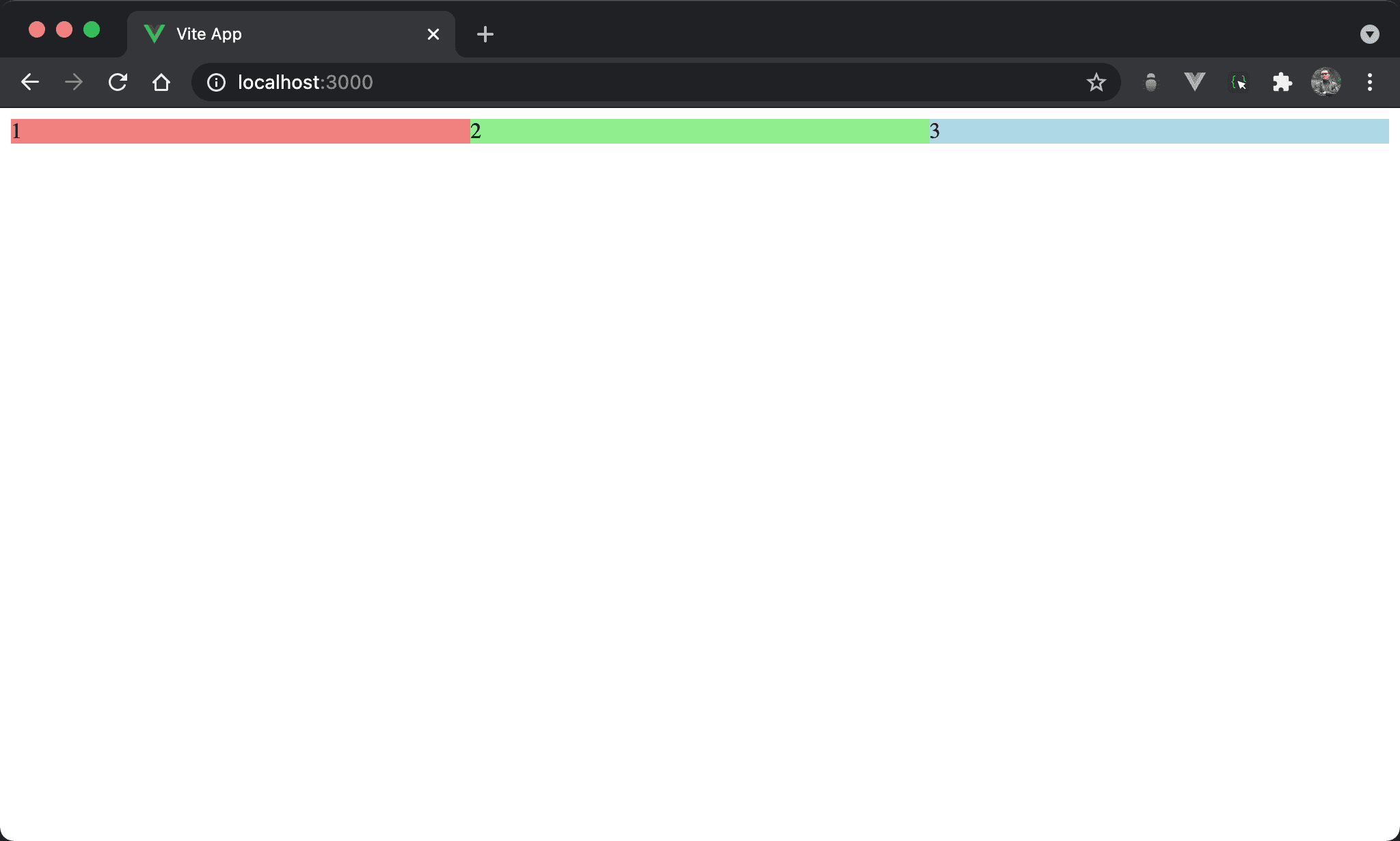
三個 column 平分水平寬度。
<template>
  <div class="box">
    <div class="item item1">1</div>
    <div class="item item2">2</div>
    <div class="item item3">3</div>
  </div>
</template>

<style scoped>
.box {
  display: flex;
}

.item {
  width: 33.33%;
}

.item1 {
  background: lightcoral;
}

.item2 {
  background: lightgreen;
}

.item3 {
  background: lightblue;
}
</style>
10 行
.box {
  display: flex;
}
設定父層 box style:
display: flex:為了子層 item 能水平排列使用 Flexbox
14 行
.item {
  width: 33.33%;
}
設定子層 item 共同 style:
width: 33.33%:所有子層 item 的寬度都是33.33%,因此三分水平寬度
18 行
.item1 {
  background: lightcoral;
}

.item2 {
  background: lightgreen;
}

.item3 {
  background: lightblue;
}
設定各子層 item 的背景色。
Overlap
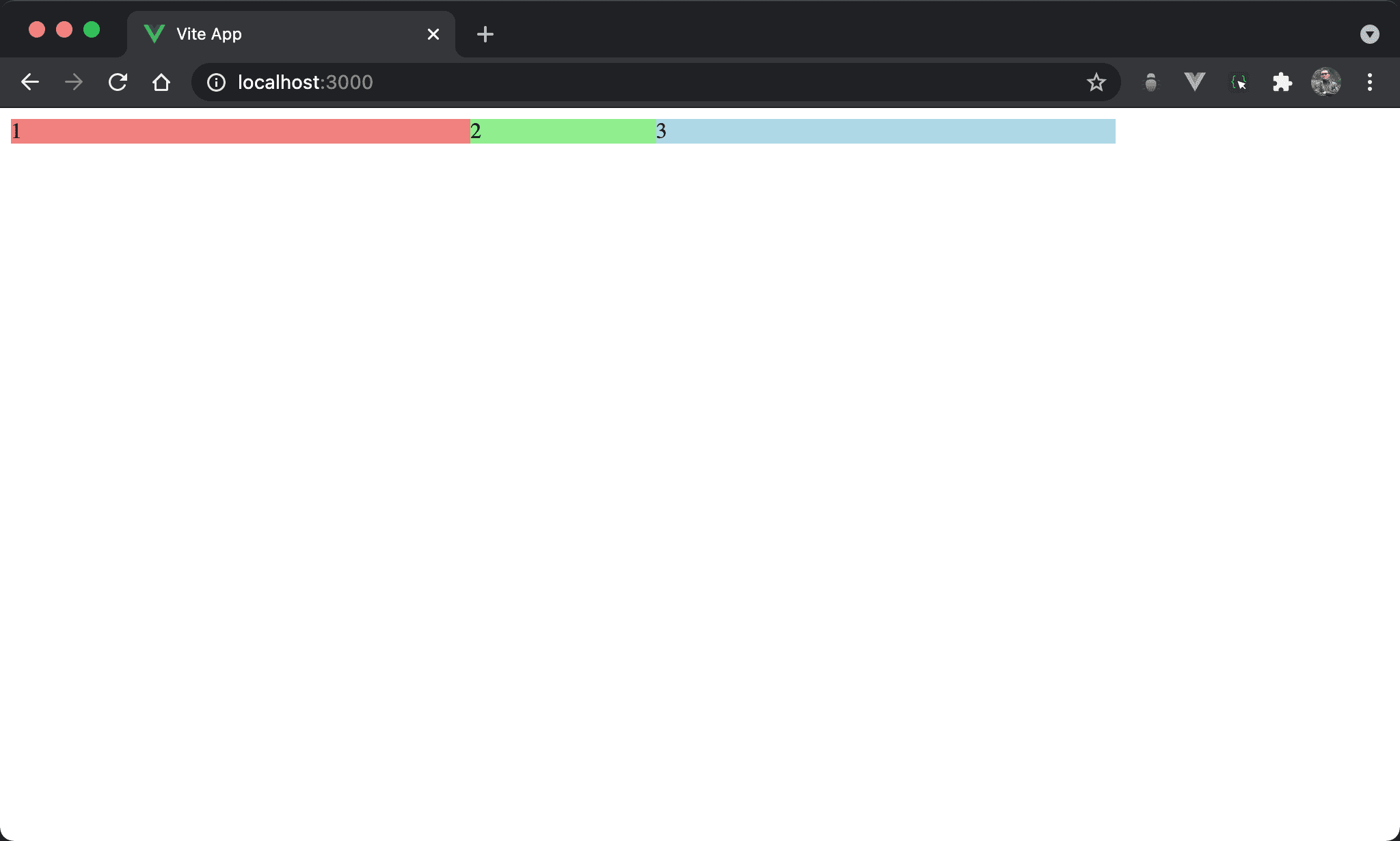
Item3 的藍色 box 覆蓋了 item2 的綠色 box。
<template>
  <div class="box">
    <div class="item item1">1</div>
    <div class="item item2">2</div>
    <div class="item item3">3</div>
  </div>
</template>

<style scoped>
.box {
  display: flex;
}

.item {
  width: 33.33%;
}

.item1 {
  background: lightcoral;
}

.item2 {
  background: lightgreen;
  margin-right: -200px;
}

.item3 {
  background: lightblue;
}
</style>
22 行
.item2 {
  background: lightgreen;
  margin-right: -200px;
}
設定子層 item2 style:
margin-right: -200px:因為 item2 的margin-right設定為負值,所以 item3 的藍色 box 覆蓋了 item2 的綠色 box
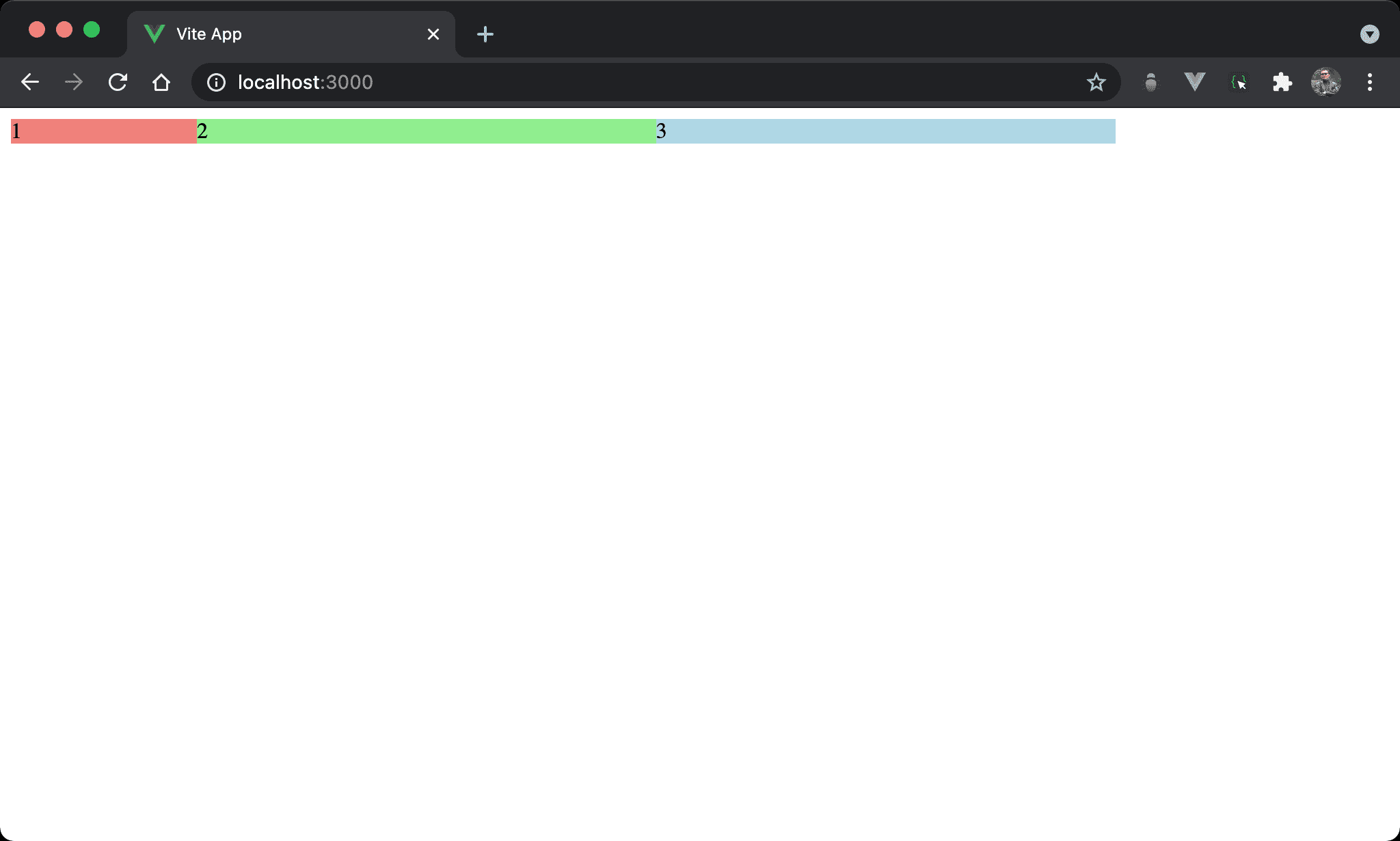
Item2 的綠色 box 覆蓋了 item1 的紅色 box。
<template>
  <div class="box">
    <div class="item item1">1</div>
    <div class="item item2">2</div>
    <div class="item item3">3</div>
  </div>
</template>

<style scoped>
.box {
  display: flex;
}

.item {
  width: 33.33%;
}

.item1 {
  background: lightcoral;
}

.item2 {
  background: lightgreen;
  margin-left: -200px;
}

.item3 {
  background: lightblue;
}
</style>
22 行
.item2 {
  background: lightgreen;
  margin-left: -200px;
}
設定子層 item2 style:
margin-left: -200px:因為 item2 的margin-left設定為負值,所以 item2 的綠色 box 覆蓋了 item1 的紅色 box
可發現在 flow layout 下,越後面 HTML 會覆蓋越前面,也就是 HTML 位置決定了覆蓋結果
Overlap with Relative
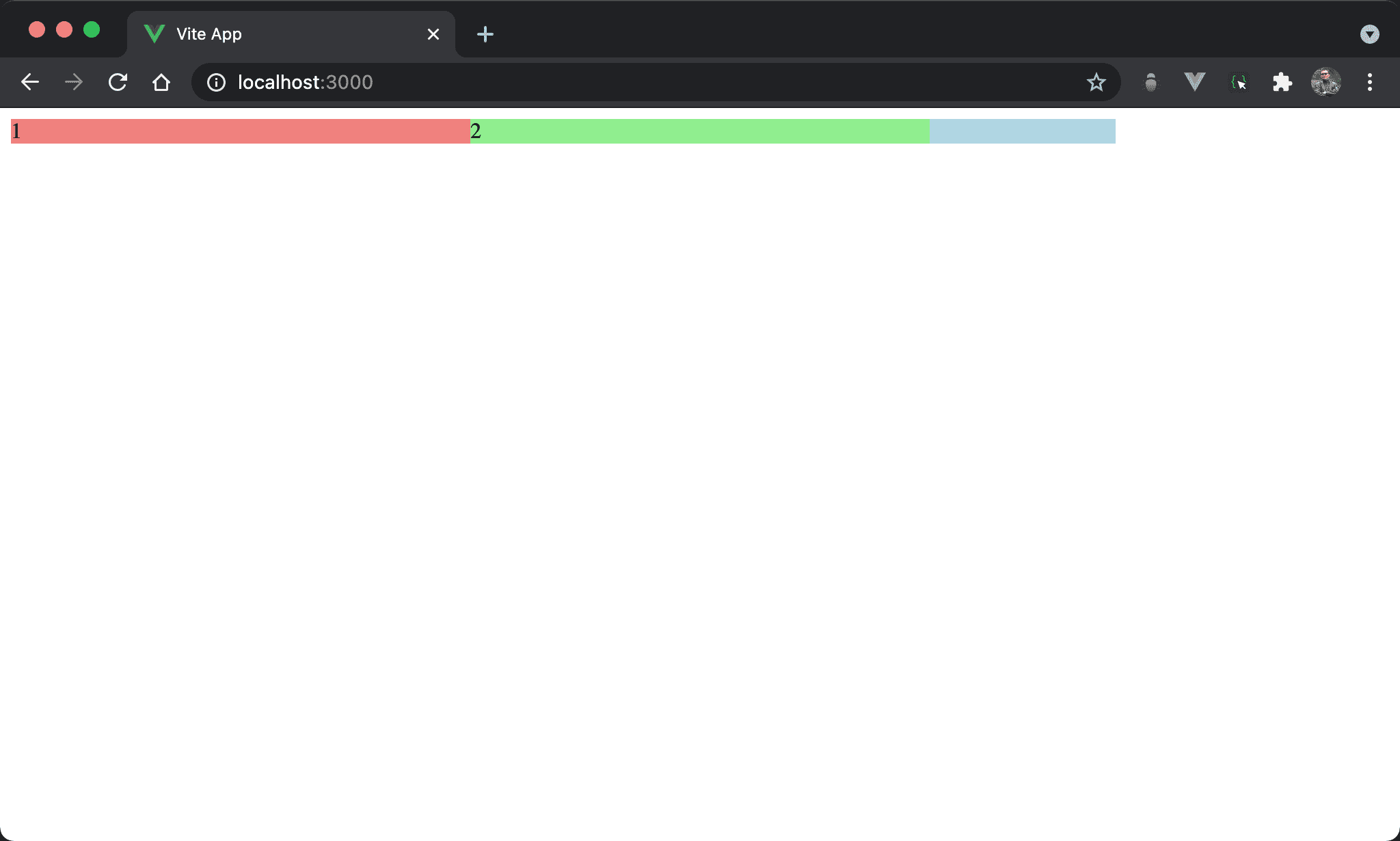
Item2 的綠色 box 覆蓋了 item3 的藍色 box,甚至連 3 字眼都被覆蓋。
<template>
  <div class="box">
    <div class="item item1">1</div>
    <div class="item item2">2</div>
    <div class="item item3">3</div>
  </div>
</template>

<style scoped>
.box {
  display: flex;
}

.item {
  width: 33.33%
}

.item1 {
  background: lightcoral;
}

.item2 {
  position: relative;
  background: lightgreen;
  margin-right: -200px;
}

.item3 {
  background: lightblue;
}
</style>
22 行
.item2 {
  position: relative;
  background: lightgreen;
  margin-right: -200px;
}
設定子層 item2 style:
position: relative:item2 多了 relative positionmargin-right: -200px:依然將margin-right設定成負值,但因為其 position 變成relative,其 overlap 優先權提高,因此 item2 的綠色 box 覆蓋了 item3 的藍色 box
也就是當使用 relative position 時,會將其 overlap 優先權提高,大於實際 HTML 順序
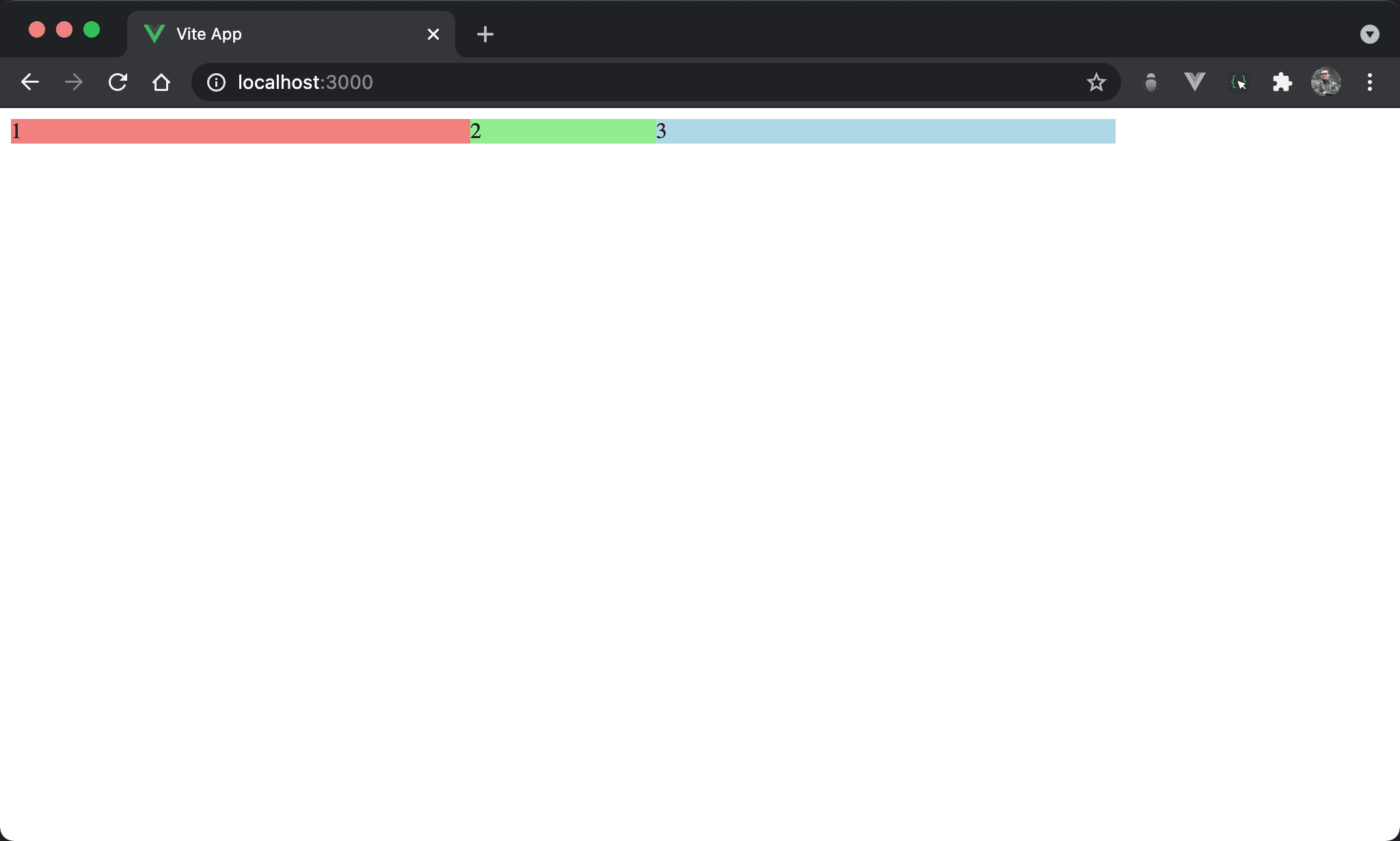
Item3 的藍色 box 再度覆蓋了 item2 的綠色 box。
<template>
  <div class="box">
    <div class="item item1">1</div>
    <div class="item item2">2</div>
    <div class="item item3">3</div>
  </div>
</template>

<style scoped>
.box {
  display: flex;
}

.item {
  width: 33.33%;
}

.item1 {
  background: lightcoral;
}

.item2 {
  position: relative;
  background: lightgreen;
  margin-right: -200px;
}

.item3 {
  position: relative;
  background: lightblue;
}
</style>
22 行
.item2 {
  position: relative;
  background: lightgreen;
  margin-right: -200px;
}

.item3 {
  position: relative;
  background: lightblue;
}
position: relative:Item2 與 item3 都使用了relative,此時再度由 HTML 位置決定 overlap
z-index
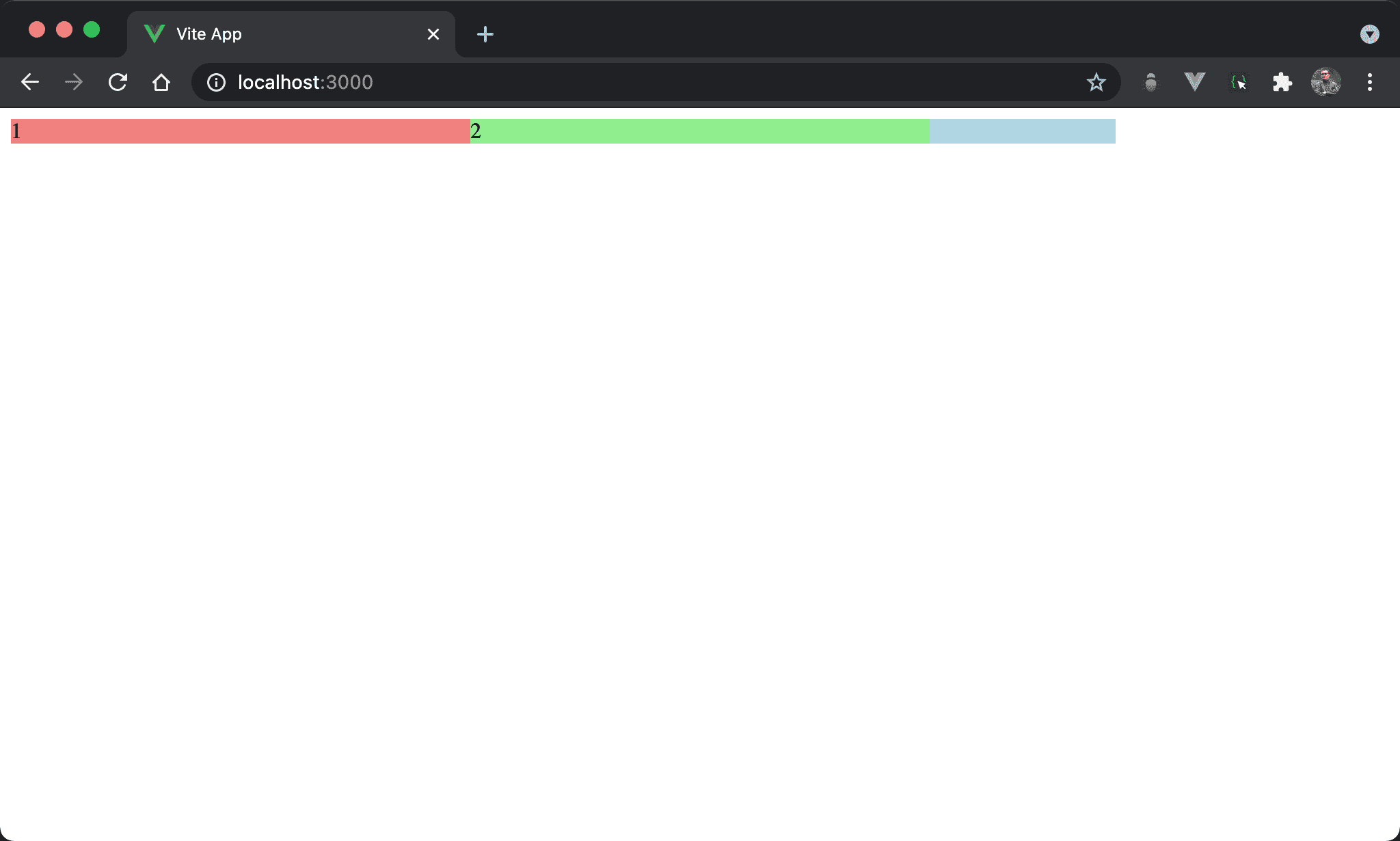
Item2 的綠色 box 再度覆蓋了 item3 的藍色 box。
<template>
  <div class="box">
    <div class="item item1">1</div>
    <div class="item item2">2</div>
    <div class="item item3">3</div>
  </div>
</template>

<style scoped>
.box {
  display: flex;
}

.item {
  width: 33.33%;
}

.item1 {
  background: lightcoral;
}

.item2 {
  position: relative;
  background: lightgreen;
  margin-right: -200px;
  z-index: 1;
}

.item3 {
  position: relative;
  background: lightblue;
}
</style>
22 行
.item2 {
  position: relative;
  background: lightgreen;
  margin-right: -200px;
  z-index: 1;
}

.item3 {
  position: relative;
  background: lightblue;
}
z-index: 1:item2 與 item3 都使用了position: relative,但 item2 多了z-index: 1,而z-index預設值為0,因此 iterm2 的 overlap 優先權再次大於 item3 而覆蓋
Conclusion
- 一般 flow layout 下,HTML 位置決定了 overlap 結果,越後面的 HTML 優先權愈高
- 當 element 設定 relative position 時,其 overlap 優先權大於 HTML 位置;若都設定 overlap 則比較 HTML 位置
- 當 element 設定
z-index時,其 overlap 優先權又大於 relative position,也就是z-index>relative> HTML 位置