
藉由 Fixed Position 與 top、bottom、left 、right 與 margin: auto 靈活運用,可以排出很多特殊 Layout。
Version
CSS 3
Top / Right
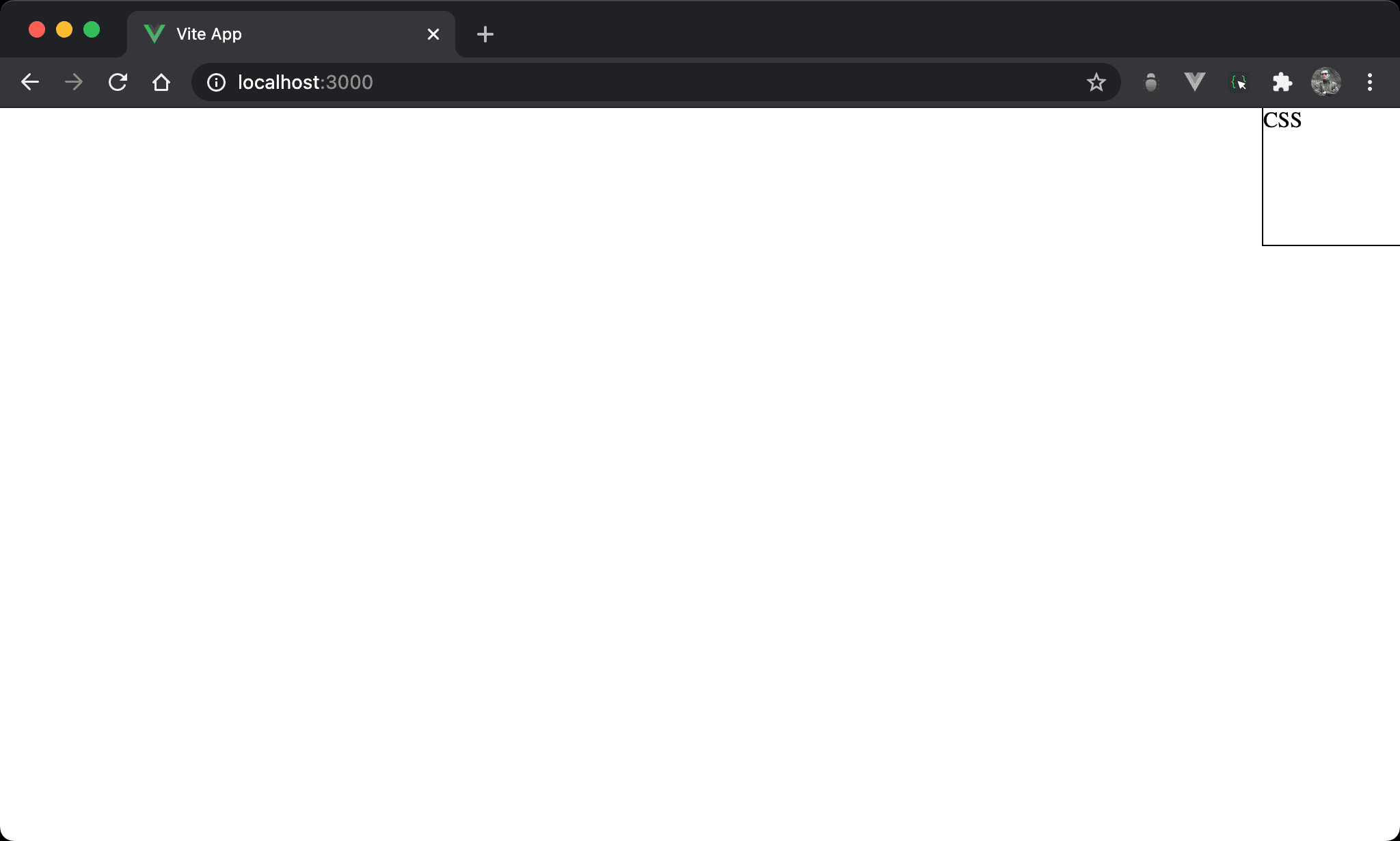
Box 方框位於右上角。
<template>
  <div class="box">
    CSS
  </div>
</template>

<style scoped>
.box {
  width: 100px;
  height: 100px;
  position: fixed;
  top: 0;
  right: 0;
  outline: 1px solid black;
}
</style>
第 8 行
.box {
  width: 100px;
  height: 100px;
  position: fixed;
  top: 0;
  right: 0;
  outline: 1px solid black;
}
設定父層 box style:
width: 100px:設定 box widthheight: 100px:設定 box heightposition: fixed:使用 fixed positiontop: 0:設定 box 上緣與 browser 距離為0right: 0:設定 box 右緣與 browser 距離為0,因此 box 位於右上角outline: 1px solid black:為了視覺顯示方框,實務上可不使用
Browser 會根據
width、height、top、bottom、right與left取最嚴格條件最後顯示
All Zero
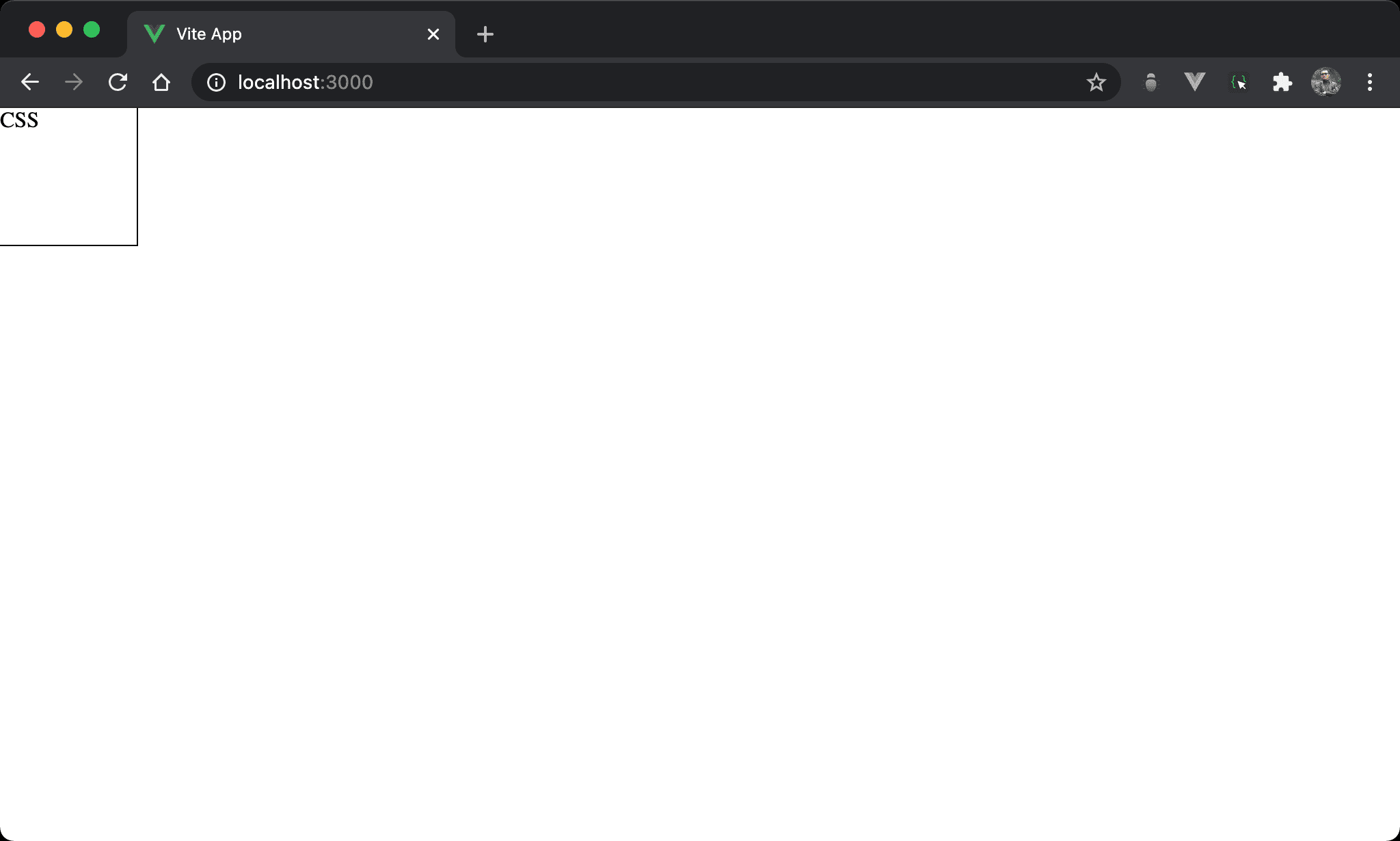
top、bottom、left 與 right 的條件衝突,結果顯示在左上角。
<template>
  <div class="box">
    CSS
  </div>
</template>

<style scoped>
.box {
  width: 100px;
  height: 100px;
  position: fixed;
  top: 0;
  bottom: 0;
  left: 0;
  right: 0;
  outline: 1px solid black;
}
</style>
第 8 行
.box {
  width: 100px;
  height: 100px;
  position: fixed;
  top: 0;
  bottom: 0;
  left: 0;
  right: 0;
  outline: 1px solid black;
}
設定父層 box style:
width: 100px:設定 box widthheight: 100px:設定 box heightposition: fixed:使用 fixed positiontop: 0、bottom: 0、left: 0、right: 0:top、bottom、left與right都同時設定為0,因此拉出一個滿版顯示空間,但因為width與height限制,因此顯示在左上角outline: 1px solid black:為了視覺顯示方框,實務上可不使用
Horizontal Center
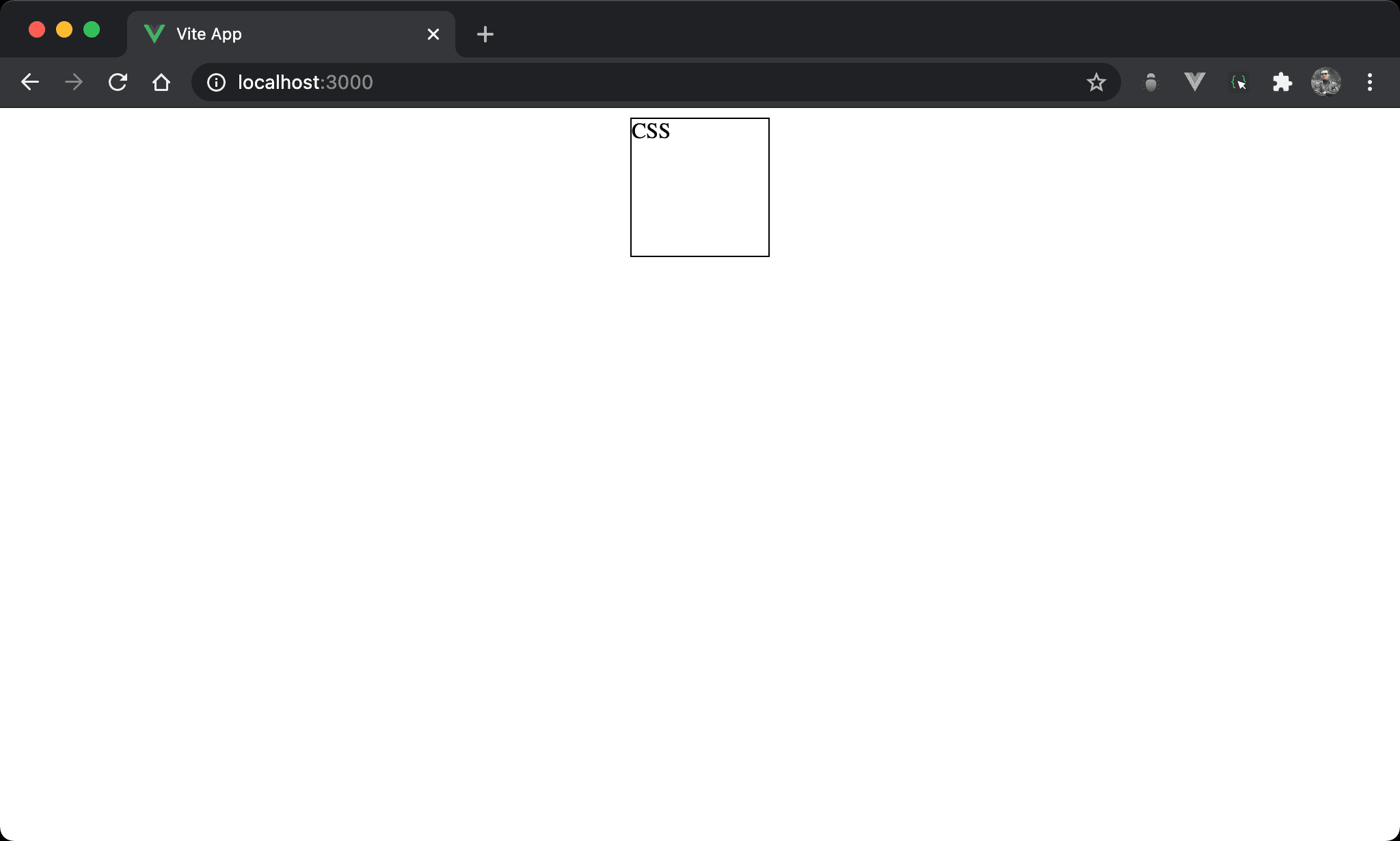
Fixed position 亦可實現水平置中。
<template>
  <div class="box">
    CSS
  </div>
</template>

<style scoped>
.box {
  width: 100px;
  height: 100px;
  position: fixed;
  left: 0;
  right: 0;
  margin: auto;
  outline: 1px solid black;
}
</style>
第 8 行
.box {
  width: 100px;
  height: 100px;
  position: fixed;
  left: 0;
  right: 0;
  margin: auto;
  outline: 1px solid black;
}
設定父層 box style:
width: 100px:設定 box widthheight: 100px:設定 box heightposition: fixed:使用 fixed positionleft: 0、right: 0:要使用margin: auto水平置中,前提必須要有空間使其調整 margin,left: 0於左側邊緣緊貼 browser,right: 0於右側邊緣緊貼 browser,因此相當於架構出無形的矩形空間,只是受限於width: 100px只能顯示部分,剩下空間可由margin: auto自由發揮而水平置中margin: auto:動態分配左右 margin 而水平置中outline: 1px solid black:為了視覺顯示方框,實務上可不使用
Vertical Center
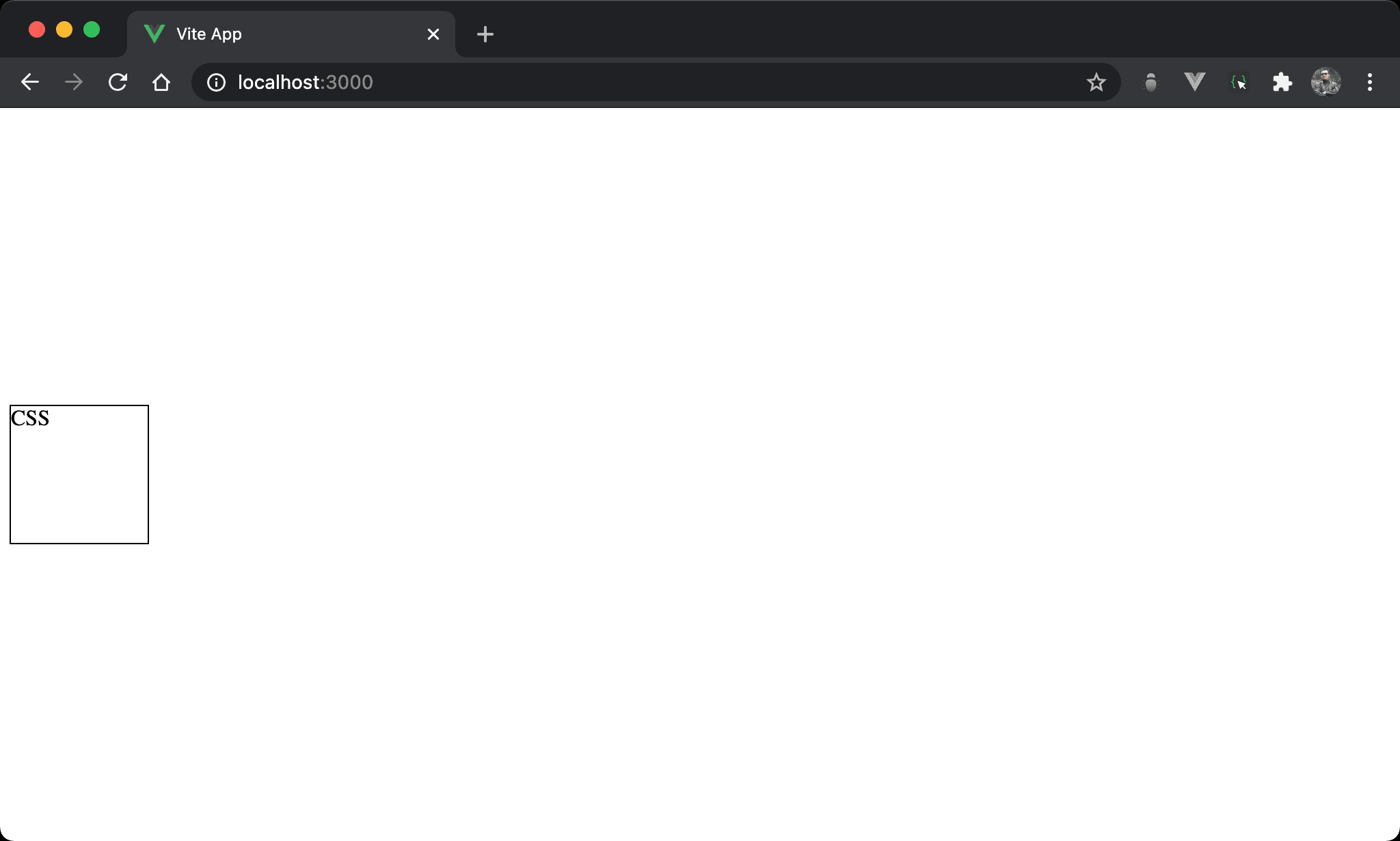
Fixed position 亦可實現垂直置中。
<template>
  <div class="box">
    CSS
  </div>
</template>

<style scoped>
.box {
  width: 100px;
  height: 100px;
  position: fixed;
  top: 0;
  bottom: 0;
  margin: auto;
  outline: 1px solid black;
}
</style>
第 8 行
.box {
  width: 100px;
  height: 100px;
  position: fixed;
  top: 0;
  bottom: 0;
  margin: auto;
  outline: 1px solid black;
}
設定父層 box style:
width: 100px:設定 box widthheight: 100px:設定 box heightposition: fixed:使用 fixed positiontop: 0、bottom: 0:要使用margin: auto垂直置中,前提必須要有空間使其調整 margin,top: 0於上側邊緣緊貼 browser,bottom: 0於下側邊緣緊貼 browser,因此相當於架構出無形的矩形空間,只是受限於height: 100px只能顯示部分,剩下空間可由margin: auto自由發揮而垂直置中margin: auto:動態分配上下 margin 而垂直置中outline: 1px solid black:為了視覺顯示方框,實務上可不使用
Vertical / Horizontal Center
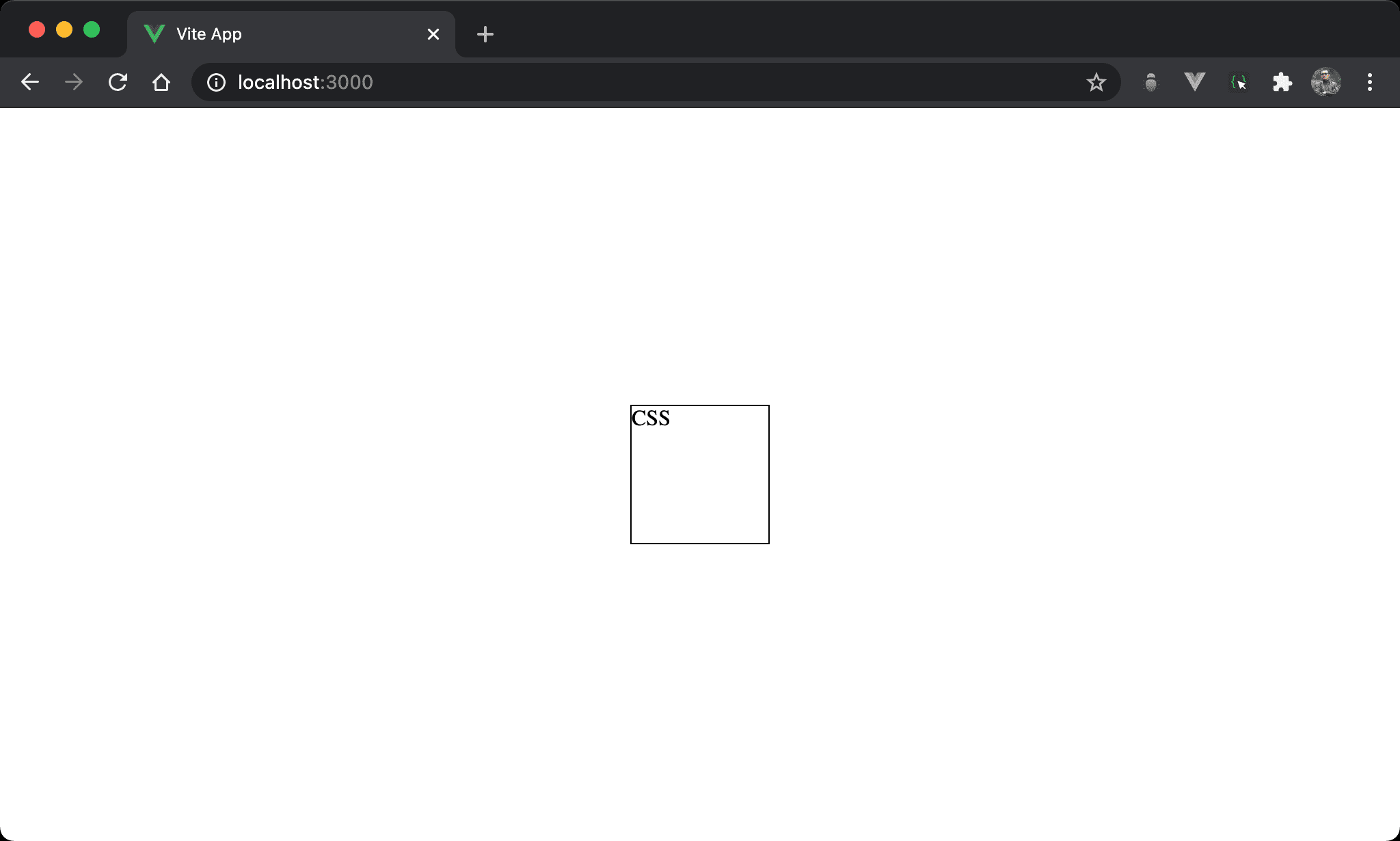
Fixed position 亦可實現水平垂直置中。
<template>
  <div class="box">
    CSS
  </div>
</template>

<style scoped>
.box {
  width: 100px;
  height: 100px;
  position: fixed;
  top: 0;
  bottom: 0;
  left: 0;
  right: 0;
  margin: auto;
  outline: 1px solid black;
}
</style>
第 8 行
.box {
  width: 100px;
  height: 100px;
  position: fixed;
  top: 0;
  bottom: 0;
  left: 0;
  right: 0;
  margin: auto;
  outline: 1px solid black;
}
設定父層 box style:
width: 100px:設定 box widthheight: 100px:設定 box heightposition: fixed:使用 fixed positiontop: 0、bottom: 0、left: 0、right: 0:top、bottom、left與right都同時設定為0,因此拉出一個滿版顯示空間,但因為width與height限制,因此顯示在左上角margin: auto:動態分配上下左右 margin 而水平垂直置中outline: 1px solid black:為了視覺顯示方框,實務上可不使用
Horizontal 1/4 and Vertical Top
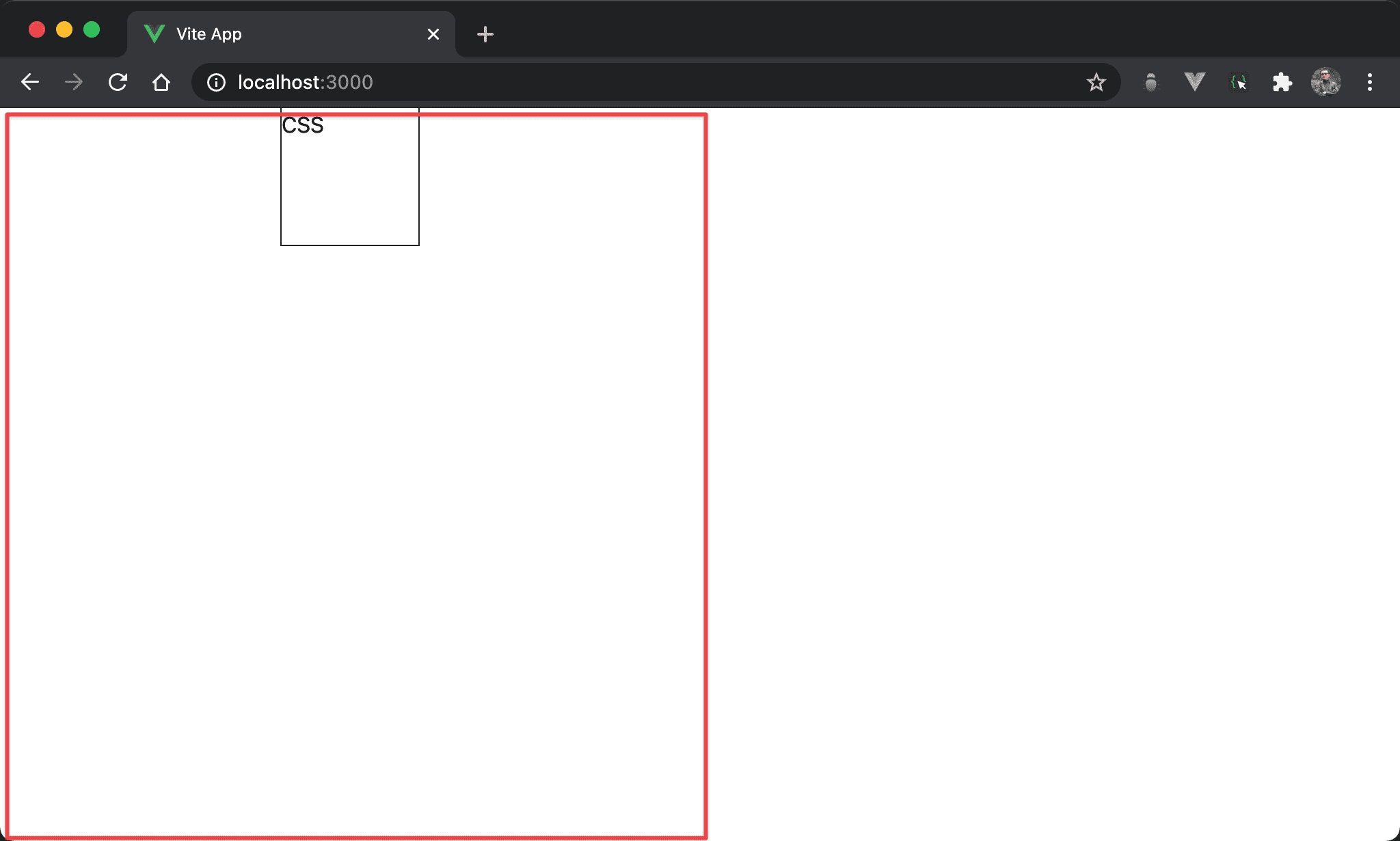
Box 位於水平 1/4 處且垂直靠上。
<template>
  <div class="box">
    CSS
  </div>
</template>

<style scoped>
.box {
  width: 100px;
  height: 100px;
  position: fixed;
  top: 0;
  bottom: 0;
  left: 0;
  right: 50%;
  margin: 0 auto;
  outline: 1px solid black;
}
</style>
第 8 行
.box {
  width: 100px;
  height: 100px;
  position: fixed;
  top: 0;
  bottom: 0;
  left: 0;
  right: 50%;
  margin: 0 auto;
  outline: 1px solid black;
}
設定父層 box style:
width: 100px:設定 box widthheight: 100px:設定 box heightposition: fixed:使用 fixed positiontop: 0、bottom: 0:拉出垂直滿版空間left: 0、right: 50%:拉出水平左側空間margin: 0 auto:動態分配左右 margin 而水平置中outline: 1px solid black:為了視覺顯示方框,實務上可不使用
Horizontal 1/4 and Vertical 1/4
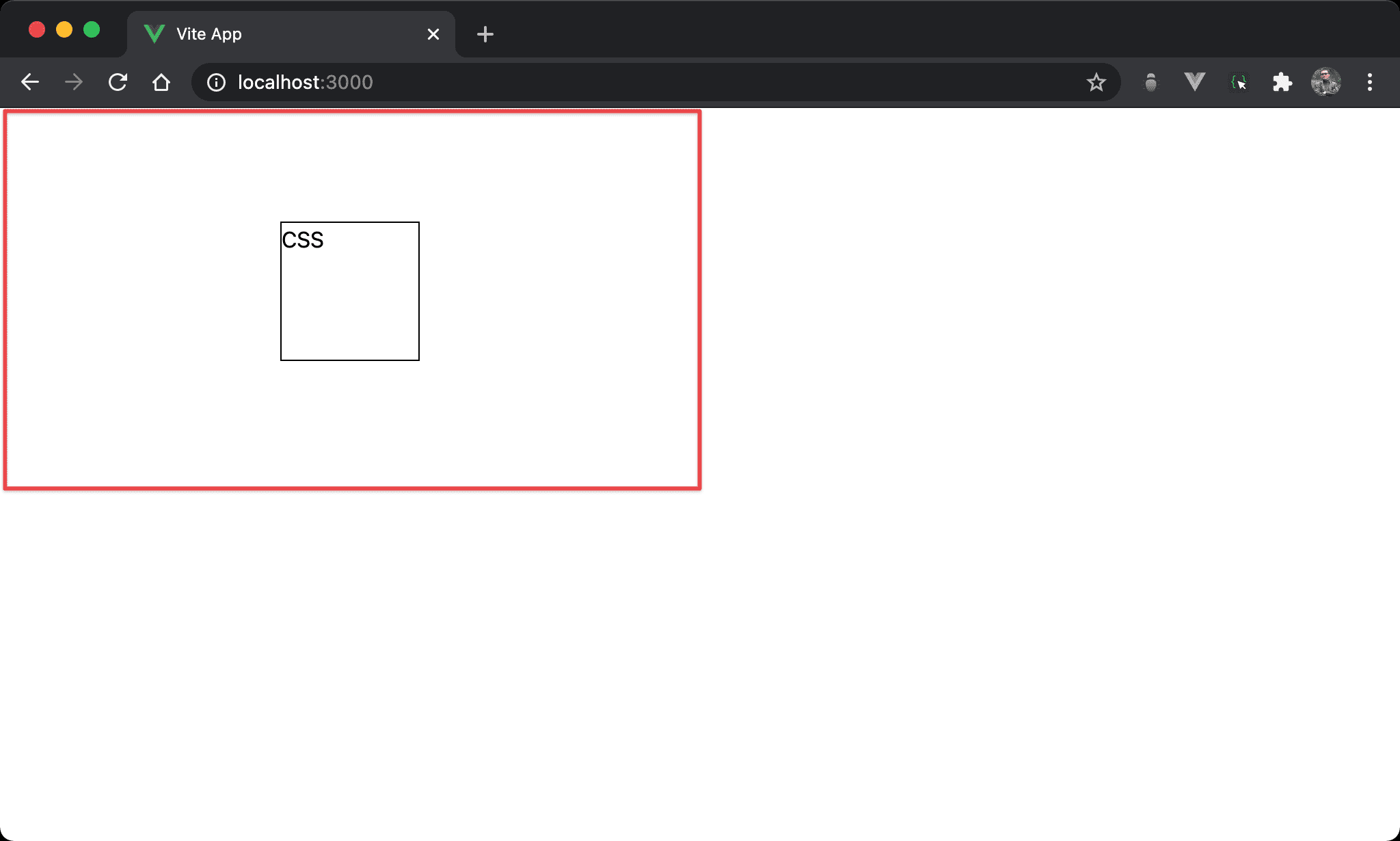
Box 位於水平 1/4 且垂直 1/4 處。
<template>
  <div class="box">
    CSS
  </div>
</template>

<style scoped>
.box {
  width: 100px;
  height: 100px;
  position: fixed;
  top: 0;
  bottom: 50%;
  right: 50%;
  left: 0;
  margin: auto;
  outline: 1px solid black;
}
</style>
第 8 行
.box {
  width: 100px;
  height: 100px;
  position: fixed;
  top: 0;
  bottom: 50%;
  left: 0;
  right: 50%;
  margin: auto;
  outline: 1px solid black;
}
設定父層 box style:
width: 100px:設定 box widthheight: 100px:設定 box heightposition: fixed:使用 fixed positiontop: 0、bottom: 50%:拉出垂直 1/2 空間left: 0、right: 50%:拉出水平 1/2 空間margin: auto:動態分配上下左右 margin 而水平垂直 1/4 置中outline: 1px solid black:為了視覺顯示方框,實務上可不使用
Conclusion
top、bottom、left與right除了可以定位外,還可以拉出空間讓margin: auto發揮