
實務上常遇到一堆 Item 都靠左,但最後一個 Item 靠右,直覺會使用 flex-grow,事實上也可巧妙地使用 margin: auto 實現。
Version
CSS 3
margin: auto
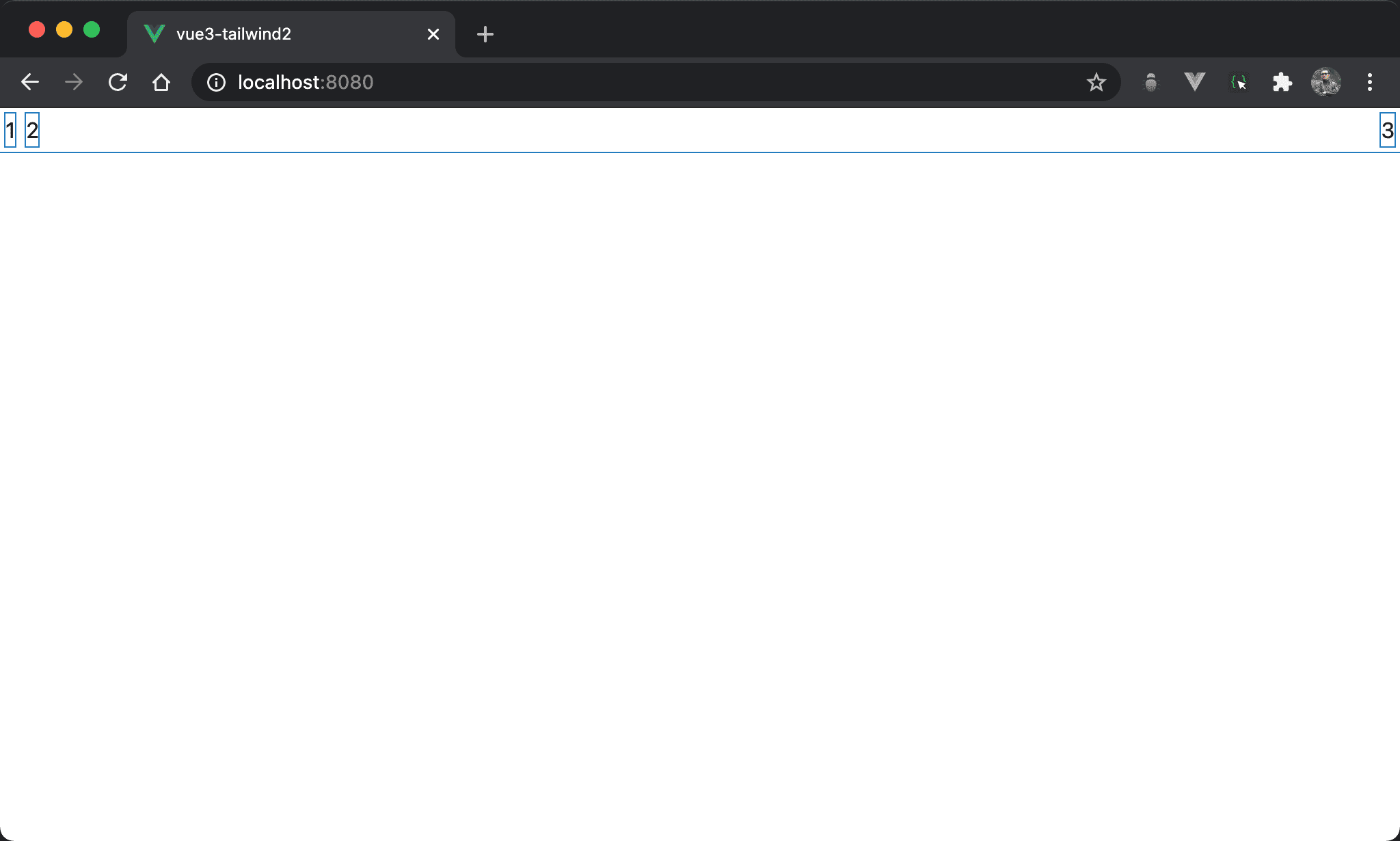
1 與 2 連續靠左,但 3 卻是靠右。
<template>
  <div class="box">
    <div class="item">1</div>
    <div class="item">2</div>
    <div class="item item3">3</div>
  </div>
</template>

<style scoped>
.box {
  display: flex;
}

.item {
  margin: 5px;
}

.item3 {
  margin-left: auto;
}
</style>
第 2 行
<div class="box">
  <div class="item">1</div>
  <div class="item">2</div>
  <div class="item item3">3</div>
</div>
box:使用box設定 containeritem:設定 item 共用 propertyitem3:設定3特有 property
10 行
.box {
  display: flex;
}
display: flex:使用 Flexbox
14 行
.item {
  margin: 5px;
}
設定各 item 共用 property:
margin: 5px:設定各 item 的 margin
18 行
.item3 {
  margin-left: auto;
}
設定 item3 特有 property:
margin-left: auto:使用auto取代5px,因此 item3 能自動調整 left margin 達成水平靠右
Conclusion
- 之所以能夠使用
margin-left: auto實現水平靠右,主要原因是display: flexbox下的 box 已經設定 width,因此對於 item 而言有剩餘左右margin,才可使用margin-left: auto水平靠右,但一般 box 沒有 width 而是由 item 撐開,此時並沒有左右 margin 可言,因此margin-left: auto也無濟於事