
垂直靠下為實務上常見需求,CSS 可由多種方式實現。
Version
CSS 3
margin: auto
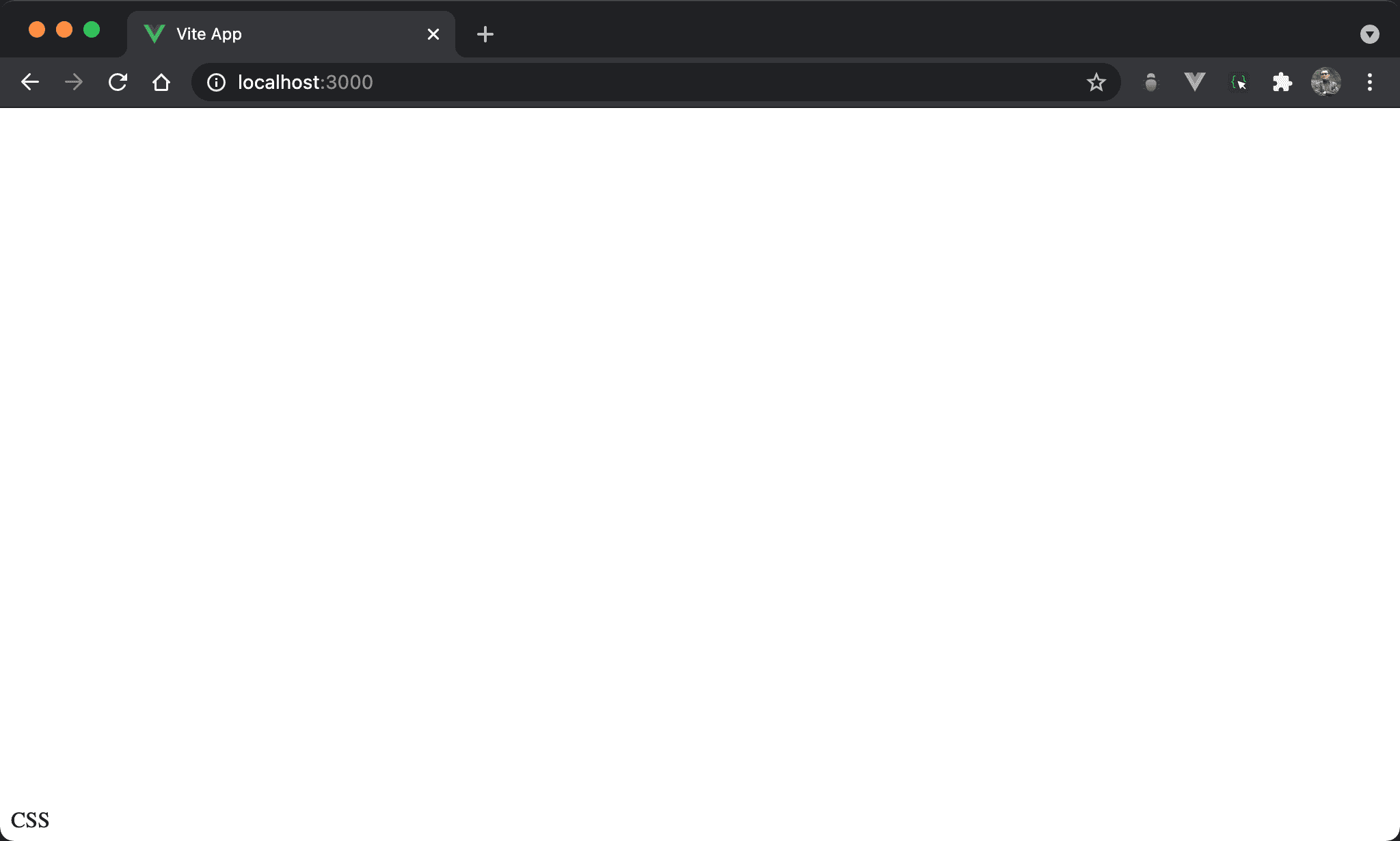
CSS 垂直靠下,在子層 item 使用 margin: auto 實現。
<template>
  <div class="box">
    <div class="item">
      CSS
    </div>
  </div>
</template>

<style scoped>
.box {
  display: flex;
  height: 100vh;
}

.item {
  margin-top: auto;
}
</style>
第 2 行
<div class="box">
  <div class="item">
    CSS
  </div>
</div>
由於 margin: auto 要使用在子層 item,因此需要兩層 HTML。
第 10 行
.box {
  display: flex;
  height: 100vh;
}
設定父層 box style:
display: flex:使用 Flexbox 收縮<div>高度height: 100vh:設定父層 box 高度
15 行
.item {
  margin-top: auto;
}
設定子層 item style:
margin-top: auto:由於父層 box 有設定高度,因此可自動調整 top margin 而垂直靠下
Flexbox
justify-content: flex-end
Flexbox 亦有多種方式可垂直靠下,先討論從父層 box 處理。
<template>
  <div class="box">
    CSS
  </div>
</template>

<style scoped>
.box {
  display: flex;
  flex-direction: column;
  justify-content: flex-end;
  height: 100vh;
}
</style>
第 8 行
.box {
  display: flex;
  flex-direction: column;
  justify-content: flex-end;
  height: 100vh;
}
設定父層 box style:
display: flex:子層 item 使用 Flexbox 排列flex-direction: column:設定 main axis 為 column,也因為 main axis 為 column,本來 Flexbox 會使<div>寬度由 content 決定,高度撐滿100vh,現在改成高度由 content 決定,寬度撐滿一整列justify-content: flex-end:直接將<div>靠下於 main axis,因為目前 main axis 為 column,相當於垂直靠下height: 100vh:設定 box 高度
justify-content: flex-start
CSS 垂直靠下,一樣使用 justify-content 系列。
<template>
  <div class="box">
    CSS
  </div>
</template>

<style scoped>
.box {
  display: flex;
  flex-direction: column-reverse;
  justify-content: flex-start;
  height: 97vh;
}
</style>
第 8 行
.box {
  display: flex;
  flex-direction: column-reverse;
  justify-content: flex-start;
  height: 100vh;
}
設定父層 box 的 style:
display: flex:子層 item 使用 Flexbox 排列flex-direction: column-reverse:main axis 為 column,但改從下往上排列justify-content: flex-start:因為由下往上排列,flex-start相當於垂直靠下height: 100vh:設定 box 高度
實務上不會使用這種方式,只是展示亦可使用
justify-content: flex-start達成垂直靠下
align-items: end
CSS 垂直靠下,改用 align-items 系列。
<template>
  <div class="box">
    CSS
  </div>
</template>

<style scoped>
.box {
  display: flex;
  align-items: flex-end;
  height: 100vh;
}
</style>
第 8 行
.box {
  display: flex;
  align-items: flex-end;
  height: 100vh;
}
設定父層 box 的 style:
display: flex:子層 item 使用 Flexbox 排列align-items: end:由於沒更改 flex-direction,因此目前 main axis 仍是 column,可使用align-items: flex-end直接靠下於 cross axis,相當於垂直靠下height: 97vh:設定 box 高度
flex-grow: 1
CSS 垂直靠下,但在子層 item 處理。
<template>
  <div class="box">
    <div class="empty"/>
    <div>CSS</div>
  </div>
</template>

<style scoped>
.box {
  display: flex;
  flex-direction: column;
  height: 100vh;
}

.empty {
  flex-grow: 1;
}
</style>
第 2 行
<div class="box">
  <div class="empty"/>
  <div>CSS</div>
</div>
需使用兩個子層 item。
第 9 行
.box {
  display: flex;
  flex-direction: column;
  height: 100vh;
}
設定父層 box 的 style:
display: flex:子層 item 使用 Flexbox 排列flex-direction: column:設定 main axis 為 columnheight: 100vh:設定 box 高度
15 行
.empty {
  flex-grow: 1;
}
flex-grow: 1:表示空白部分剩餘 height 將由此<div>平分,因此看起來為垂直靠下
Fixed Position
CSS 垂直靠下,但使用 fixed position 處理。
<template>
  <div class="box">
    CSS
  </div>
</template>

<style scoped>
.box {
  height: fit-content;
  position: fixed;
  top: 0;
  bottom: 0;
  margin-top: auto;
}
</style>
第 8 行
.box {
  height: fit-content;
  position: fixed;
  top: 0;
  bottom: 0;
  margin-top: auto;
}
設定父層 box style:
height: fit-content:height 與 content 同高,但仍維持其 block 特性,讓margin-top: auto有操作空間position: fixed:使用 fixed positiontop: 0、bottom: 0:要使用margin-top: auto垂直靠下,前提必須要有空間使其調整 margin,top: 0於上側邊緣緊貼 browser,bottom: 0於下側邊緣緊貼 browser,因此相當於架構出無形的矩形空間,只是受限於height: fit-content只顯示與 content 同高部分,剩下空間可由margin-top: auto自由發揮而垂直靠下margin-top: auto:自動調整 top margin 而垂直靠下
Absolute Position
CSS 垂直靠下,但使用 absolute position 處理。
<template>
  <div class="box">
    CSS
  </div>
</template>

<style scoped>
.box {
  height: fit-content;
  position: absolute;
  top: 0;
  bottom: 0;
  margin-top: auto;
}
</style>
第 8 行
.box {
  height: fit-content;
  position: absolute;
  top: 0;
  bottom: 0;
  margin-top: auto;
}
設定父層 box style:
height: fit-content:height 與 content 同高,但仍維持其 block 特性,讓margin-top: auto有操作空間position: absolute:使用 absolute position,因為其父層皆沒設定定位,相當於定位在windowtop: 0、bottom: 0:要使用margin-top: auto垂直靠下,前提必須要有空間使其調整 margin,top: 0於上側邊緣緊貼 browser,bottom: 0於下側邊緣緊貼 browser,因此相當於架構出無形的矩形空間,只是受限於height: fit-content只顯示與 content 同高部分,剩下空間可由margin-top: auto自由發揮而垂直靠下margin-top: auto:自動調整 top margin 而垂直靠下
Relative Position
CSS 垂直靠下,但使用 relative position 處理。
<template>
  <div class="box">
    <div class="item">
      CSS
    </div>
  </div>
</template>

<style scoped>
.box {
  position: relative;
  height: 100vh;
}

.item {
  position: absolute;
  bottom: 0;
}
</style>
第 2 行
<div class="box">
  <div class="item">
    CSS
  </div>
</div>
需使用兩層 HTML。
10 行
.box {
  position: relative;
}
設定父層 box style:
position: relative:父層 box 使用 relative position,子層 absolute position 將以此層定位
15 行
.item {
  position: absolute;
  bottom: 0;
}
設定子層 item style:
position: absolute:子層 item 使用 absolute positionbottom: 0:設定bottom為0,相當於垂直靠下
Conclusion
- CSS 擁有多種方式垂直靠下:
margin: auto、Flexbox 、 Fixed Position 與 Absolute Position 與 Relative Position,可視實際需求靈活運用