
水平垂直置中為實務上常見需求,CSS 可由多種方式實現。
Version
CSS 3
margin: auto
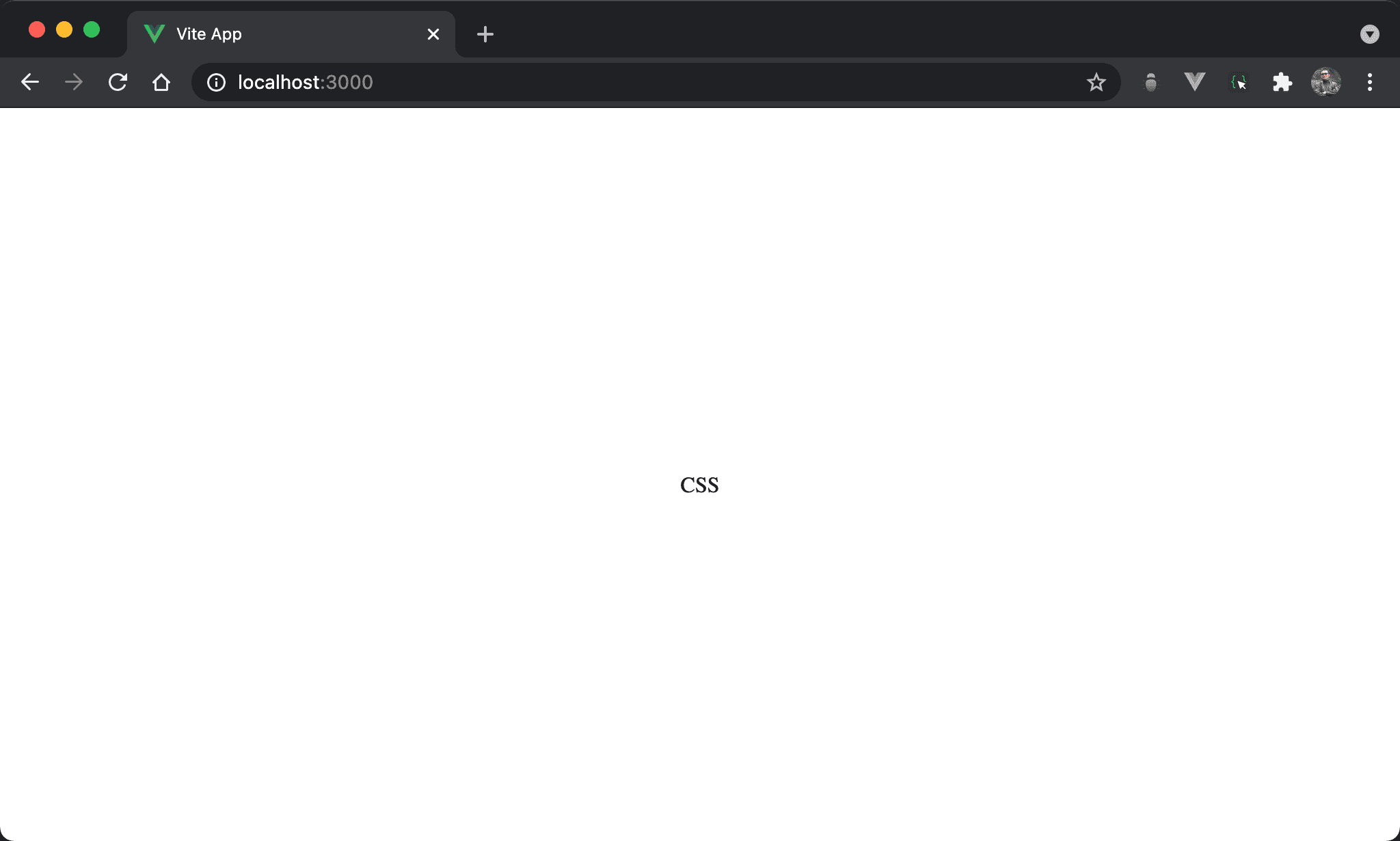
CSS 同時水平置中與垂直置中,但由子層 item 處理。
<template>
  <div class="box">
    <div class="item">
      CSS
    </div>
  </div>
</template>

<style scoped>
.box {
  display: flex;
  height: 100vh;
}

.item {
  margin: auto;
}
</style>
10 行
.box {
  display: flex;
  height: 100vh;
}
設定父層 box style:
父層仍使用 Flexbox,但不使用
justify-content: center與align-items: center主要使用 Flexbox 使子層 item 的 width 能內縮與 content 同寬,如此
margin: auto才能自動調整 margin 而水平垂直置中
15 行
.item {
  margin: auto;
}
設定子層 item style:
margin: auto:子層直接使用margin: auto自動調整上下左右 margin 達成水平垂直置中
Flexbox
CSS 同時水平置中與垂直置中,改由父層 box 處理。
<template>
  <div class="box">
    CSS
  </div>
</template>

<style scoped>
.box {
  display: flex;
  height: 100vh;
  justify-content: center;
  align-items: center;
}
</style>
第 8 行
.box {
  display: flex;
  height: 100vh;
  justify-content: center;
  align-items: center;
}
設定父層 box style:
display: flex:子層 item 使用 Flexbox 排列height: 97vh:外層 box 本來就會撐滿寬度不是問題,但必須指定高度才能垂直置中justify-content: center:使子層 item 在 main axis 水平置中align-items: center:使子層 item 在 cross axis 垂直置中
Fixed Position
CSS 同時水平置中與垂直置中,改由父層 box 使用 fixed position 處理。
<template>
  <div class="box">
    CSS
  </div>
</template>

<style scoped>
.box {
  width: fit-content;
  height: fit-content;
  position: fixed;
  top: 0;
  bottom: 0;
  left: 0;
  right: 0;
  margin: auto;
}
</style>
8 行
.box {
  width: fit-content;
  height: fit-content;
  position: fixed;
  top: 0;
  bottom: 0;
  left: 0;
  right: 0;
  margin: auto;
}
設定父層 box style:
width: fit-content:width 與 content 同寬,但仍維持其 block 特性,讓margin: auto有操作空間height: fit-content:height 與 content 同高,但仍維持其 block 特性,讓margin: auto有操作空間position: fixed:使用 fixed positiontop: 0、bottom: 0、left: 0、right: 0:要使用margin: auto水平垂直置中,前提必須要有空間使其調整 margin,當top、bottom、left與top都設定為0時,相當於架構出無形的矩形空間,只是受限於width: fit-content與height: fit-content只顯示與 content 同寬高部分,剩下空間可由margin: auto自由發揮而水平垂直置中margin: auto:自動調整上下左右 margin 而水平垂直置中
Absolute Position
CSS 同時水平置中與垂直置中,改由父層 box 使用 absolute position 處理。
<template>
  <div class="box">
    CSS
  </div>
</template>

<style scoped>
.box {
  width: fit-content;
  height: fit-content;
  position: absolute;
  top: 0;
  bottom: 0;
  left: 0;
  right: 0;
  margin: auto;
}
</style>
第 8 行
.box {
  width: fit-content;
  height: fit-content;
  position: absolute;
  top: 0;
  bottom: 0;
  left: 0;
  right: 0;
  margin: auto;
}
設定父層 box style:
width: fit-content:width 與 content 同寬,但仍維持其 block 特性,讓margin: auto有操作空間height: fit-content:height 與 content 同高,但仍維持其 block 特性,讓margin: auto有操作空間position: absolute:使用 absolute position,因為其父層皆沒設定定位,相當於定位在windowtop: 0、bottom: 0、left: 0、right: 0:要使用margin: auto水平垂直置中,前提必須要有空間使其調整 margin,當top、bottom、left與top都設定為0時,相當於架構出無形的矩形空間,只是受限於width: fit-content與height: fit-content只顯示與 content 同寬高部分,剩下空間可由margin: auto自由發揮而水平垂直置中margin: auto:自動調整上下左右 margin 而水平垂直置中
Relative Position
CSS 同時水平置中與垂直置中,改由父層 box 使用 relative position 處理。
<template>
  <div class="box">
    <div class="item">
      CSS
    </div>
  </div>
</template>

<style scoped>
.box {
  position: relative;
  height: 100vh;
}

.item {
  position: absolute;
  left: 50%;
  top: 50%;
  transform: translate(-50%);
}
</style>
第 2 行
<div class="box">
  <div class="item">
    CSS
  </div>
</div>
需使用兩層 HTML。
10 行
.box {
  position: relative;
  height: 100vh;
}
設定父層 box style:
position: relative:父層 box 使用 relative position,子層 absolute position 將以此層定位height: 100vh:設定 height 為整個 browser 高度
水平置中時不必設定
width,因為 block 預設就是佔據一整列,但height預設只是 content 高度,因此要特別設定才能垂直置中
15 行
.item {
  position: absolute;
  left: 50%;
  top: 50%;
  transform: translate(-50%);
}
設定子層 item style:
position: absolute:子層 item 使用 absolute positionleft: 50%:left座標為50%,此為item左側位置,並不算水平置中top: 50%:top座標為50%,此為item上側位置,並不算垂直置中transform: translate(-50%):將item同時上移本身 height 的50%,左移本身 width 的50%,此時才算真正水平垂直置中
Conclusion
- CSS 擁有多種方式水平垂直置中:
margin: auto、Flexbox、 Fixed Position 、 Absolute Position 與 Relative Position,可視實際需求靈活運用