
滿版背景加上水平垂直置中 Slogan 是首頁常見 Layout,可使用 Flexbox 或 margin: auto 完成。
Version
CSS 3
Flexbox
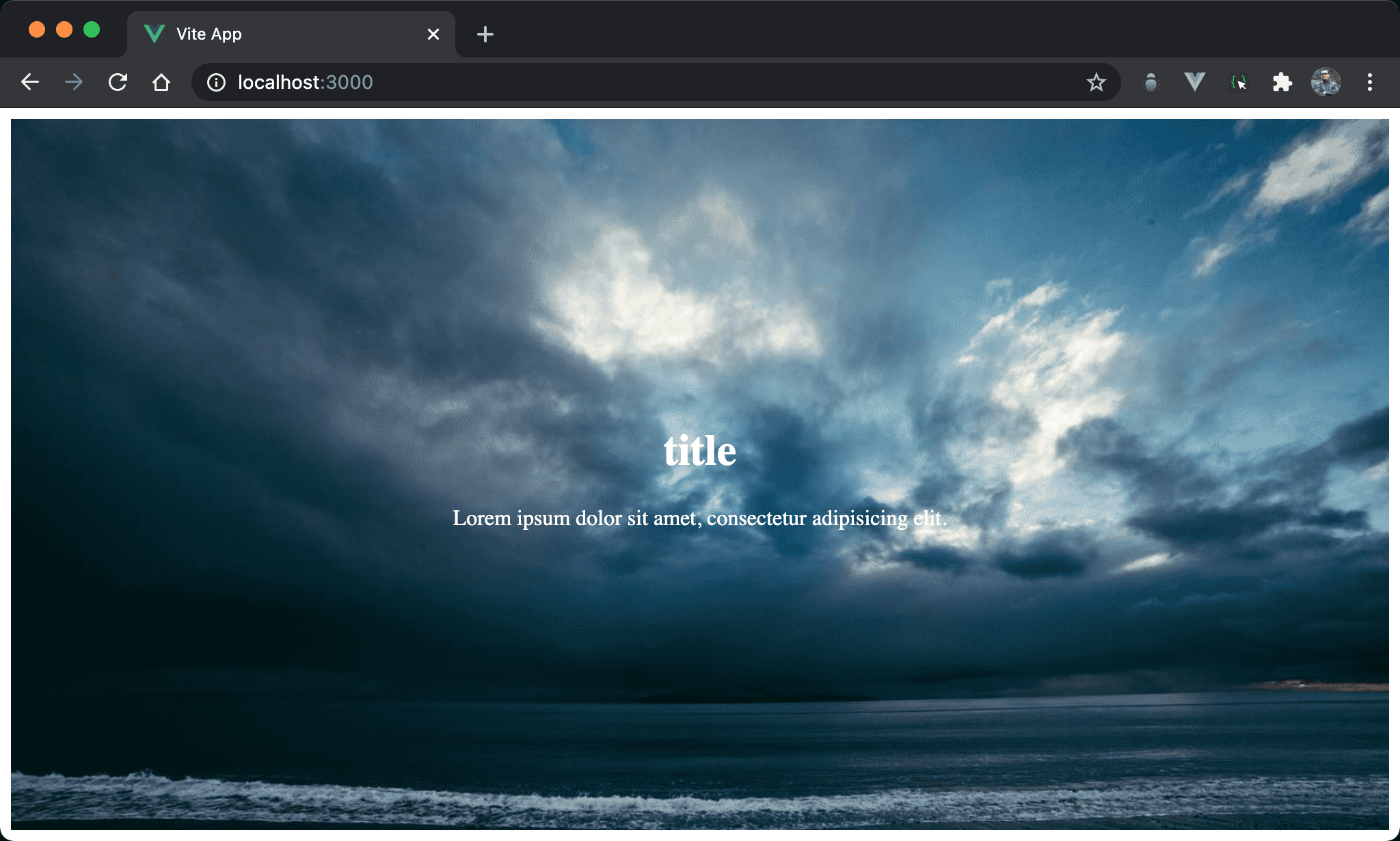
滿版背景加上 title 與 slogan 水平垂直置中。
<template>
  <div class="banner">
    <div class="slogan">
      <h1>title</h1>
      <p>Lorem ipsum dolor sit amet, consectetur adipisicing elit.</p>
    </div>
  </div>
</template>

<style scoped>
.banner {
  background-image: url("https://picsum.photos/1200/800/?random=10");
  background-size: cover;
  height: 97vh;
  display: flex;
  justify-content: center;
  align-items: center;
}

.slogan {
  text-align: center;
  color: white;
}

.slogan h1 {
  font-size: 2rem;
}

.slogan p {
  font-size: 1rem;
}
</style>
使用 Flexbox 實現。
第 2 行
<div class="banner">
  <div class="slogan">
    <h1>title</h1>
    <p>Lorem ipsum dolor sit amet, consectetur adipisicing elit.</p>
  </div>
</div>
banner負責滿版背景slogan負責 slogan
11 行
.banner {
  background-image: url("https://picsum.photos/1200/800/?random=10");
  background-size: cover;
  height: 97vh;
  display: flex;
  justify-content: center;
  align-items: center;
}
設定背景圖片的 style:
background-image: url():設定背景圖片background-size: cover:圖片自動塞滿整個<div>height: 97vh:設定<div>heightdisplay: flex:使用 Flexboxjustify-content: center:子層水平置中align-items: center:子層垂直置中
20 行
.slogan {
  text-align: center;
  color: white;
}
設定 title 與 slogan 的共用 style:
text-align: center:設定 text 水平置中於<div>color: white:設定 title 與 slogan 顏色
text-align與color都具有inherited特性,因此可寫在父層共用
25 行
.slogan h1 {
  font-size: 2rem;
}
設定 title 的 style:
font-size: 2rem:設定 font size
29 行
.slogan p {
  font-size: 1rem;
}
設定 slogan 的 style:
font-size: 1rem:設定 font size
margin: auto
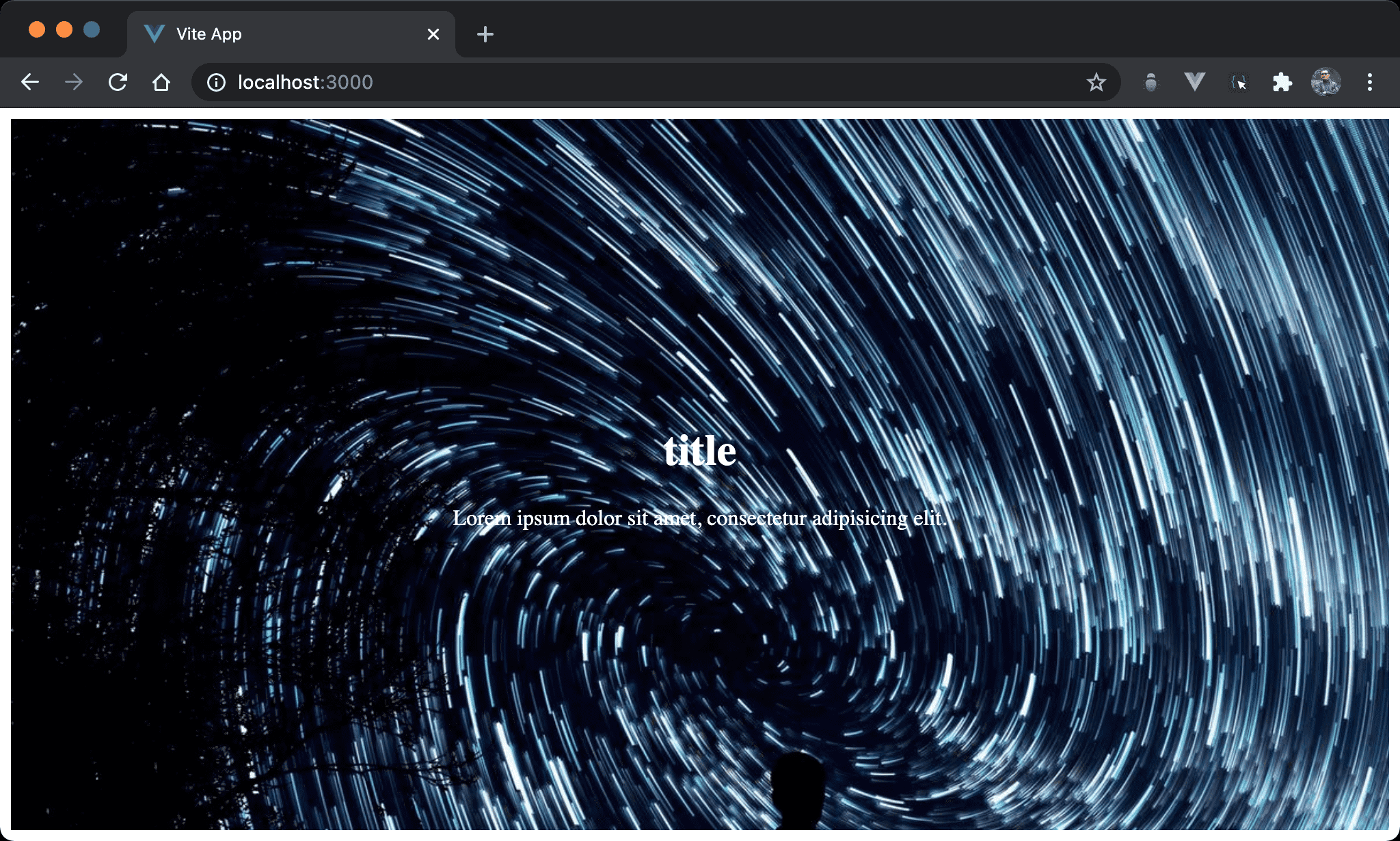
將 justify-content: center 與 align-items: center 重構成 margin: auto。
<template>
  <div class="banner">
    <div class="slogan">
      <h1>title</h1>
      <p>Lorem ipsum dolor sit amet, consectetur adipisicing elit.</p>
    </div>
  </div>
</template>

<style scoped>
.banner {
  background-image: url("https://picsum.photos/1200/800/?random=10");
  background-size: cover;
  height: 97vh;
  display: flex;
}

.slogan {
  text-align: center;
  color: white;
  margin: auto;
}

.slogan h1 {
  font-size: 2rem;
}

.slogan p {
  font-size: 1rem;
}
</style>
11 行
.banner {
  background-image: url("https://picsum.photos/1200/800/?random=10");
  background-size: cover;
  height: 97vh;
  display: flex;
}
設定背景圖片的 style:
- 雖然仍使用 Flexbox,但已經不使用
justify-content與align-items
18 行
.slogan {
  text-align: center;
  color: white;
  margin: auto;
}
設定 title 與 slogan 共用 style:
margin: auto:同時設定水平置中與垂直置中
Q:為什麼
margin: auto可實現水平置中與垂直置中 ?
Flexbox 對於 <div> 有兩個重大影響:
- 若
<div>沒設定 width,將不再佔據一整列,而是縮減成 content 寬度,這使得margin: auto可在水平方向自動調整 margin 而達成水平置中 - 若父層有設定 height,則
<div>外層尚有 flex line,這使得margin: auto可在垂直方向自動調整 margin 而達成垂直置中
也拜這兩個特性所賜, margin: auto 可取代 justify-content: center 與 align-items: center。
Flexbox Again
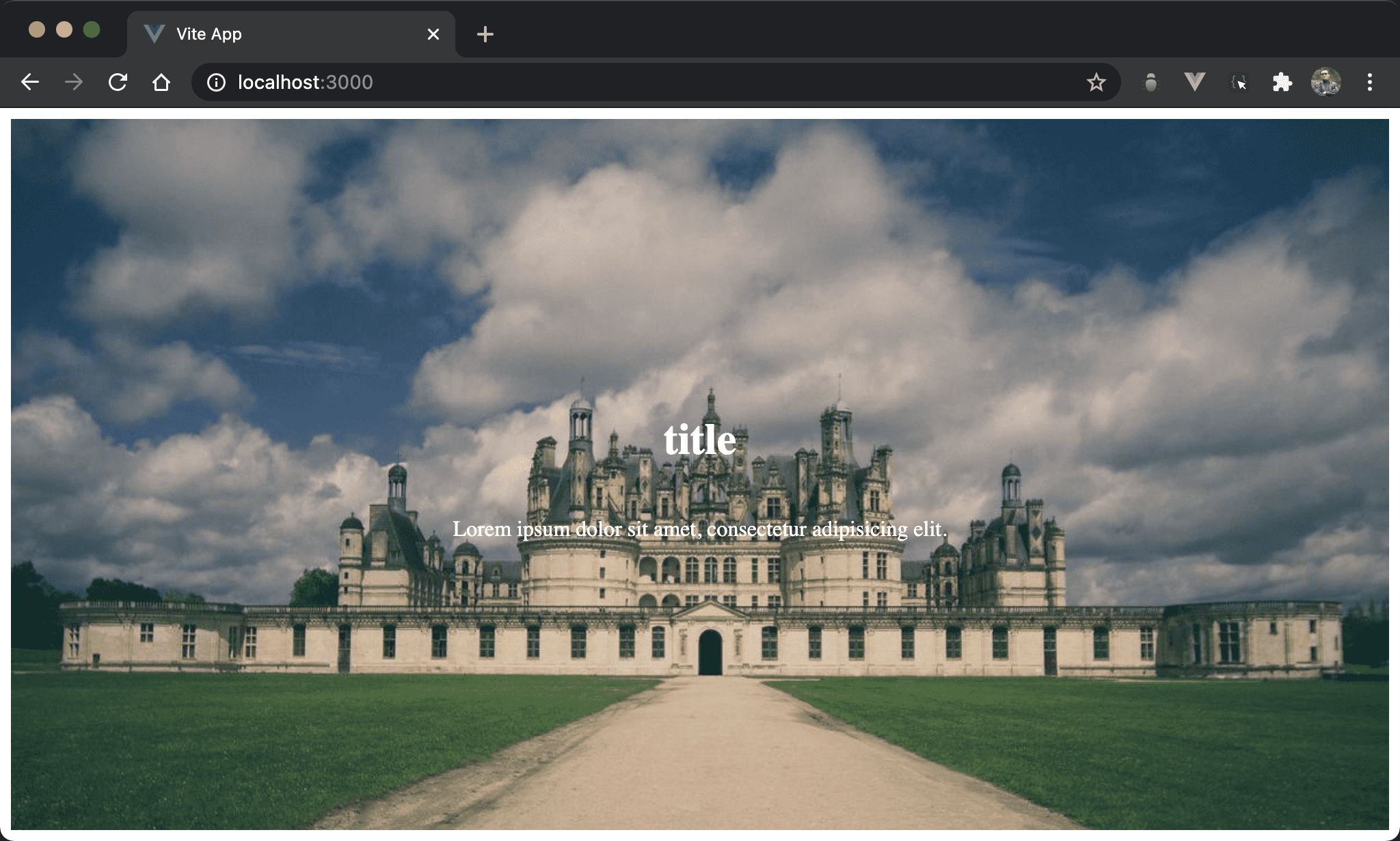
原本需要 banner 與 slogan 兩層 <div>,是否能只用一層 <div> 完成需求 ?
<template>
  <div class="banner">
    <h1>title</h1>
    <p>Lorem ipsum dolor sit amet, consectetur adipisicing elit.</p>
  </div>
</template>

<style scoped>
.banner {
  background-image: url("https://picsum.photos/1200/800/?random=10");
  background-size: cover;
  height: 97vh;
  display: flex;
  flex-direction: column;
  justify-content: center;
  text-align: center;
  color: white;
}

.banner h1 {
  font-size: 2rem;
}

.banner p {
  font-size: 1rem;
}
</style>
第 2 行
<div class="banner">
  <h1>title</h1>
  <p>Lorem ipsum dolor sit amet, consectetur adipisicing elit.</p>
</div>
將兩層 <div> 縮減成只有一層 <div>。
第 9 行
.banner {
  background-image: url("https://picsum.photos/1200/800/?random=10");
  background-size: cover;
  height: 97vh;
  display: flex;
  flex-direction: column;
  justify-content: center;
  text-align: center;
  color: white;
}
設定背景圖片與與 tilte / slogan 共用 style:
background-image: url():設定背景圖片background-size: cover:圖片自動塞滿整個<div>height: 97vh:設定<div>heightdisplay: flex:使用 Flexboxflex-direction: column:使用 Flexbox 後會使得<div>變成水平排列,因此要使用flex-direction: column修正為垂直排列justify-content: center:目前 main axis 為 column,因此justify-content: center相當於垂直置中text-align: center:當 Flexbox 的 main axis 為 column 時,其 height 會縮減成 content 的 height,但 width 會佔據一整列,因此不需對 element 水平置中,只要使用text-align: center將 title 與 slogan 水平置中即可color: white:設定 title 與 slogan 顏色
20 行
.banner h1 {
  font-size: 2rem;
}
設定 title 的 style:
font-size: 2rem:設定 font size
24 行
.banner p {
  font-size: 1rem;
}
設定 slogan 的 style:
font-size: 1rem:設定 font size
margin: auto
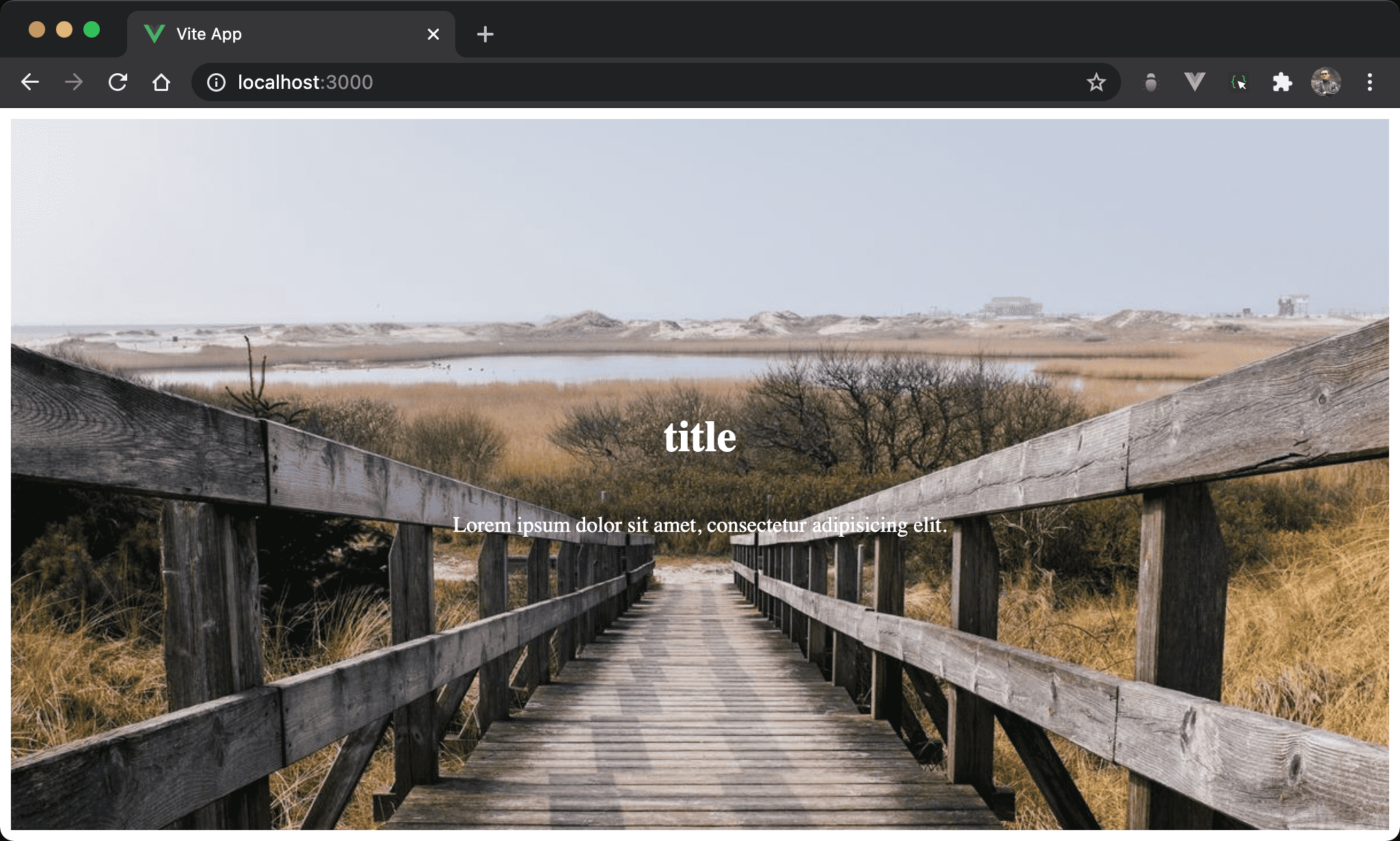
將 justify-content: center 重構成 margin: auto。
<template>
  <div class="banner">
    <h1>title</h1>
    <p>Lorem ipsum dolor sit amet, consectetur adipisicing elit.</p>
  </div>
</template>

<style scoped>
.banner {
  background-image: url("https://picsum.photos/1200/800/?random=10");
  background-size: cover;
  height: 97vh;
  display: flex;
  flex-direction: column;
  text-align: center;
  color: white;
}

.banner h1 {
  font-size: 2rem;
  margin-top: auto;
}

.banner p {
  font-size: 1rem;
  margin-bottom: auto;
}
</style>
第 9 行
.banner {
  background-image: url("https://picsum.photos/1200/800/?random=10");
  background-size: cover;
  height: 97vh;
  display: flex;
  flex-direction: column;
  text-align: center;
  color: white;
}
將父層的 justify-content: center 移除。
19 行
.banner h1 {
  font-size: 2rem;
  margin-top: auto;
}
margin-top: auto:自動調整 title 的 top margin 而垂直置中
24 行
.banner p {
  font-size: 1rem;
  margin-bottom: auto;
}
margin-bottom: auto:自動調整 slogan 的 bottom margin 而垂直置中
Conclusion
- Flexbox 寫在父層的
justify-content: center與align-items: center可在子層使用margin: auto取代 - 儘管都使用 Flexbox,兩層與只有一層的寫法完全不一樣