
Underline 為常見的 Component,在不改變 HTML 前提下可使用 :after 實作。
Version
CSS 3
Underline
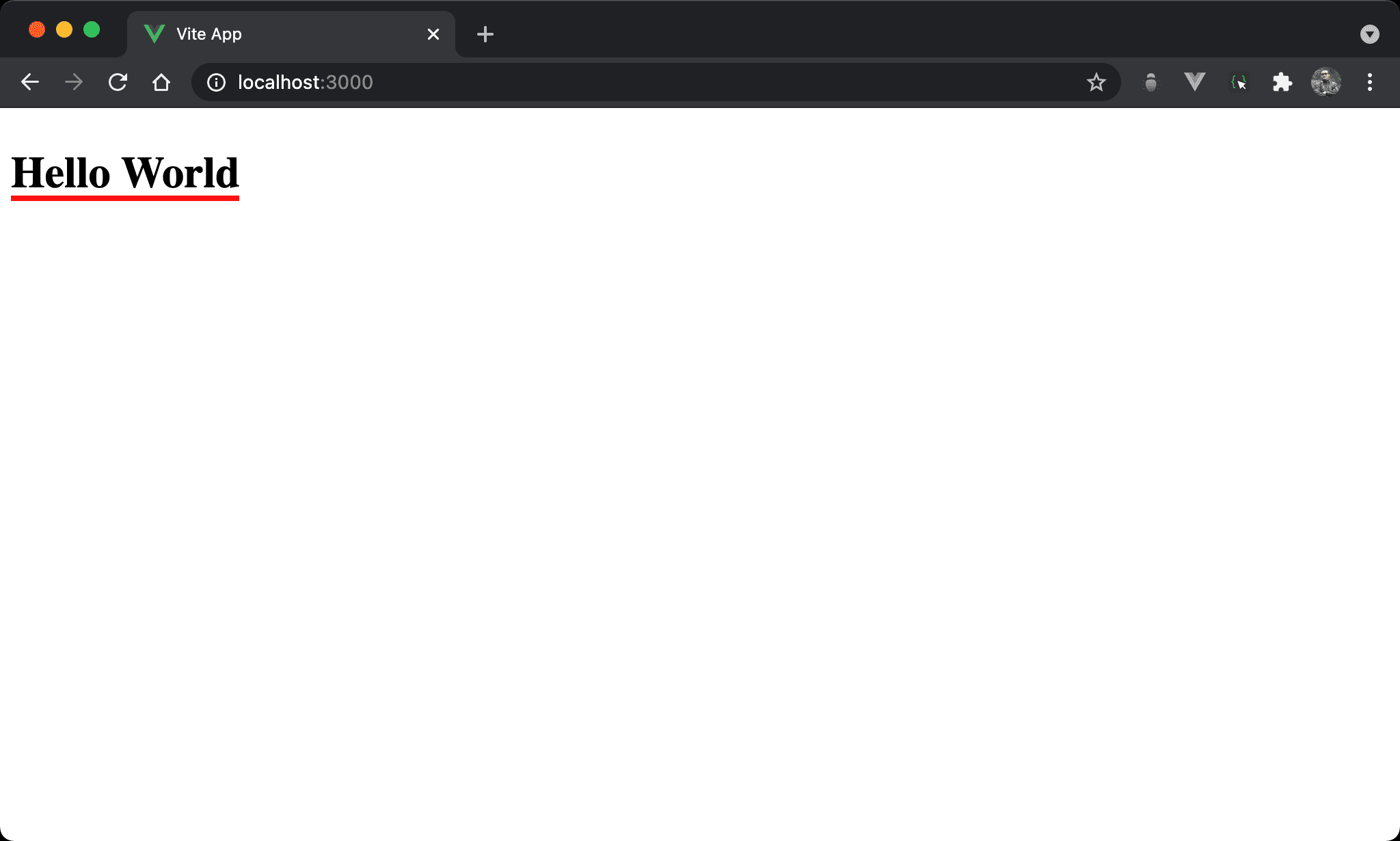
Hello World 下顯示紅色 underline。
<template>
  <h1 class="title">Hello World</h1>
</template>

<style scoped>
.title {
  position: relative;
  display: inline-block;
}

.title:after {
  content: '';
  position: absolute;
  left: 0;
  bottom: -2px;
  width: 100%;
  height: 4px;
  background: #f00;
}
</style>
第 6 行
.title {
  position: relative;
  display: inline-block;
}
設定 title style:
position: relative:即將使用:after在title下新增一層 layer,設定成 relative position 使之以此為定位基準display: inline-block:為了 underline 與 title 同寬,設定成inline-block後將使<div>內縮成與 content 同寬,而不是block將 width 佔據一整列
11 行
.title:after {
  content: '';
  position: absolute;
  left: 0;
  bottom: -2px;
  width: 100%;
  height: 4px;
  background: #f00;
}
設定 underline style:
content: '':為了能使用:after建立 underline,儘管沒有任何內容,content仍要設定 empty string,否則無法使用:afterposition: absolute:設定使用 absolute positionleft: 0:設定 underline 左側與定位基準距離bottom: -2px:設定 underline 下側與定位基準距離,-2px是為了與文字間有更多空間width: 100%:設定 underline 寬度,100%為與文字同寬,這也是title要設定成display: inline-block目的height: 4px:設定 underline 高度background: #f00:設定 underline 顏色
Conclusion
- 除了可使用
:before與:after新增內容外,還可新增一個 layer 使用 relative position 與 absolute position