
background 本質雖然是定義背景圖片,但也可用來取代 <img>,讓我們以 CSS 設定圖片。
Version
CSS 3
Vue 3.4
img
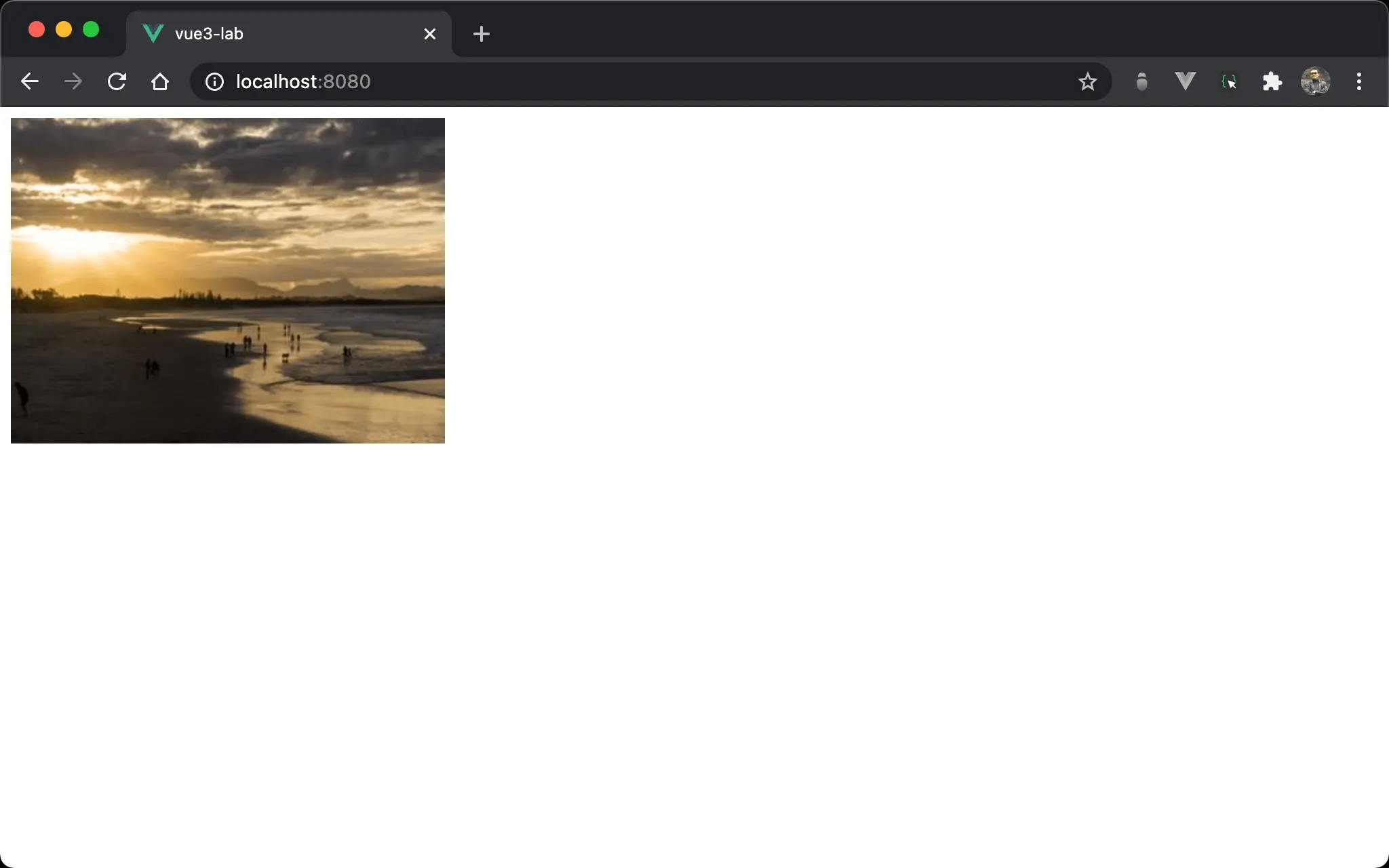
傳統欲顯示圖片會使用 <img>。
<template>
  <img src="https://picsum.photos/300/200/?random=10">
</template>
<img> 為 HTML tag,需使用 src attribute 設定圖片位置。
傳統必須在 HTML 設定圖片位置,是否能在 CSS 設定呢 ?
div
<template>
  <div class="scenery"/>
</template>

<style scoped>
.scenery {
  background: url('https://picsum.photos/320/240/?random=10');
  width: 320px;
  height: 240px;
}
</style>
Line 2
<div class="scenery"/>
雖然顯示圖片,但卻使用 <div>。
Line 6
.scenery {
  background: url('https://picsum.photos/320/240/?random=10');
  width: 320px;
  height: 240px;
}
background:使用url()定義<div>所使用圖片,重點在於能在 CSS 定義圖片width與height:background-image與<img>不同,並無法自行撐出 width 與 height,而是由 element 決定,因此要自行定義 width 與 height
no-repeat
<template>
  <div class="scenery"/>
</template>

<style scoped>
.scenery {
  background: url(https://picsum.photos/320/240/?random=10) no-repeat;
  height: 240px;
}
</style>
若不想指定 width,則要使用另外一種寫法。
10 行
.scenery {
  background: url(https://picsum.photos/320/240/?random=10) no-repeat;
  height: 240px;
}
background:加特別上no-repeatheight:因為<div>為 block element,其 width 為一整列,但 height 由 content 決定,目前<div>沒有 content,必須指定 height 才能顯示background所指定圖片
img
<template>
  <img class="scenery">
</template>

<style scoped>
.scenery {
  background: url(https://picsum.photos/320/240/?random=10);
  width: 320px;
  height: 240px;
}
</style>
其實 background 也可套用在 <img>。
第 6 行
.scenery {
  background: url(https://picsum.photos/320/240/?random=10);
  width: 320px;
  height: 240px;
}
background:<img>也使用backgroundwidth與height:<img>為 inline element,並不像<div>有 width,因此width與height都要設定
Conclusion
<img>可根據圖片自行撐出 width 與 height,但background則必須由 element 指定width與heightbackground可用於<div>與<img>,唯<div>是 block element,因此可不用設定width,但<img>是 inline element,需同時指定width與height